Introduction
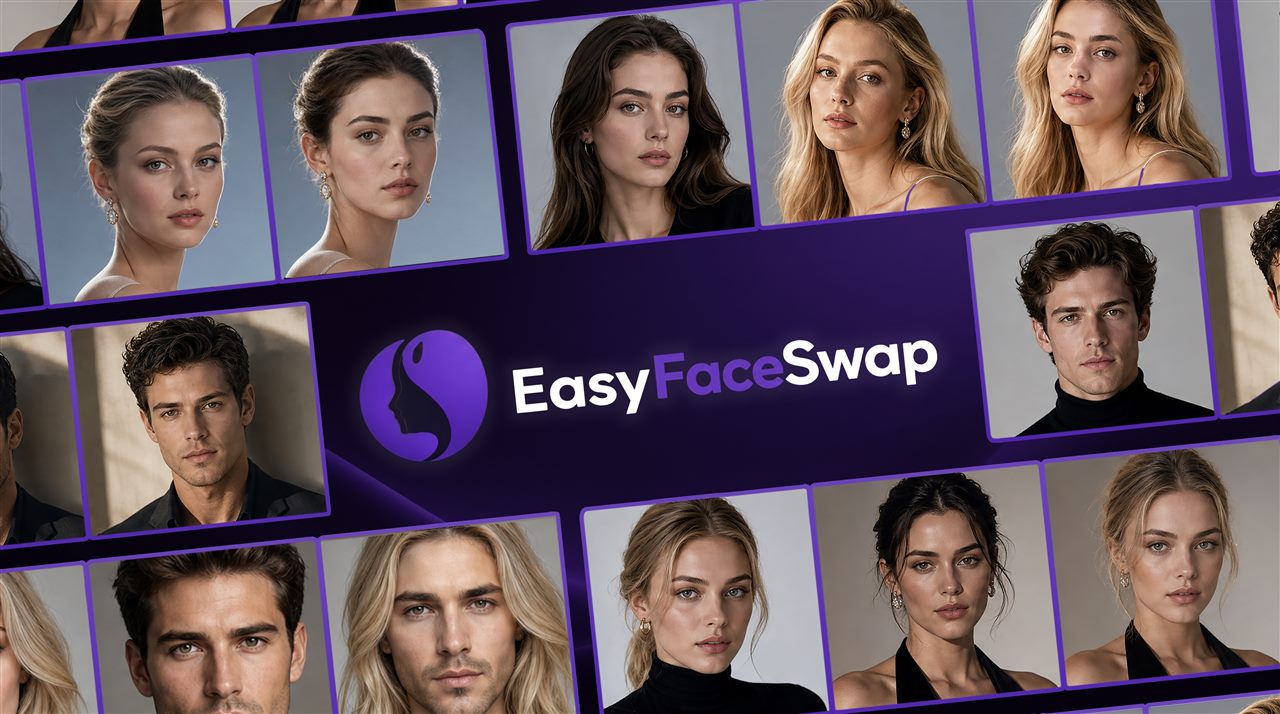
Finding the best AI face swap tool is harder than it looks. Most comparison guides skip the details that matter — what the free tier actually delivers, whether you need an account, and what happens to your photos after processing. We tested six of the most popular AI face swap tools on the same photo set to give you a straight answer. For a no-signup, watermark-free option you can use right now, try EasyFaceSwap first.
The Quick Answer: Our Rankings
We tested six of the most popular AI face swap tools using the same set of photos — a well-lit frontal portrait, an angled shot under mixed lighting, and a group photo. Here’s the bottom line before we get into the detail:
| Rank | Tool | Best For | Free & No Watermark | No Sign-Up |
|---|---|---|---|---|
| 1 | EasyFaceSwap | Everyday personal use | Yes | Yes |
| 2 | Magic Hour | Video content creators | Yes (limited credits) | No |
| 3 | Remaker AI | Multi-format flexibility | Yes (photos) | Yes |
| 4 | Reface | Mobile & meme content | No | No |
| 5 | DeepSwap | Complex video footage | No | No |
| 6 | Fotor | Design-integrated workflows | No | No |
Read on for the full test breakdown, including what we actually uploaded and what came back.
The 6 Best AI Face Swap Tools, Tested
EasyFaceSwap — Best AI Face Swap for Everyday Use
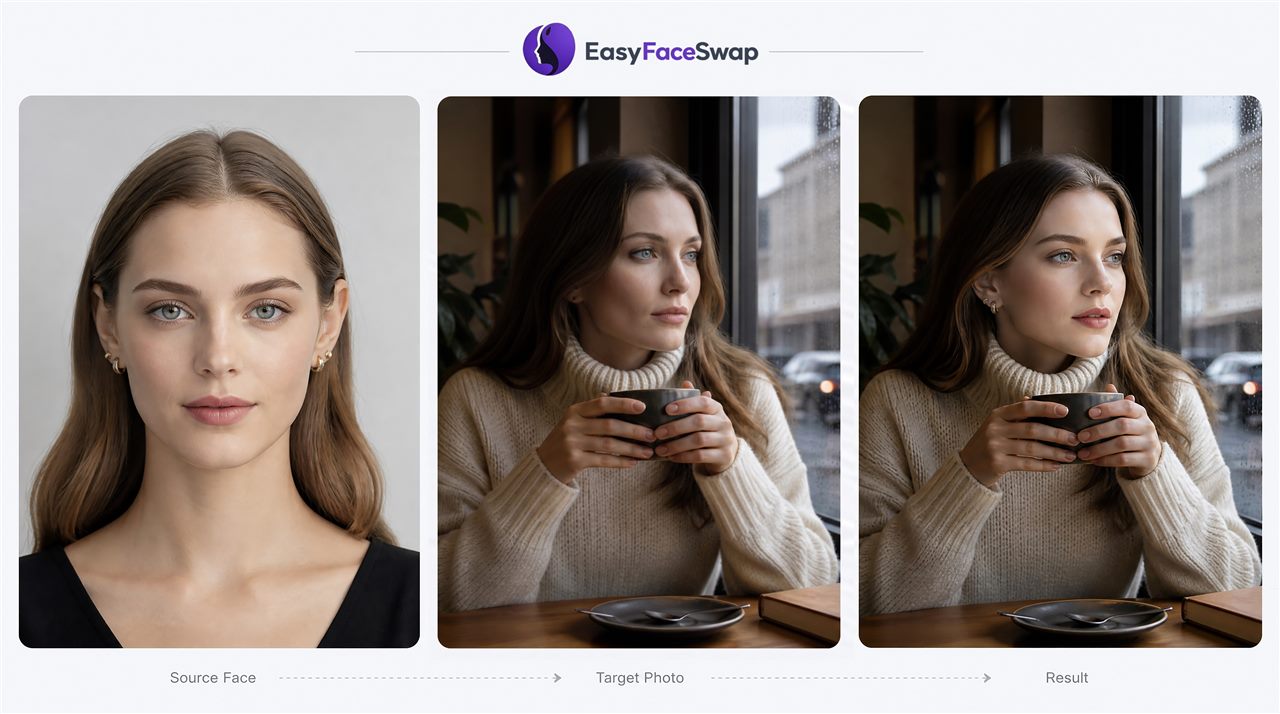
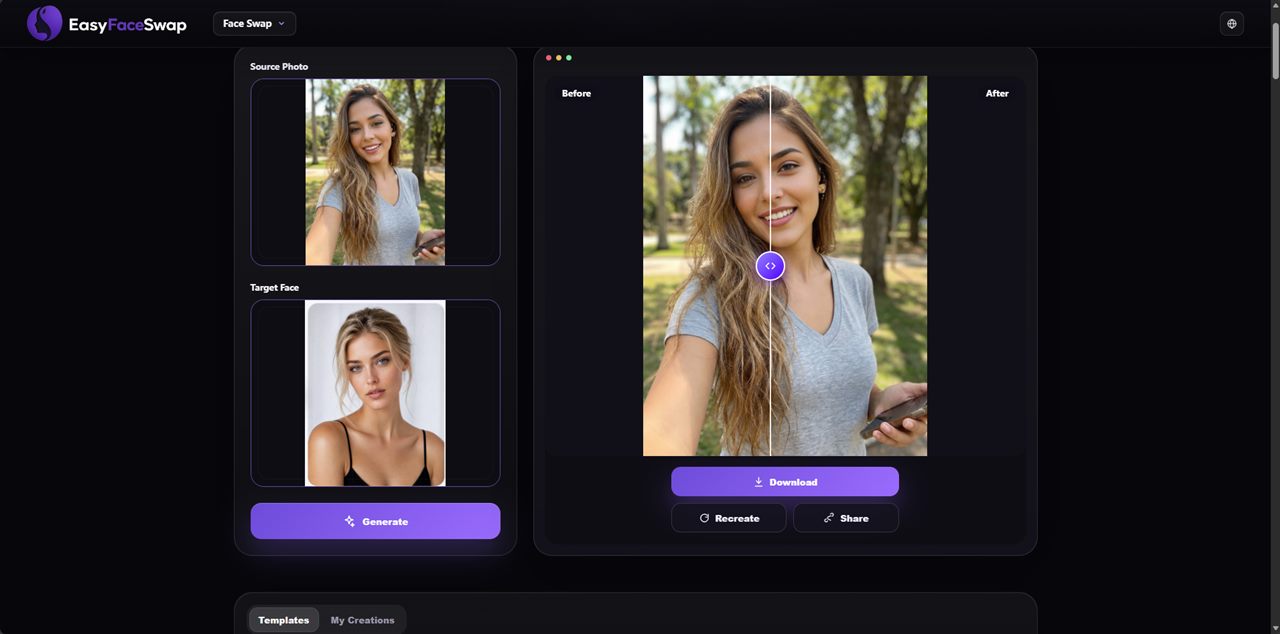
What we tested: We uploaded a well-lit frontal portrait (subject facing camera, plain background) as the source face, and a lifestyle photo with varied background as the target. We also ran a second test with a slightly angled source face to check edge blending under less ideal conditions.
What we got: On the frontal portrait, EasyFaceSwap returned a clean HD result — skin tone blending was natural, hairline transition was smooth, and no watermark appeared on the download. The angled shot test produced noticeably better edge handling than several competitors, with less visible seaming around the jaw. The entire workflow — open page, upload, generate, download — required no account creation at any point.
For those searching for the best free AI face swap with no sign up, EasyFaceSwap is the most direct answer. The free tier is generous enough that everyday personal users — swapping faces for social content, memes, or creative projects — don’t hit a meaningful ceiling during normal use. It isn’t marketed as unlimited because a backend threshold exists, but for typical use it simply doesn’t come up.
Output is HD and watermark-free by default. Uploaded photos are deleted immediately after processing — no retention window, no stored biometric data. EasyFaceSwap is fully browser-based and works on desktop and mobile without an app download.
Best for: Anyone who wants a reliable, private, watermark-free photo face swap without managing accounts or credits.
Watch out for: Batch processing is not currently supported — swaps are handled one at a time, which may be a limitation for high-volume workflows.
Magic Hour — Best AI Face Swap for Video Creators
What we tested: We explored Magic Hour’s face swap feature within its multi-modal creative suite, focusing on how its photo and video face swap integrate with its text-to-video and lip sync modules.
What we got: Magic Hour’s ultimate competitive edge is its seamless all-in-one integration. Face swapping, lip-syncing, talking photos, and image-to-video generation all coexist in a unified workflow. For video-first content creators, this interconnected suite saves hours of platform-hopping. New users get a free starter credit allowance upon sign-up with no credit card required, and a massive bonus is that these credits never expire.
The “free tier” acts strictly as a playground trail. Processing dynamic content like video face swaps and lip-syncing drains credits aggressively (often exhausting the initial bonus within 15–20 seconds of video generation). Furthermore, free exports are heavily watermarked and locked at a lower resolution (around 576px). Unlocking commercial rights, removing watermarks, and upgrading to 1080p/4K require paid tiers.
Best for: Content creators, social media marketers, and animators who need AI Face Swap tightly woven into an advanced video production pipeline (e.g., swapping a face and immediately matching new voice-over audio).
Watch out for: Account required upfront; free tier exports are low-res and watermarked; credit consumption scales up drastically when handling video and audio syncing.
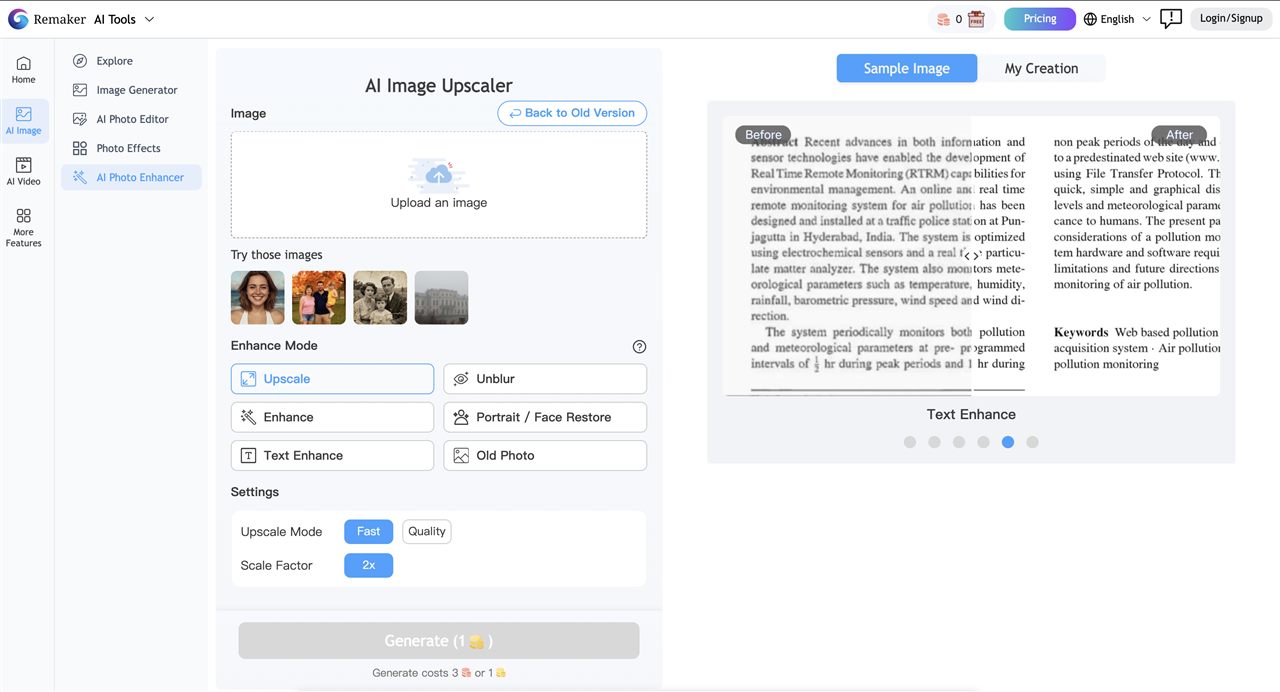
Remaker AI — Best for Multi-Format Flexibility
What we tested: We tested Remaker AI’s photo face swap feature on a standard portrait and thoroughly evaluated its video module to verify its workflow and credit consumption for both video and GIF formats.
What we got: Remaker AI delivers clean, natural-looking photo blends with impressive skin tone matching, standing out as one of the few tools that allow instant, no-sign-up access for casual testing. While it technically supports photos, videos, and GIFs, there is no dedicated “GIF Face Swap” tab on the interface; instead, users must upload GIF files directly into the Video Face Swap module. Furthermore, while basic photo swapping offers a tiny free window, processing dynamic content like videos and GIFs immediately gates the user behind account registration and high credit costs.
Best for: Casual users who want a quick, hassle-free photo swap without creating an account, or creators looking to occasionally swap faces in short videos and memes within a single web tool.
Watch out for: The GIF feature lacks a standalone interface and must be processed under the video module; video and GIF workflows drain credits rapidly and require mandatory login; free tier limits are highly restrictive.
Reface — Best for Mobile Meme and Template Content
What we tested: We used Reface’s mobile app to swap a face into several of its trending video and GIF templates, and tested the free tier to verify its daily limit and watermark behaviour.
What we got: Reface’s template library is genuinely impressive — hundreds of trending clips, GIF formats, and meme templates updated regularly. For casual, entertainment-driven content, the speed and variety are hard to match. The free tier, however, is limited: free use comes with a daily cap and watermarks on downloaded output, meaning anything you want to share cleanly requires a paid subscription.
Reface collects biometric data per its stated privacy policy, and Trustpilot shows notable user complaints about unexpected subscription charges.
Best for: Mobile users making fast, shareable content from trending templates for TikTok or Instagram.
Watch out for: Mandatory login, Free tier daily cap, watermarks on free output, biometric data collection.
DeepSwap — Best for Complex Video Face Swap
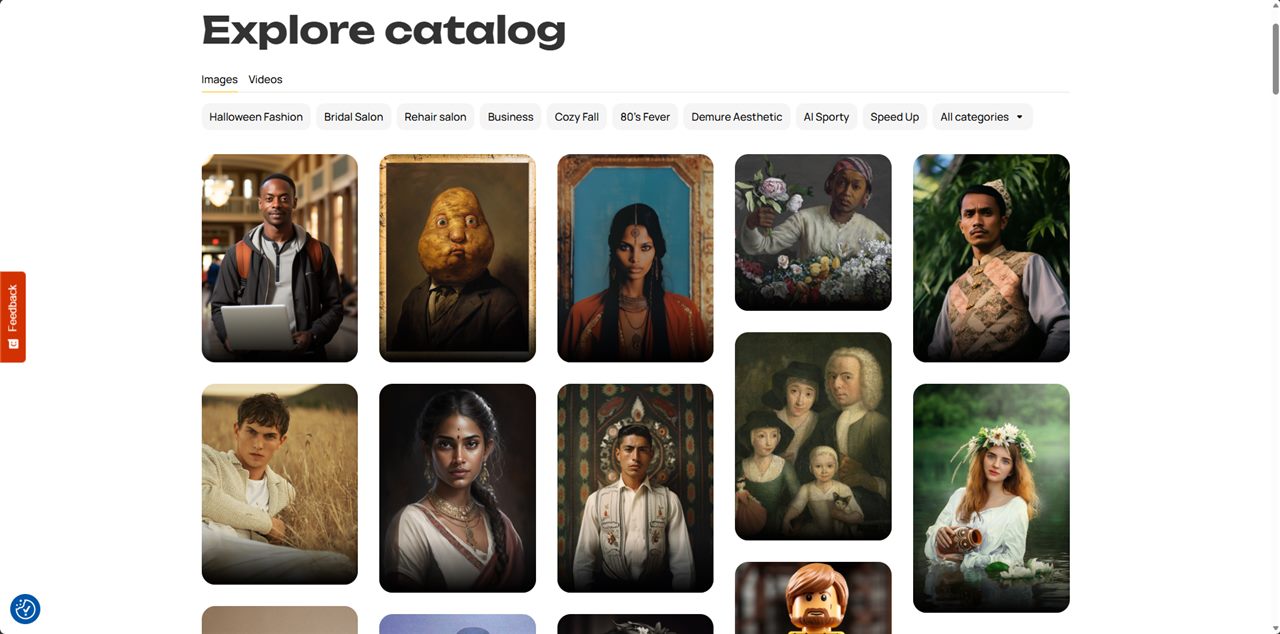
What we tested: We reviewed DeepSwap’s video face swap performance based on documented frame consistency tests, focusing on head movement and expression change scenarios.
What we got: DeepSwap’s primary strength is temporal stability in video — it maintains facial consistency across frames during movement, which is technically demanding and where simpler tools produce flickering or inconsistent results. For creators working with real footage involving motion, that capability is meaningful. However, when dealing with faces that differ significantly, the face-swapping result may exhibit noticeable edges.
On the free tier, however, DeepSwap applies watermarks to all output, and advanced features are locked behind a $9.99/month paywall. Mandatory login is required before any upload. DeepSwap also retains uploaded content on its servers for a limited period — worth knowing before uploading personal or client photos.
Best for: Video creators who need stable face replacement across longer clips with challenging motion or angles.
Watch out for: Mandatory login, watermarks on free output, data retention policy, paywall.
Fotor — Best for Design-Integrated Workflows
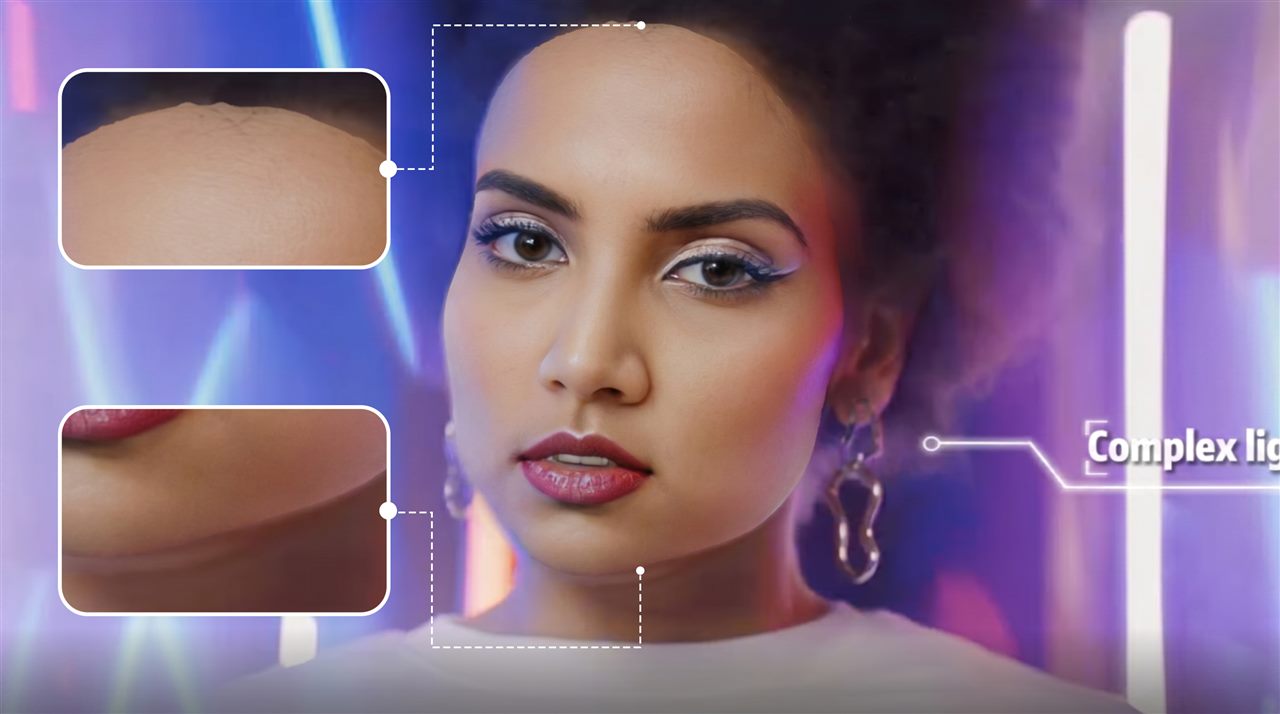
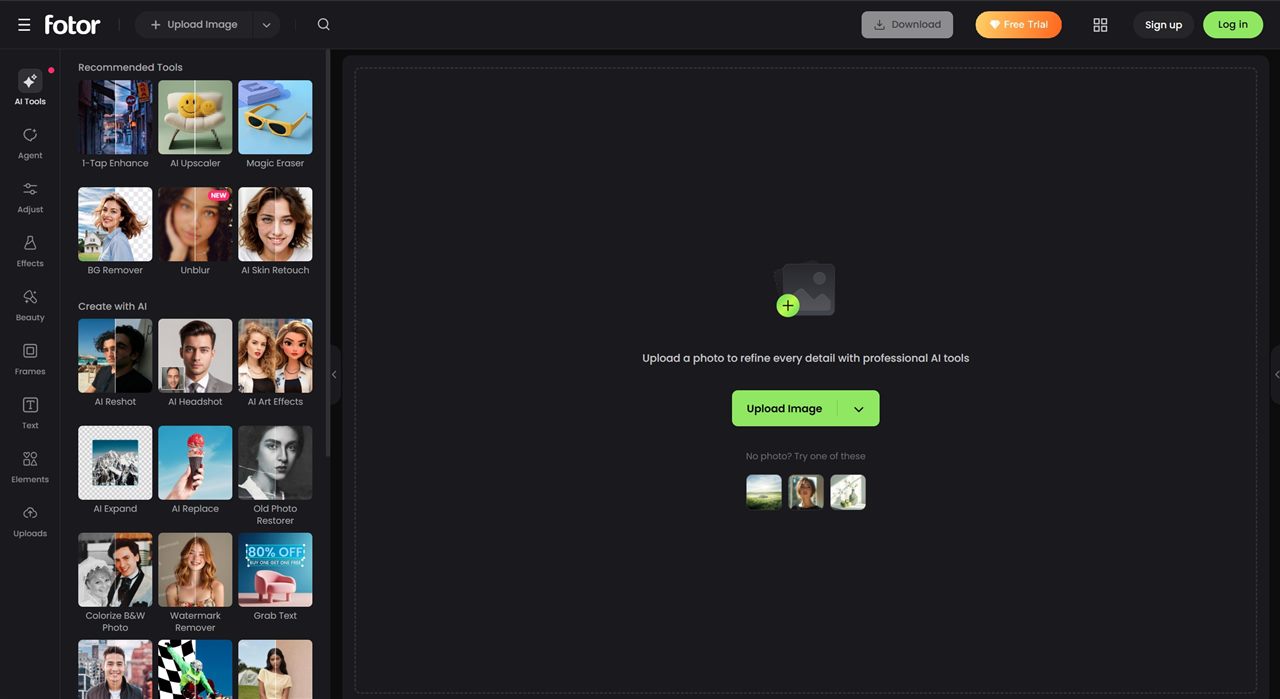
What we tested: We tested Fotor’s AI face swap feature within its broader, multi-functional design platform.
What we got: While Fotor delivers solid visual results with its face swap, the biggest downside is its overly complex interface and deeply buried feature entry points, making it quite difficult for beginners to locate. Because the face swap tool is heavily integrated into a massive design ecosystem, it is much better suited as a single step within a broader photo editing workflow. For users who strictly want a quick, standalone face swap, the learning curve is noticeably high, and the overall experience feels unintuitive.
The credit system is the persistent frustration. Free usage is tied to credits that deplete quickly, and heavier use requires purchasing more. Free downloads may carry limitations depending on the feature used. For users who want face swap as their primary task rather than part of broader design work, the model feels restrictive.
Best for: Users who are already using Fotor for comprehensive photo editing, filters, and graphic design, and want to use face swap as part of that creative process.
Watch out for: A complex interface with hidden entry points yields a high barrier to entry for standalone face swapping; the credit system strictly limits free use.
How We Evaluated Each AI Face Swap Tool
Every tool was assessed using the same input — a well-lit frontal portrait, an angled shot under mixed lighting, and a group photo — across five dimensions:
Free tier usefulness: Whether free output is actually clean and downloadable without watermarks, resolution caps, or forced upgrades.
Sign-up requirement: How much friction exists before getting a first result. Tools that allow no-account access were tested immediately; account-required tools were evaluated after registration.
Output quality: Realism across standard portrait scenarios — skin tone blending, edge accuracy at the hairline and jaw, identity preservation. Difficult cases (angled faces, mixed lighting) were specifically tested to separate tools that handle only ideal conditions from those that perform consistently.
Privacy policy: How each platform handles uploaded content after processing — storage duration, reuse for model training, and whether “no sign-up” genuinely means no data collection.
Format support: Whether the tool handles photos only, or extends to video and GIF workflows.
Best AI Face Swap Tools: Full Comparison
- Best free AI face swap with no sign up, no watermark → EasyFaceSwap. Lowest barrier, clean output, photos deleted after processing.
- Best AI face swap for video content creators → Magic Hour for integrated video suite; DeepSwap for complex motion footage — both require paid plans for meaningful volume.
- Best AI face swap for mobile meme and template content → Reface, with awareness of the free tier daily cap and data policy.
- Best AI face swap for multi-format use (photo + video + GIF) → Remaker AI or EasyFaceSwap. Both support multiple formats; EasyFaceSwap requires no account.
- Best AI face swap for group photos → Fotor’s multi-face detection is the strongest on this list for group shots.
FAQ
What is the best free AI face swap tool with no watermark?
EasyFaceSwap and Remaker AI both deliver watermark-free results on their free tiers. EasyFaceSwap requires no account at all; Remaker AI allows basic photo swaps without sign-up but requires credits for video. Magic Hour offers watermark-free output within its initial credit allowance, but requires account registration.
What is the best AI face swap with no sign up?
EasyFaceSwap is the strongest no-sign-up option — watermark-free output, photo and video support, and photos deleted after processing. Remaker AI also allows basic photo face swap without an account, but video support requires credits and potentially login.
Does face swap work on group photos?
Yes, though most tools on this list are optimised for single-face workflows. Fotor is the standout for group photos — it automatically detects multiple faces and allows individual replacement. DeepSwap supports up to 6 faces per video. For single-face swaps in group scenes, EasyFaceSwap handles the primary face cleanly.
Can I face swap privately — what happens to my photos?
Every tool requires uploading to a cloud server. What happens after varies significantly: DeepSwap retains uploads for a limited period; Reface collects biometric data per its privacy policy; Remaker AI and EasyFaceSwap both delete files after processing. Always check each platform’s stated policy before uploading personal images.
Is AI face swap legal?
Face swapping is legal when you use your own likeness or have explicit consent from the person whose face appears in the output. The TAKE IT DOWN Act, signed into U.S. law in May 2025, directly restricts non-consensual synthetic media. Laws governing deepfakes are expanding across most jurisdictions — always obtain written consent before publishing any face swap content commercially or publicly.
Conclusion
The best AI face swap tool is the one that matches your actual workflow. For video production teams and high-volume creators, Magic Hour’s integrated suite and DeepSwap’s frame stability offer depth that’s worth paying for. For group photos, Fotor’s multi-face detection is the most capable option on this list.
For everyday users who want the best free AI face swap with no sign up and no watermark, EasyFaceSwap removes the most barriers: no account, photos deleted after processing, and free access that covers normal personal use without hitting a wall.
Try EasyFaceSwap — best AI face swap, no sign-up needed →