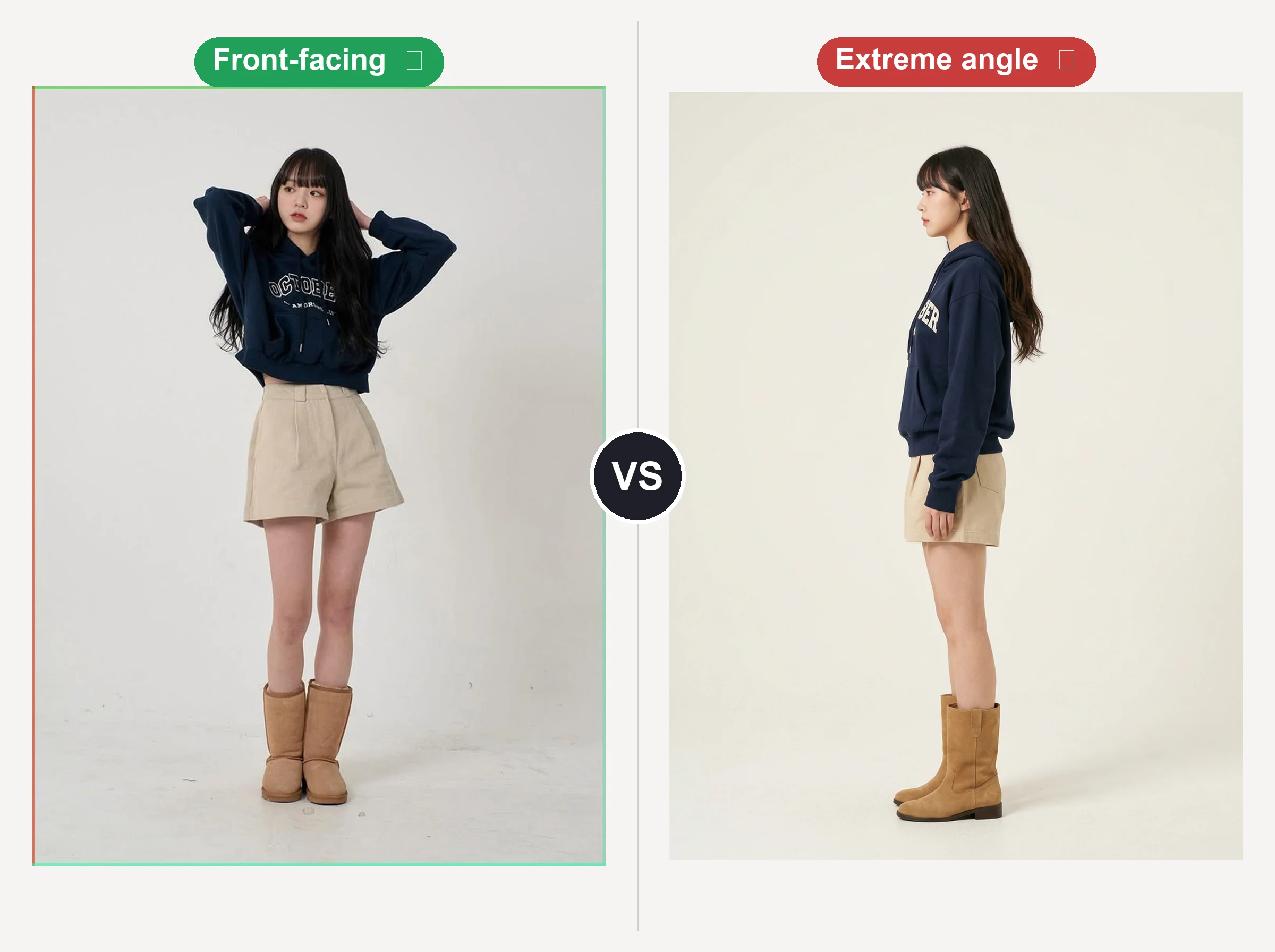
Use a full-body, front-facing photo
Start with a sharp photo of one person where the whole body and current outfit are visible. The AI fits new clothes to what it can see, so a clear, front-facing shot gives the cleanest swap.
Upload one photo, pick a new look, and let our ai clothes swap change the entire outfit in seconds. Free, online, and built to keep every result looking natural.
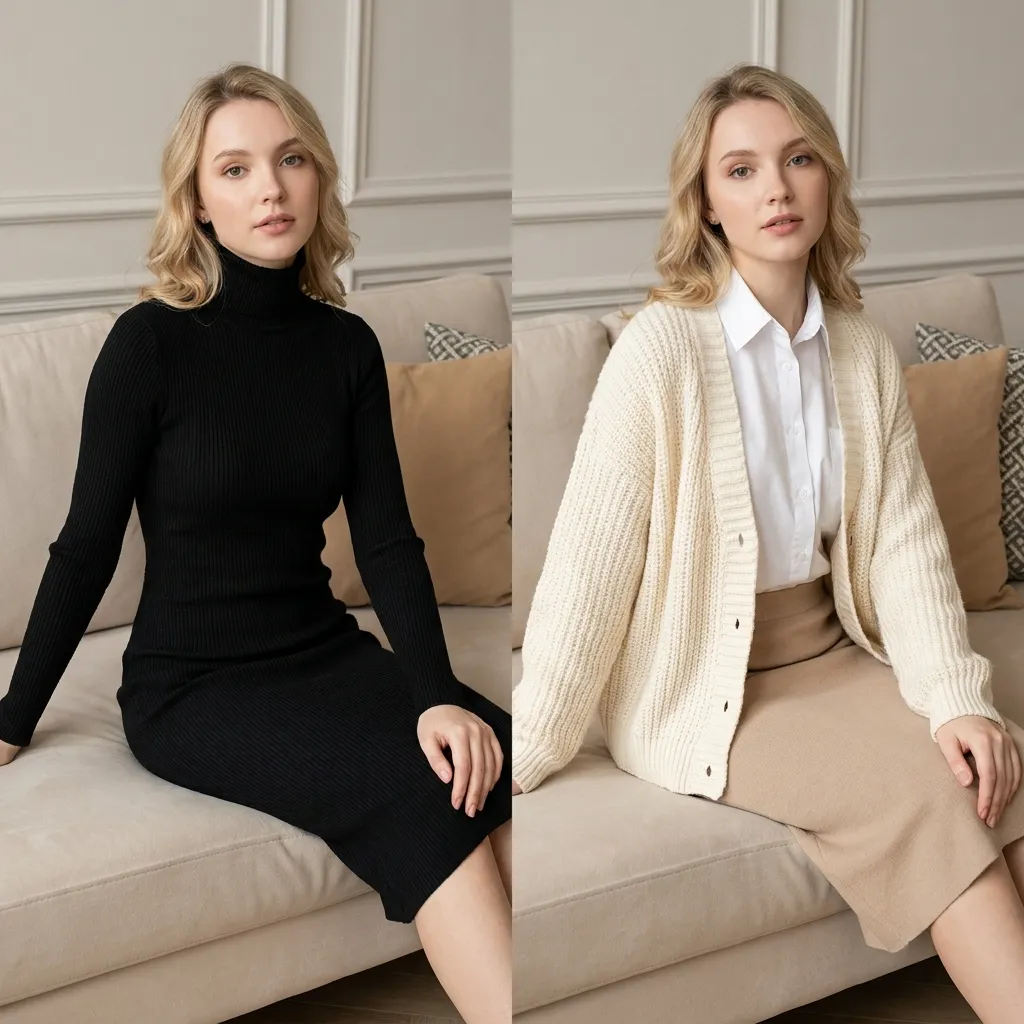
My Creation
Your creations are stored locally in this browser and kept for 1 day.
Your recent clothes swaps will appear here.
This is a free online AI clothes changer that runs in your browser. Nothing to install, no design experience required. Upload, pick an outfit, generate. The steps are simple enough for a first-timer and fast enough for someone testing dozens of looks. If you can upload a photo, you can use this clothes changer to restyle the whole outfit, on desktop or straight from your phone. And our photo face swap changes the face just as easily when that is what you need.
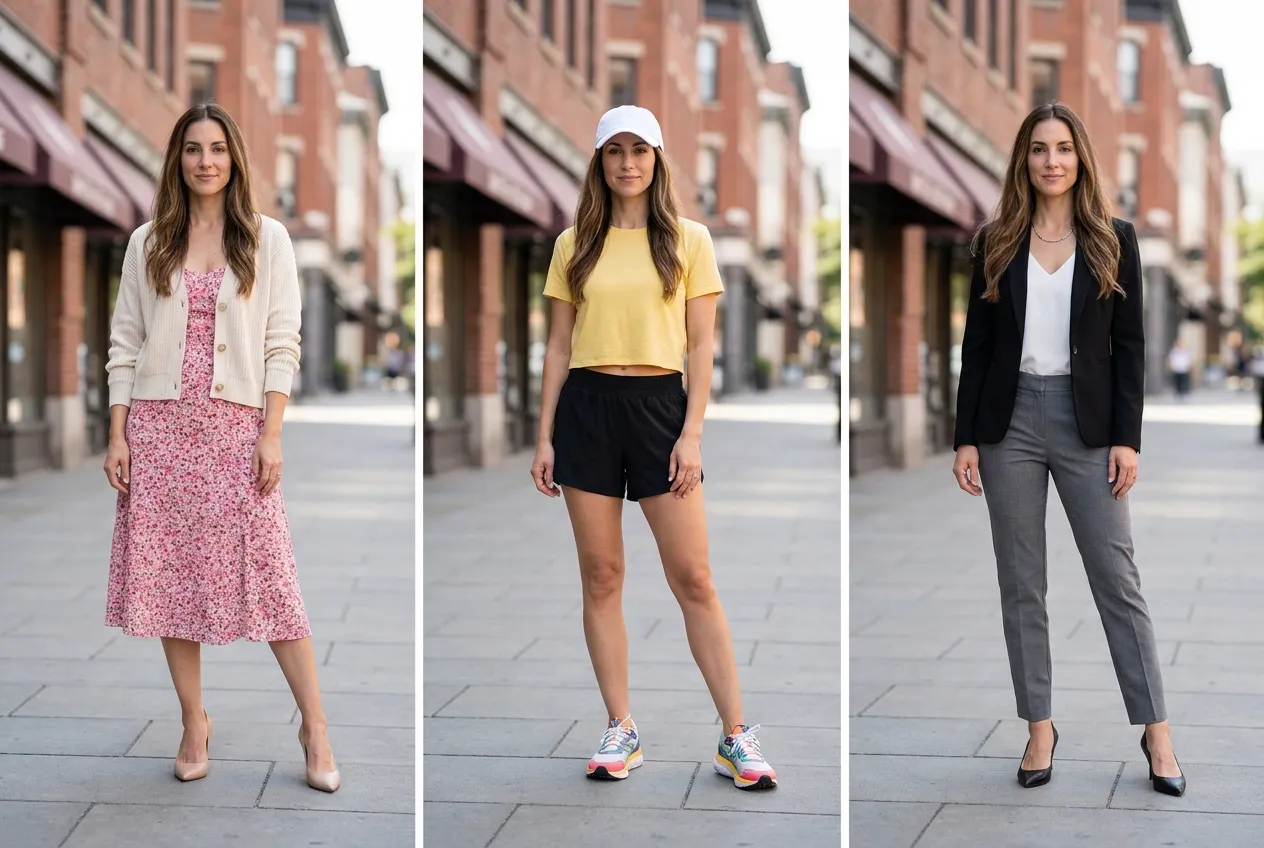
Most tools change one garment and leave the rest mismatched. This ai clothes swap replaces the whole look in a single pass: top, bottom, shoes, even accessories, all fitted to the same body and pose. You upload one photo, choose the new outfit, and get back a fully restyled image instead of a half-edited one. EasyFaceSwap reads how the person is standing and maps each piece where it belongs, so the complete look holds together the way a real outfit would.
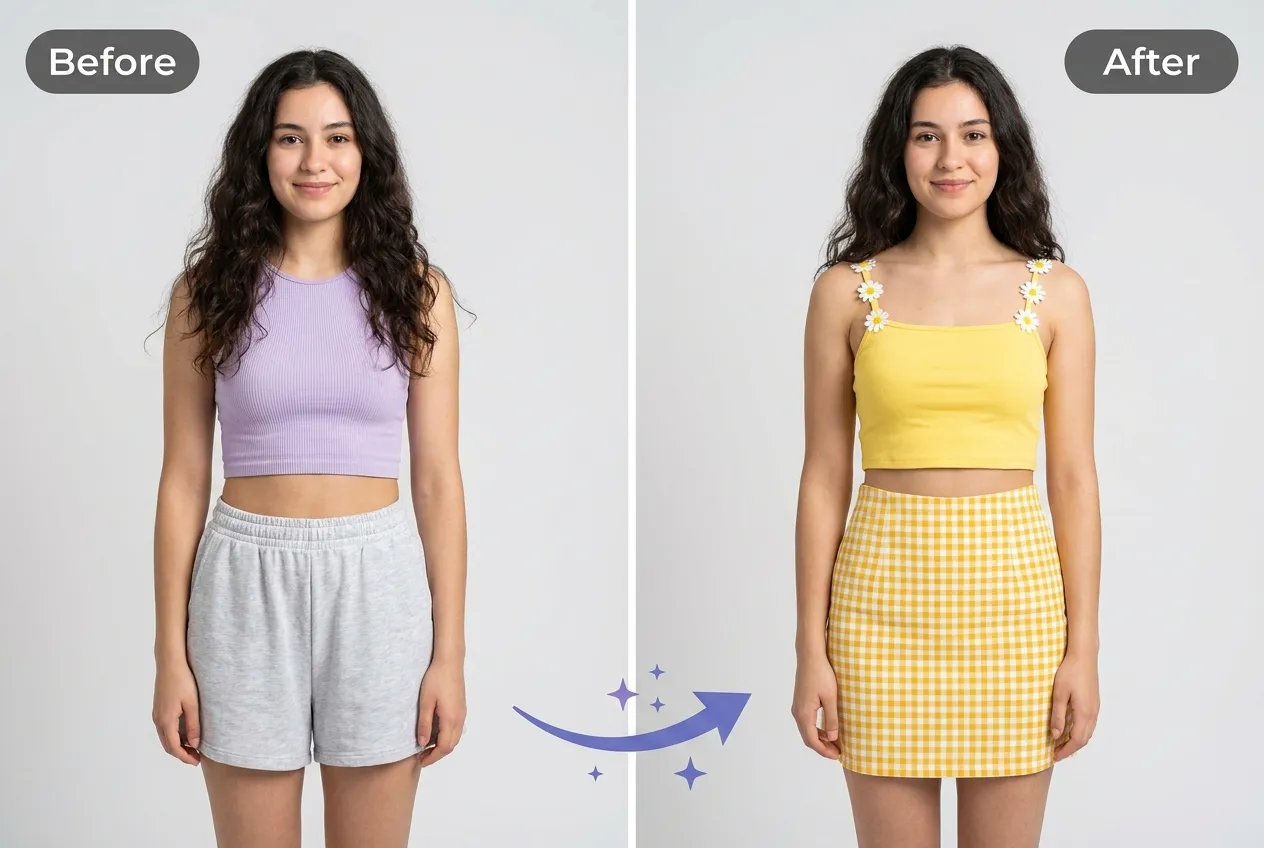
An ai clothes swap only works if it looks real. The tool focuses on the details that usually give AI edits away: how fabric folds at the shoulders, where a collar sits, how a sleeve wraps the arm. It matches lighting and body angle so the new clothes drape the way real cloth would, instead of looking pasted on. The result holds up at full size, not just as a thumbnail, so you can post it or print it without second-guessing the edit.
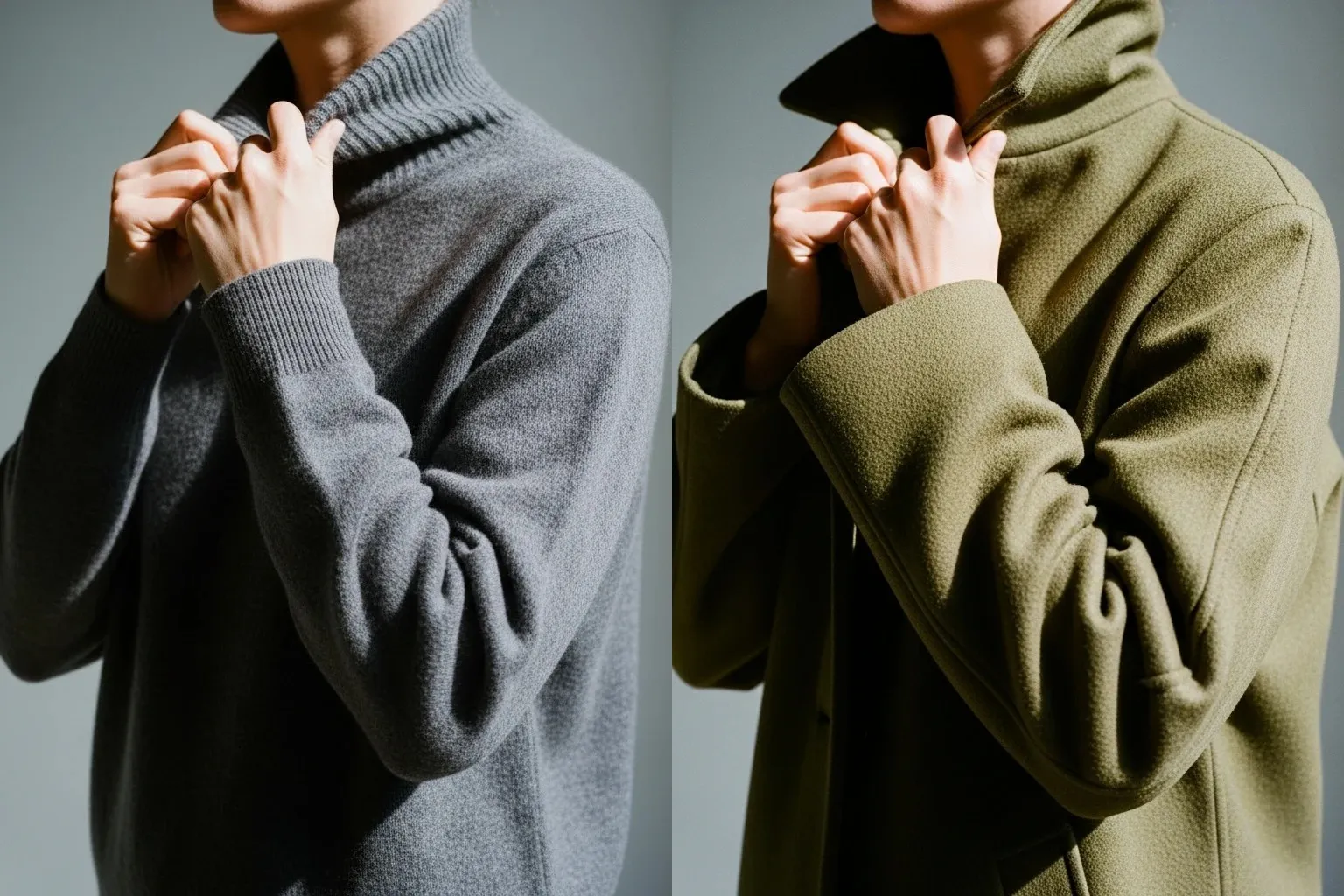
You are changing the clothes, nothing else. This ai clothes swap locks the face, body, pose, and background of your original photo and only replaces the outfit. Your expression stays yours, the scene stays the same, and only the garments update. That lets you run the same photo through several outfits and get a consistent set of images where the one thing that changes is what you are wearing.
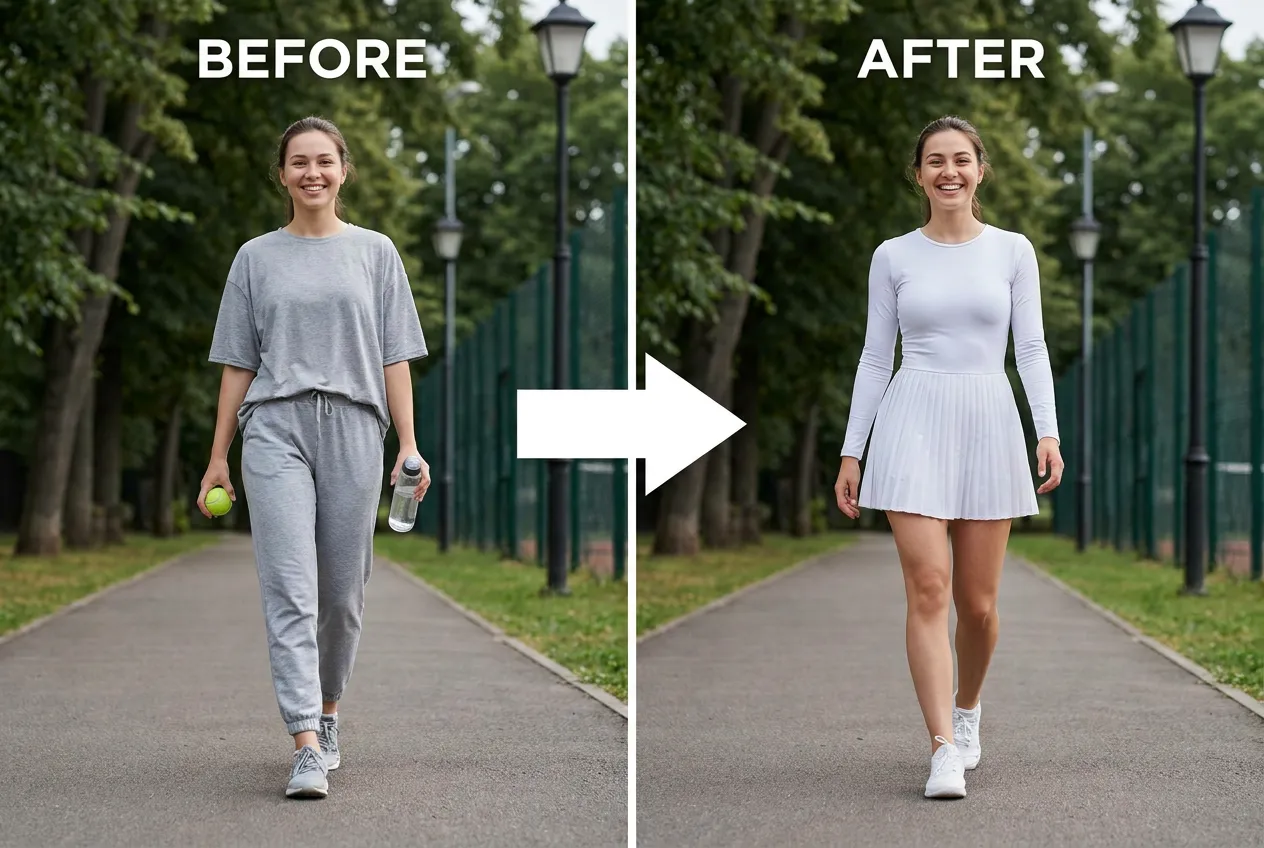
Waiting on a render is what kills momentum. Rebuilding an outfit in a design tool means masks and edge work. Prompting a general AI means rewriting until the clothes finally land right.
EasyFaceSwap compresses that into one pass. Body detection, garment fitting, and rendering run together in the background, so there is no step for you to babysit.
Speed here does not cost quality. Output stays full resolution, and the face, pose, and background hold as they were.
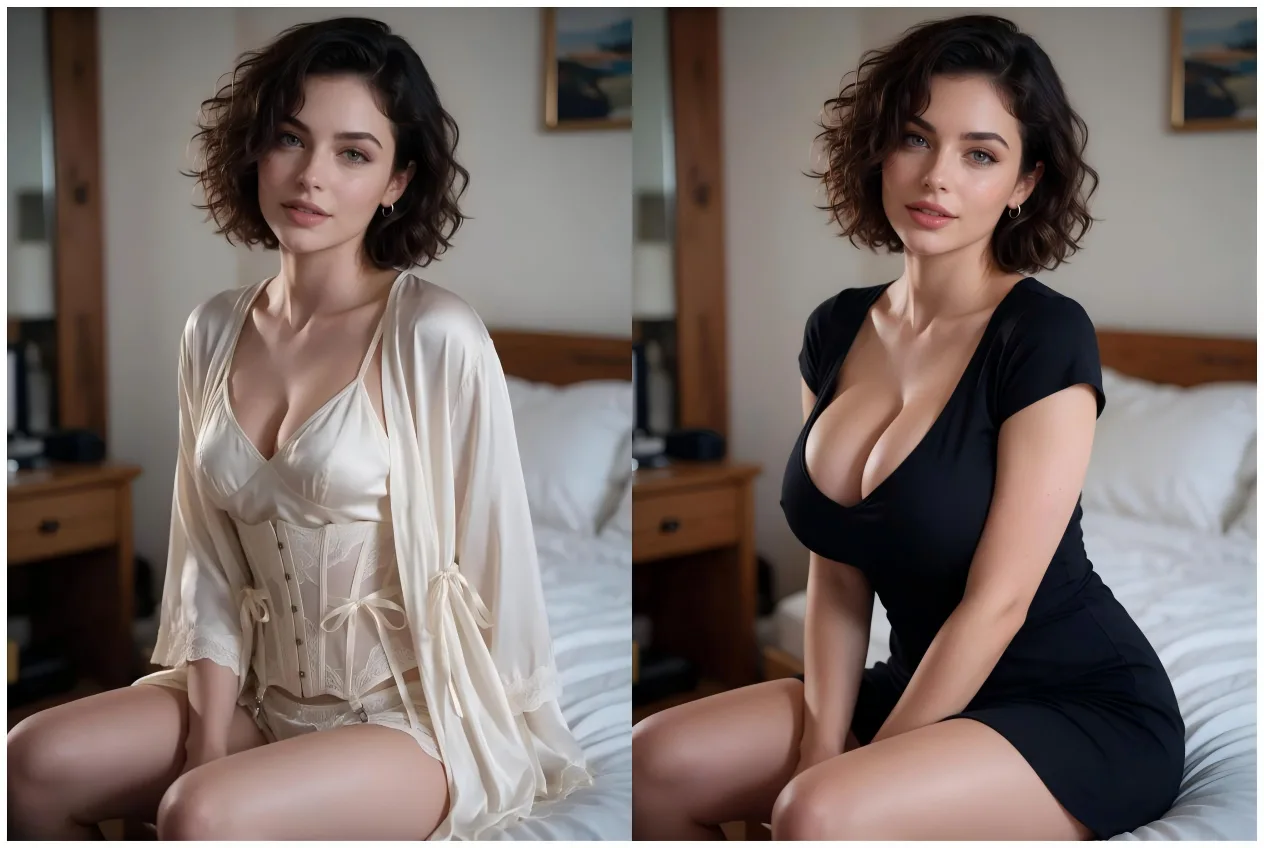
Experience the reliable, secure, and user-friendly generator available today.
The ai clothes swap is judged on one thing: does it look real. EasyFaceSwap preserves body proportions and matches how light hits fabric, so a full outfit sits naturally instead of floating on top of the photo. That focus on fit is what separates a shareable result from an obvious edit.
Upload, choose an outfit, download. No learning curve, no cluttered toolbar. You get a finished image in about the time it takes to describe what you wanted, which is why people run photo after photo without a manual.
The ai clothes swap runs free online, right in your browser, with nothing to download or set up. Open the page, upload a photo, and start swapping outfits on desktop or mobile without an account getting in the way.
Only the outfit changes. EasyFaceSwap keeps your face, pose, and background untouched, and your uploads are used to make your result, not sold or reused, so you can experiment with looks without worrying about the rest of the photo.
Effortlessly change outfits using our AI clothes swap tool—the ultimate AI clothes changer online.
Choose a clear photo of one person where the current outfit is fully visible. Front-facing shots with good lighting give the cleanest swap.
Pick a full outfit from the options or upload the garments you want to try. The tool maps each piece onto the body in your photo.
Hit generate, wait a few seconds, preview the result, and download the swapped photo in full quality.
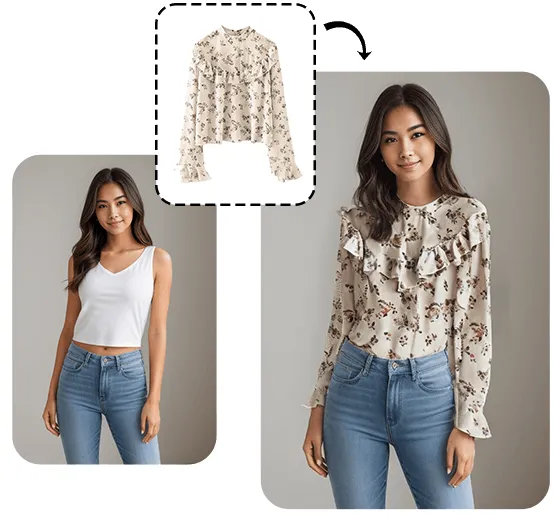
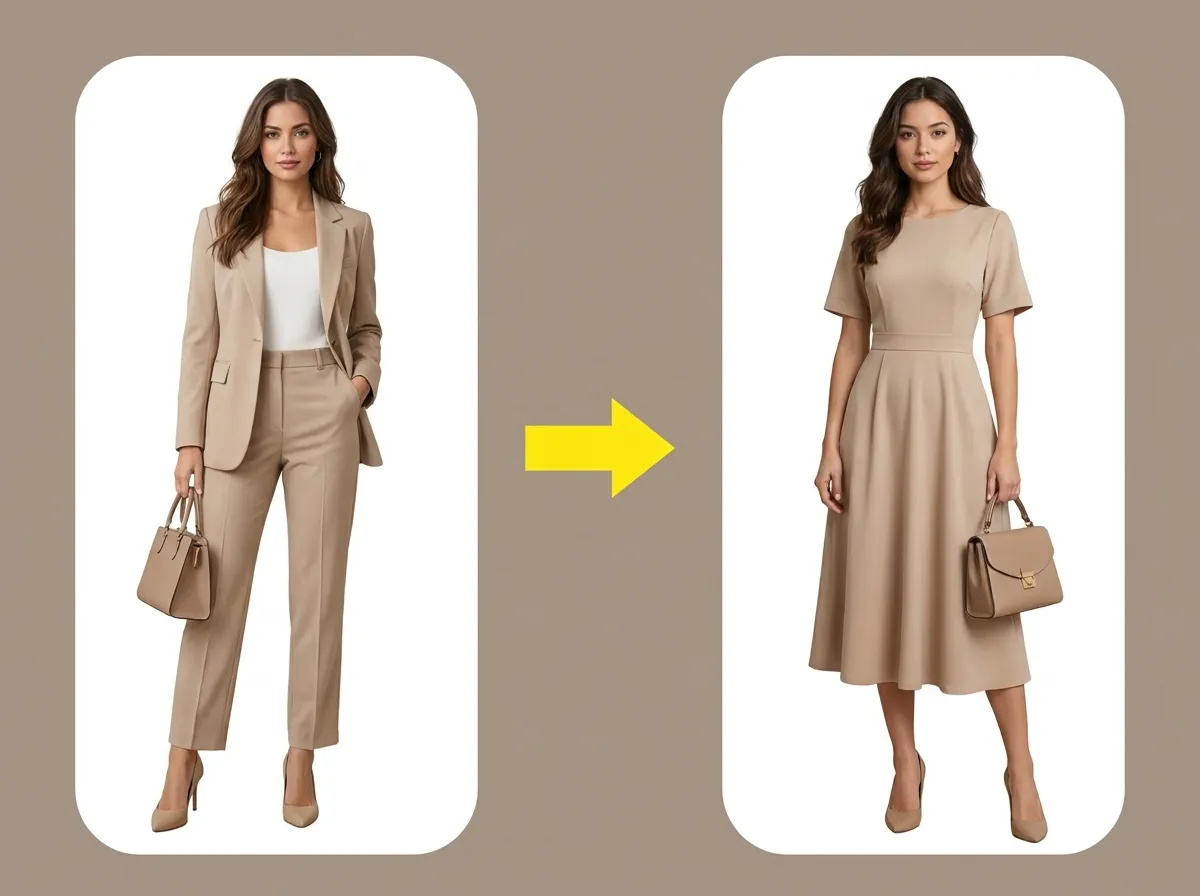
An ai clothes swap is really two jobs done together: understanding the person in your photo, then rendering new clothing onto them. It runs in three passes.
First the tool detects the body, its pose, and the boundaries of the current outfit, so it knows what to keep and what to replace.
A few habits make every ai clothes swap cleaner. These four tips give the AI the most to work with.
Start with a sharp photo of one person where the whole body and current outfit are visible. The AI fits new clothes to what it can see, so a clear, front-facing shot gives the cleanest swap.
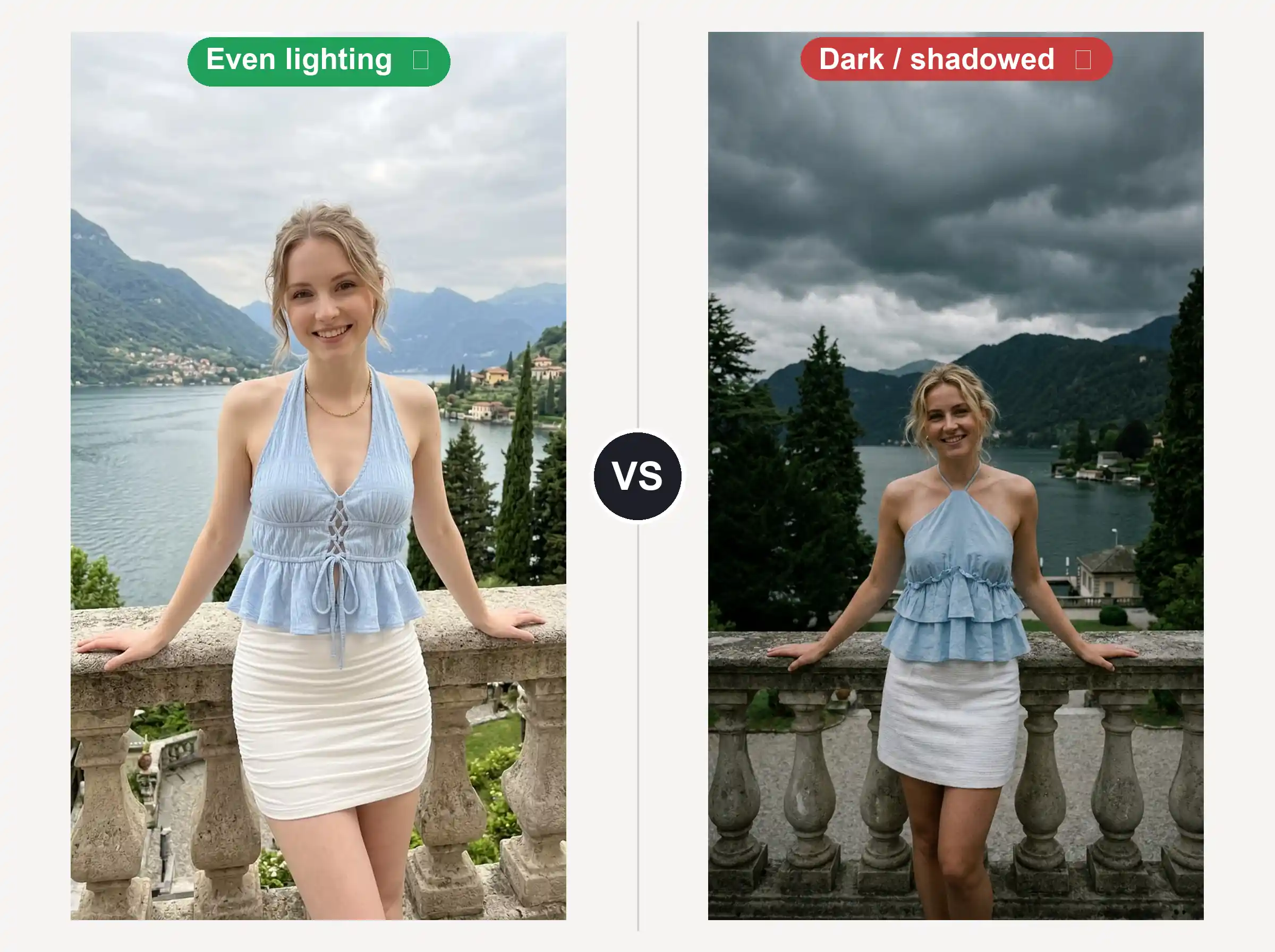
Even, natural lighting helps the tool match how fabric should catch light. Harsh shadows or a dark image can flatten the new clothes once they are mapped onto the body.
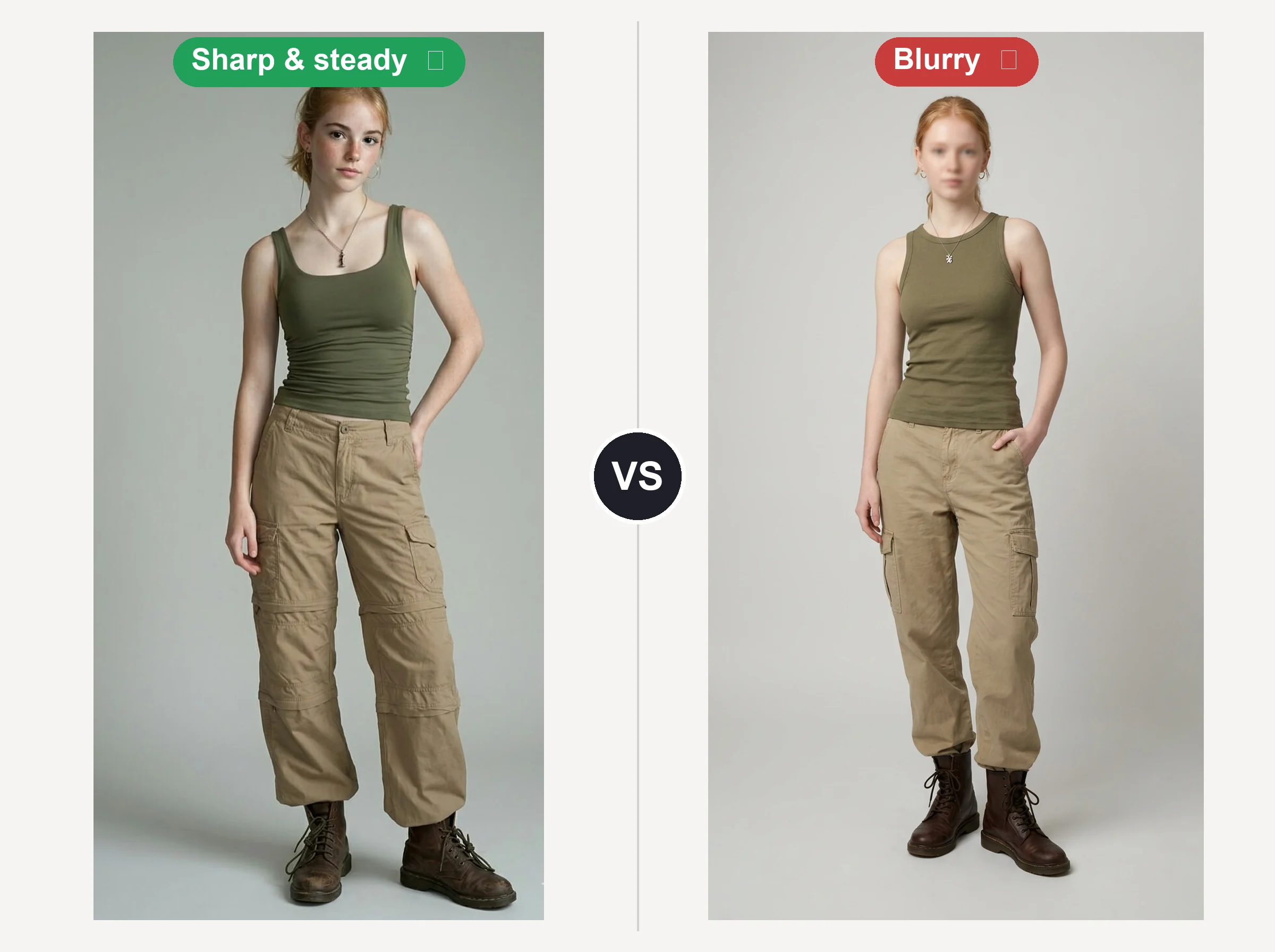
Heavy motion blur or extreme angles make draping harder to place. A steady, straight-on pose lets the top, bottom, and shoes land where a real outfit would.
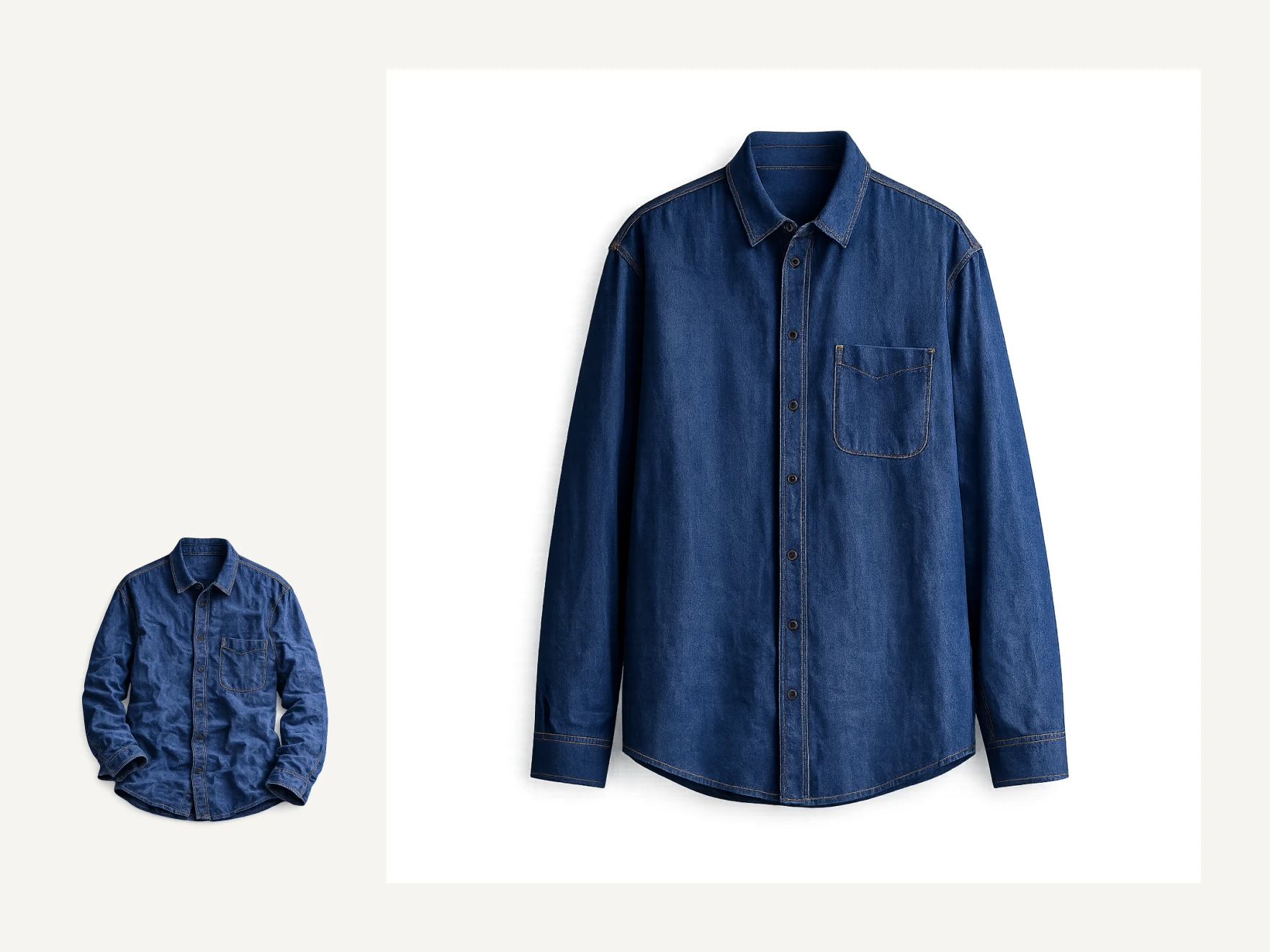
If you are uploading your own garment image, use a clear shot of the piece on a plain background so its shape and texture come through cleanly. Try one outfit, check the fit at full size, then swap the source photo if a detail looks off, since that does more for a weak result than re-running the same one.
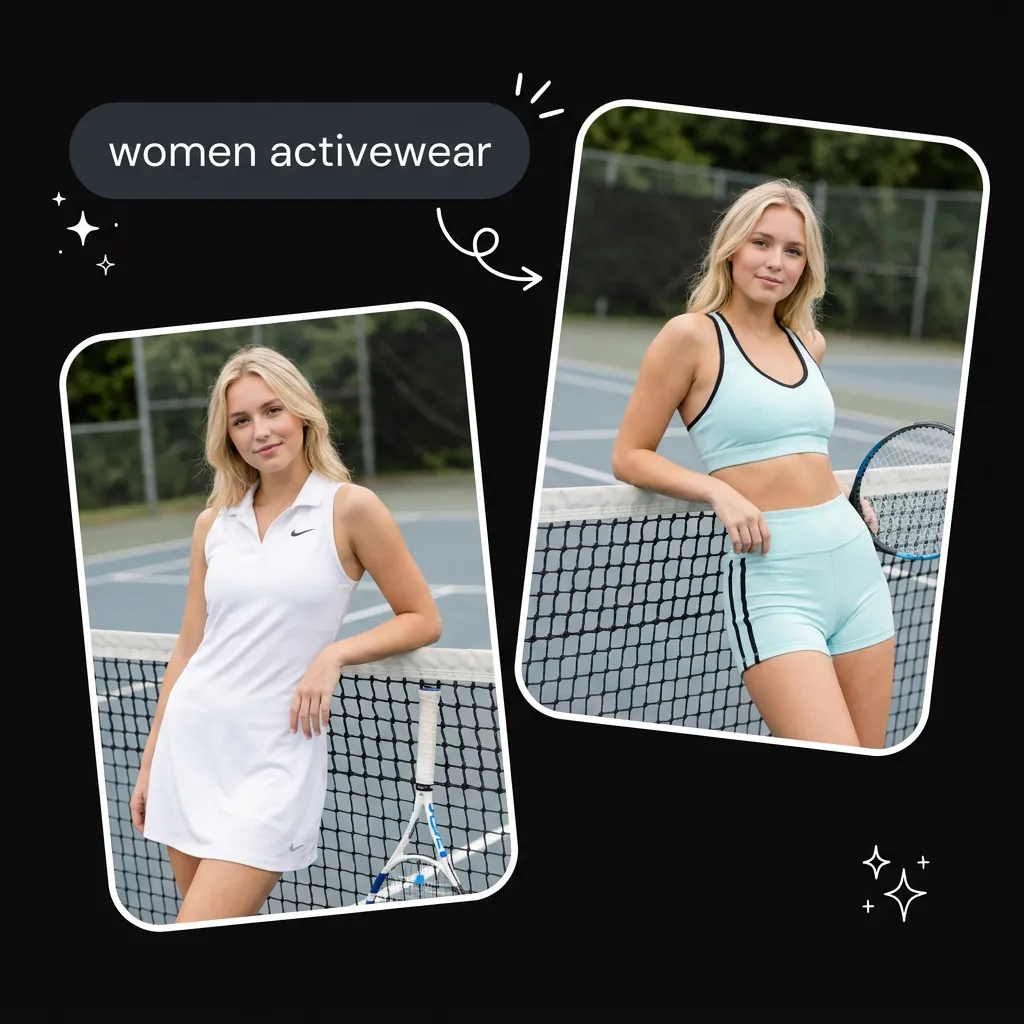
Online shopping leaves one question unanswered: will this actually look good on me. Instead of guessing from a model photo, upload your own picture and use the ai clothes swap to put the full outfit onto yourself. You see how the top, bottom, and shoes read together on your body and in your setting before you spend a cent, which cuts down on returns and second-guessing.
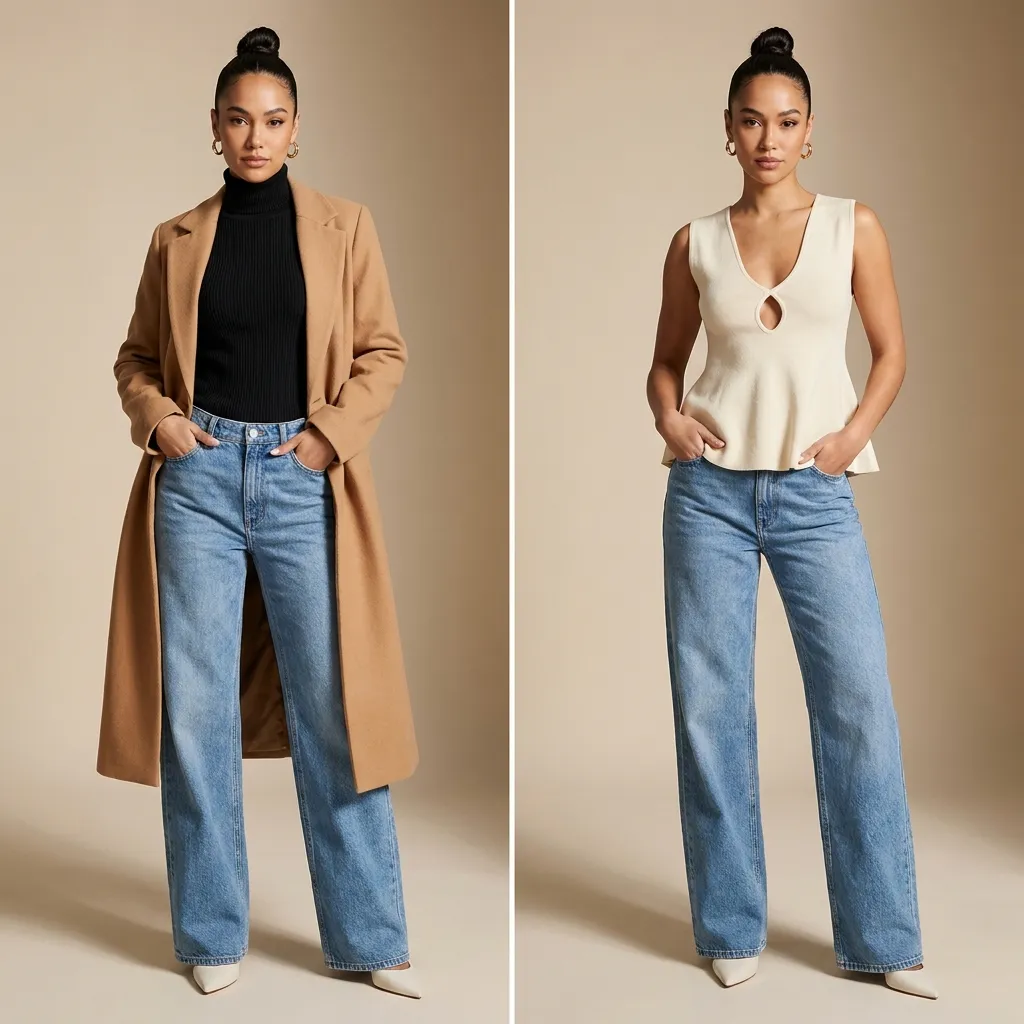
Reshooting a model in every product is slow and costly. Sellers take one base photo and use the ai clothes swap to place different outfits onto it, building a consistent catalog. Same pose, same lighting, different look, so the store stays cohesive without booking a studio for each item.
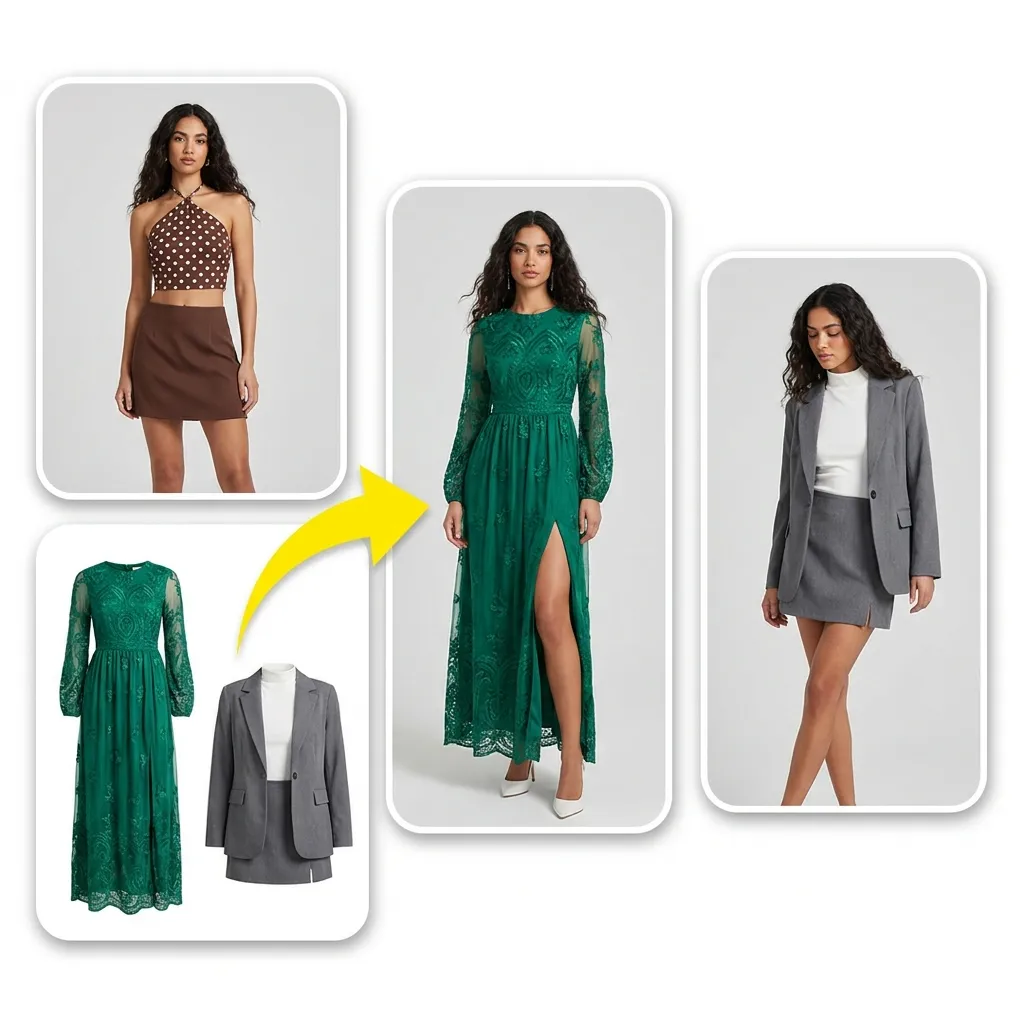
Give an old post new life by restyling the outfit instead of reshooting. Swap in a bolder look for a feed refresh, keep your face and setting, and post something that feels new without another photo session.
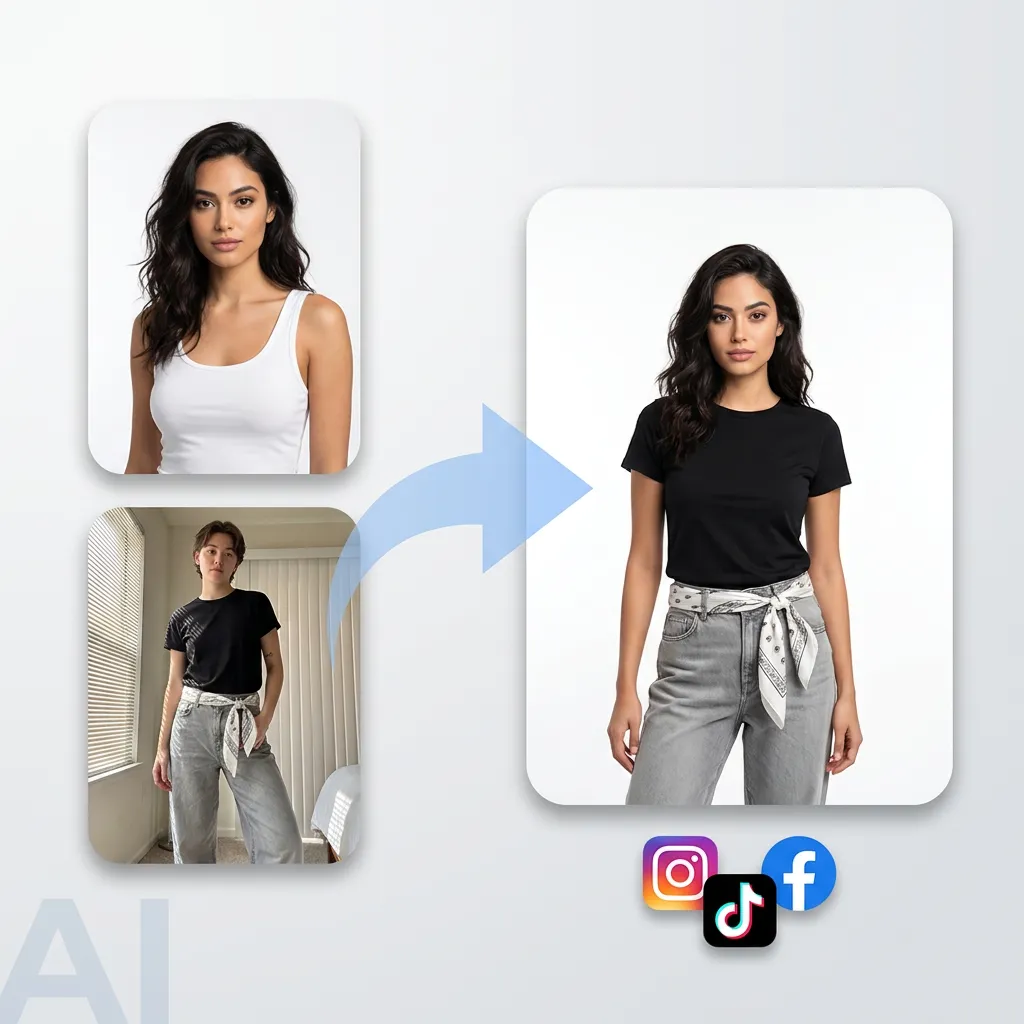
Creators testing styles can run one ai clothes swap after another to show the same full body photo in several outfits back to back. It makes lookbooks, before-and-after posts, and style polls easy to produce from a single base image.
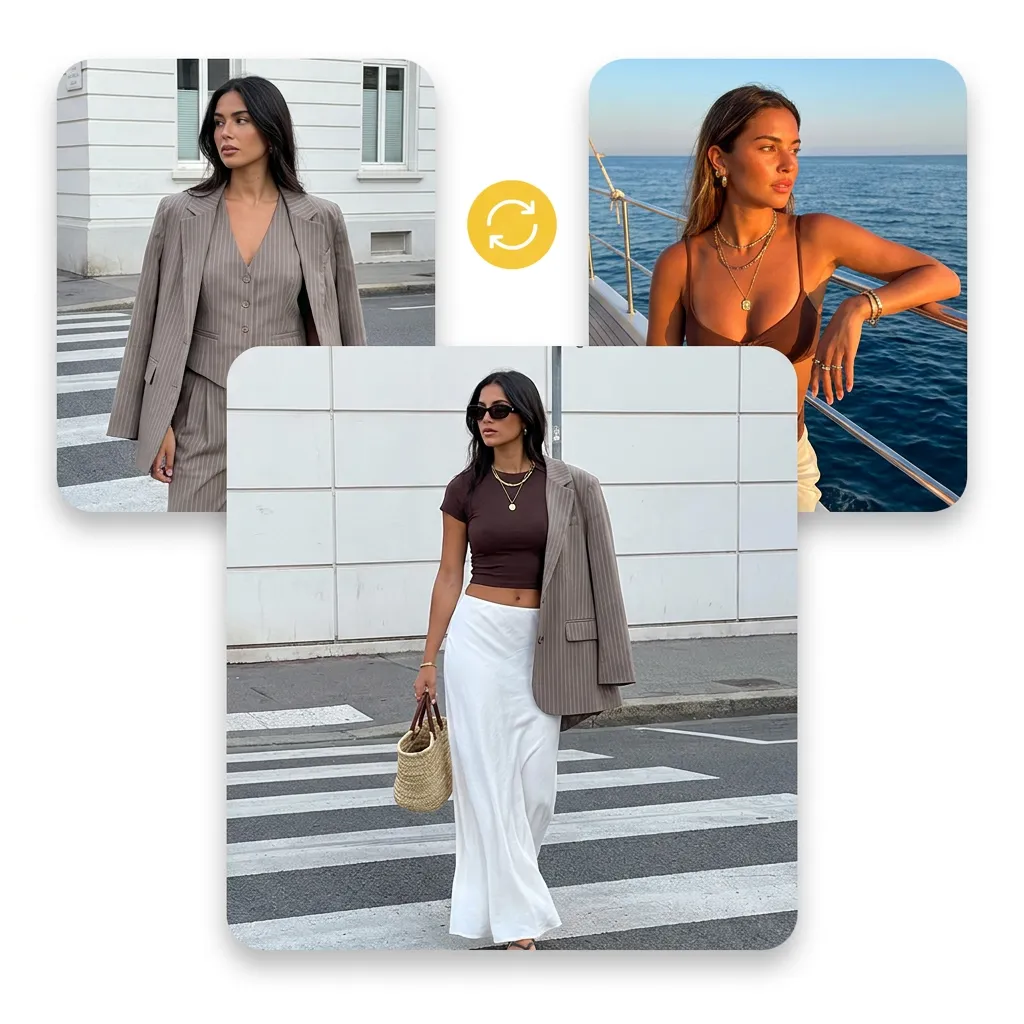
See how a bikini or swimsuit would look before a trip or a beach day. Use the ai clothes swap to put swimwear onto your own photo and preview the style, color, and cut in seconds, no fitting room and no photographer needed.
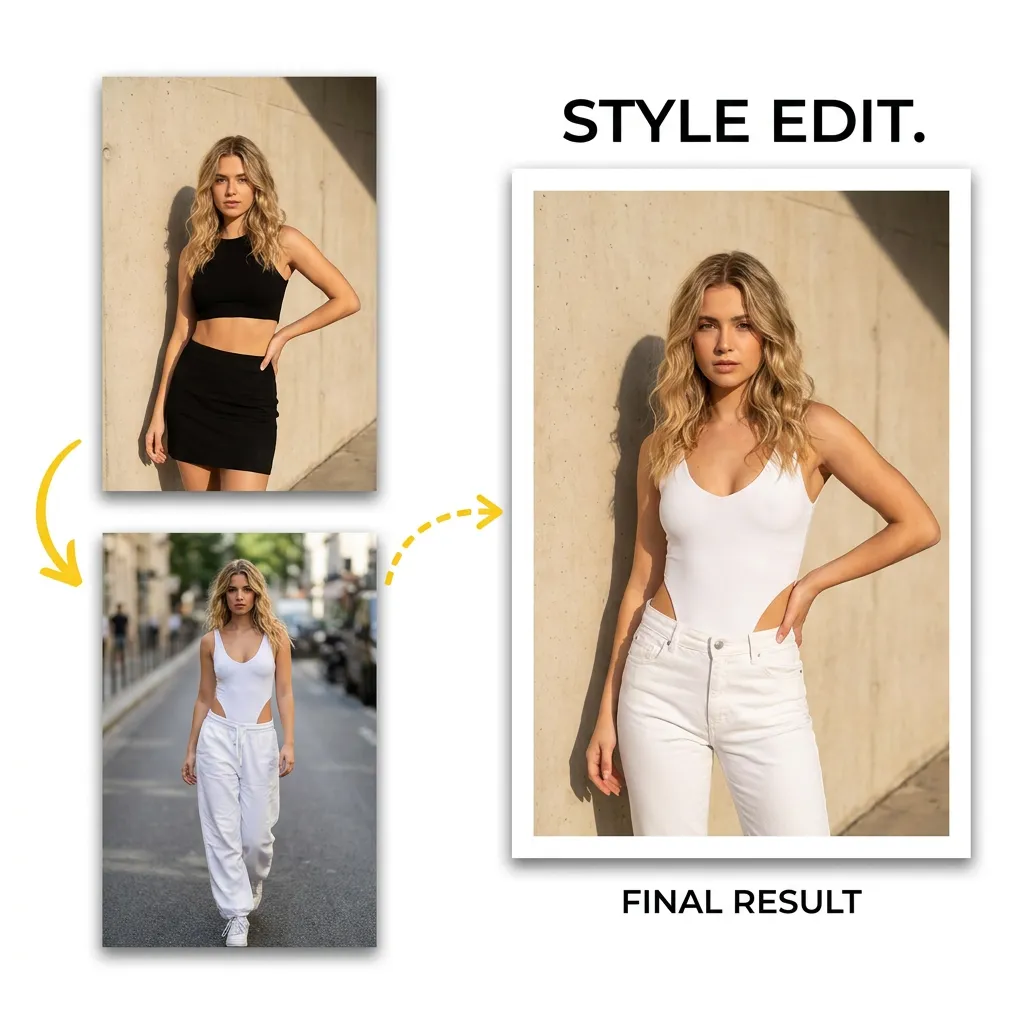
Turn a casual snapshot into a sharper, business-ready look by swapping in a suit or professional attire, while keeping your real face and expression for headshots and profiles.
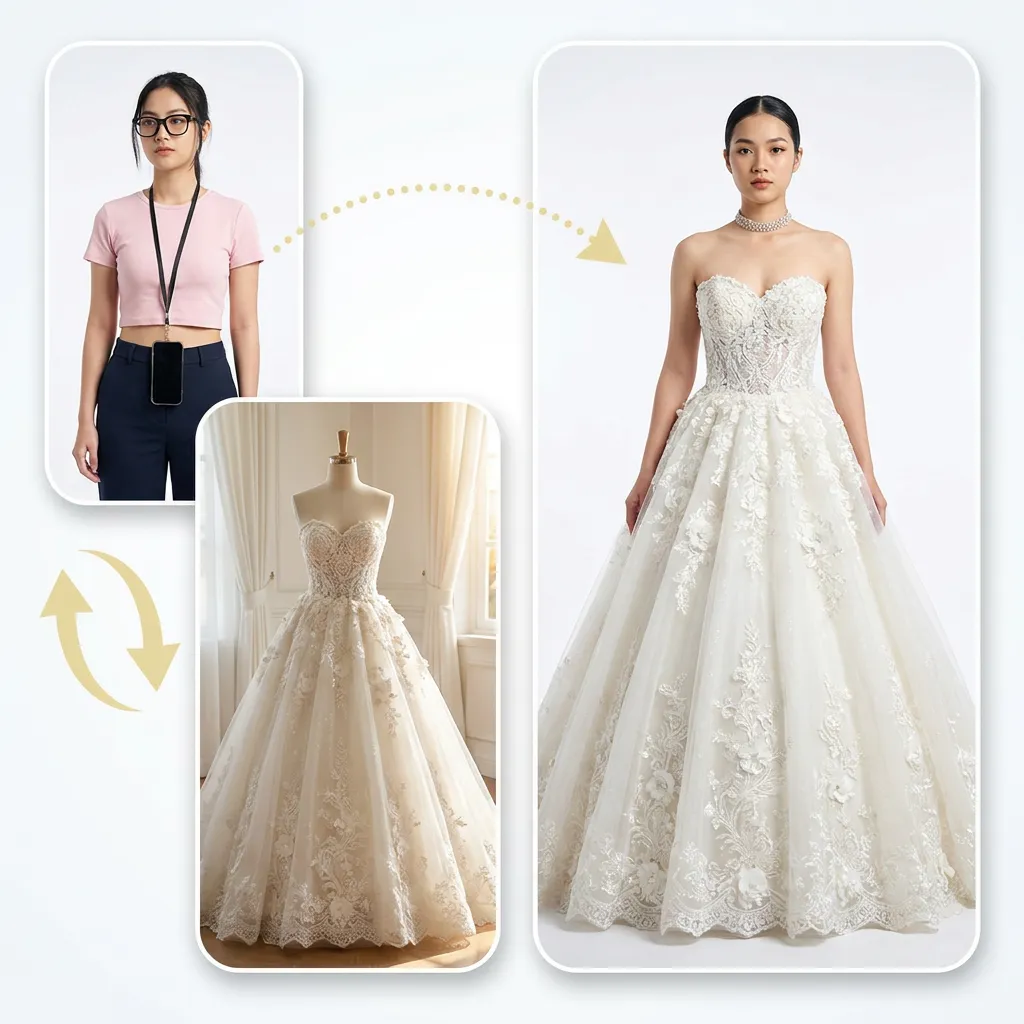
Preview a costume or themed outfit before an event. Swap in the look, share it with friends, and decide before you commit to buying or renting anything.
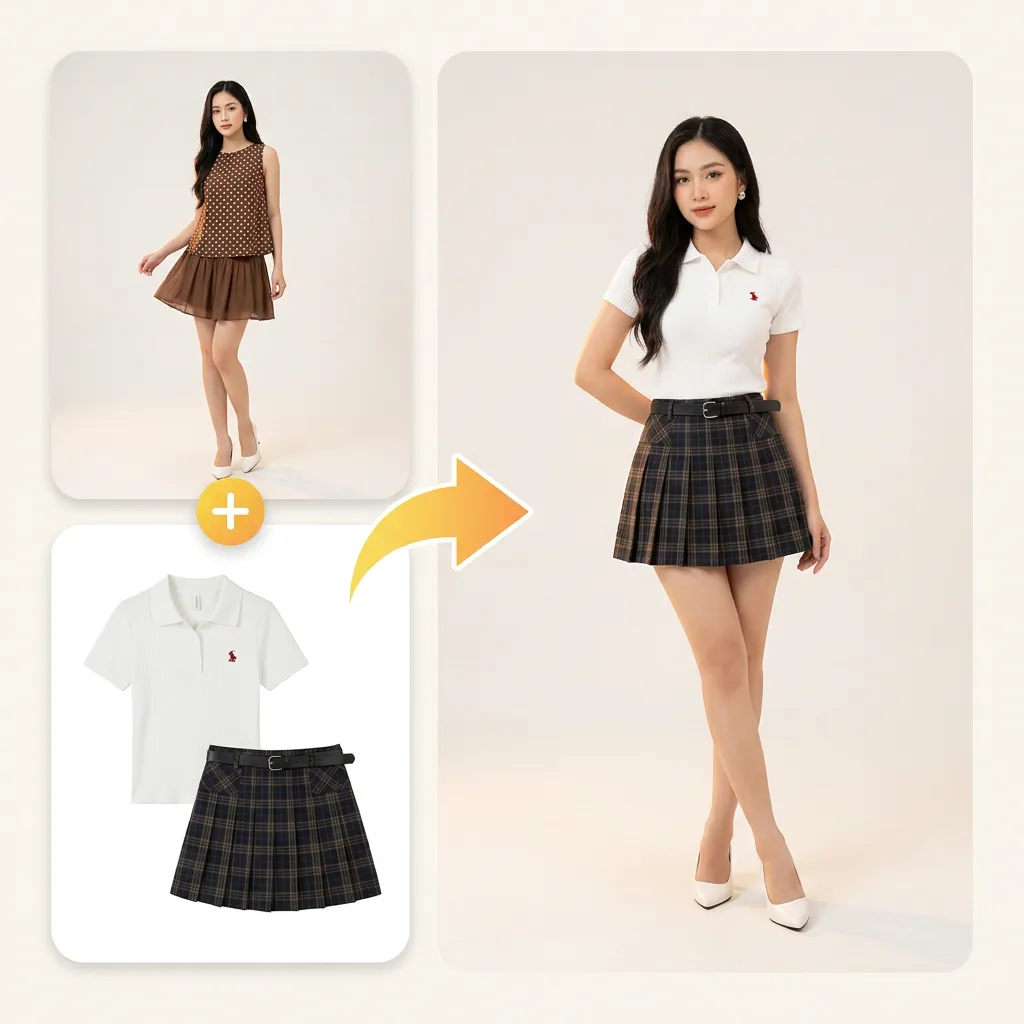
Bring dated photos up to date with an ai clothes swap that changes the outfit for a current style, keeping the moment while refreshing the clothes.
Read how global creators are transforming their workflows with our platform.

I run a small clothing shop and reshooting a model for every listing was killing my time. Now I take one base photo and swap the full outfit onto it. Same pose, same light, a whole catalog in an afternoon. The fit actually looks real, not pasted on.

I test a lot of looks for lookbooks, and this changes the whole outfit in one pass instead of one piece at a time. The top, bottom, and shoes all line up on the same body, so I can post a before-and-after without any manual editing.
I always second-guess whether something will suit me before I buy. Swapping the outfit onto my own photo answers that in seconds. It saved me two returns last month alone.
Did the whole thing on my phone in the browser, no app, no sign up. Uploaded a photo, picked a look, and had a clean result before my coffee was done. Super easy for a first-timer.

I refresh old posts by restyling the outfit instead of booking another shoot. My face and the setting stay exactly the same, only the clothes change, so the feed still feels like me.

Turned a casual snapshot into a business-ready headshot by swapping in a suit. It kept my real face and expression, which is exactly what I needed for my profile. Free was the cherry on top.
Get clear answers to ensure a safe, efficient, and high-quality experience.
An ai clothes swap changes the outfit in a photo automatically. You upload an image of one person, choose new clothes, and the AI replaces the existing outfit while keeping the face, pose, and background the same. It does in seconds what used to take a reshoot or manual editing, and it works from a normal photo with no special equipment.
Yes. The ai clothes swap runs free online in your browser. You can upload a photo and change the full outfit without paying, which makes it easy to test different looks before deciding on one.
Three steps: upload your photo, choose or upload the outfit you want, then generate and download the result. The whole process takes under a minute and needs no editing skills.
Yes. The ai clothes swap works on full-body shots and swaps the complete outfit, top, bottom, shoes, and accessories, while keeping the pose and body proportions natural. For best results, use a clear photo where the whole body is visible.
EasyFaceSwap matches lighting, fabric folds, and body shape to blend the new outfit naturally, which makes it one of the more realistic ai clothes swap results you can get online. A sharp, well-lit source photo gives the most convincing swap.
The best ai clothes swap comes down to a few things: it should swap the full outfit in one pass, keep the fit realistic, and stay free to use online with no install. EasyFaceSwap covers all three. It replaces the top, bottom, and shoes together, matches lighting and body shape so the look holds up at full size, and runs right in your browser on desktop or mobile. The most useful test is your own photo, so upload one and compare the result against any other tool you have tried.
Virtual try on usually shows one specific store item on a model or avatar to help you buy that item. An ai clothes swap is broader: it changes the outfit in any photo you upload, using clothes you pick or provide, for shopping, content, or just experimenting. Same idea of seeing a new look on a person, more flexibility.
General chat tools can attempt an edit, but they are not built for garment fit. A dedicated ai clothes swap focuses on body and clothing detection, so the outfit drapes to the pose and holds detail at full resolution instead of warping the person. You also get a straight three-step flow instead of prompt trial and error.
Yes. Along with the built-in options, the ai clothes swap lets you upload a photo of the garment you want to try. Use a clear shot on a plain background so the shape and texture come through cleanly.
No. The ai clothes swap only replaces the clothing. Your face, pose, and background stay exactly as they were in the original photo.
Usually a few seconds. Upload, pick an outfit, and the result is ready to preview and download almost right away.
Yes. Your photos are processed only to generate your result and are not sold or shared with third parties. Uploads may be stored to power features like your creation history, and you can review our privacy policy for the full details on how your data is handled.
Commercial use depends on the applicable EasyFaceSwap service and asset license terms. Review the current terms before using generated results in paid campaigns, product listings, or other commercial work.
Yes. EasyFaceSwap runs in the browser, so the same clothes changer works on iPhone, Android, and desktop without an app install. Upload a photo from your camera roll, pick an outfit, and download the result.
Yes. Our ai clothes swap can change any full outfit, including dresses, suits, and formal wear. It reads how the person is standing and fits each garment to that pose, so longer pieces and structured garments follow the body instead of sitting flat on the image.
Ready to see a new look. Upload a photo and let EasyFaceSwap change your whole outfit for free, in seconds.
Start Your Free Clothes Swap