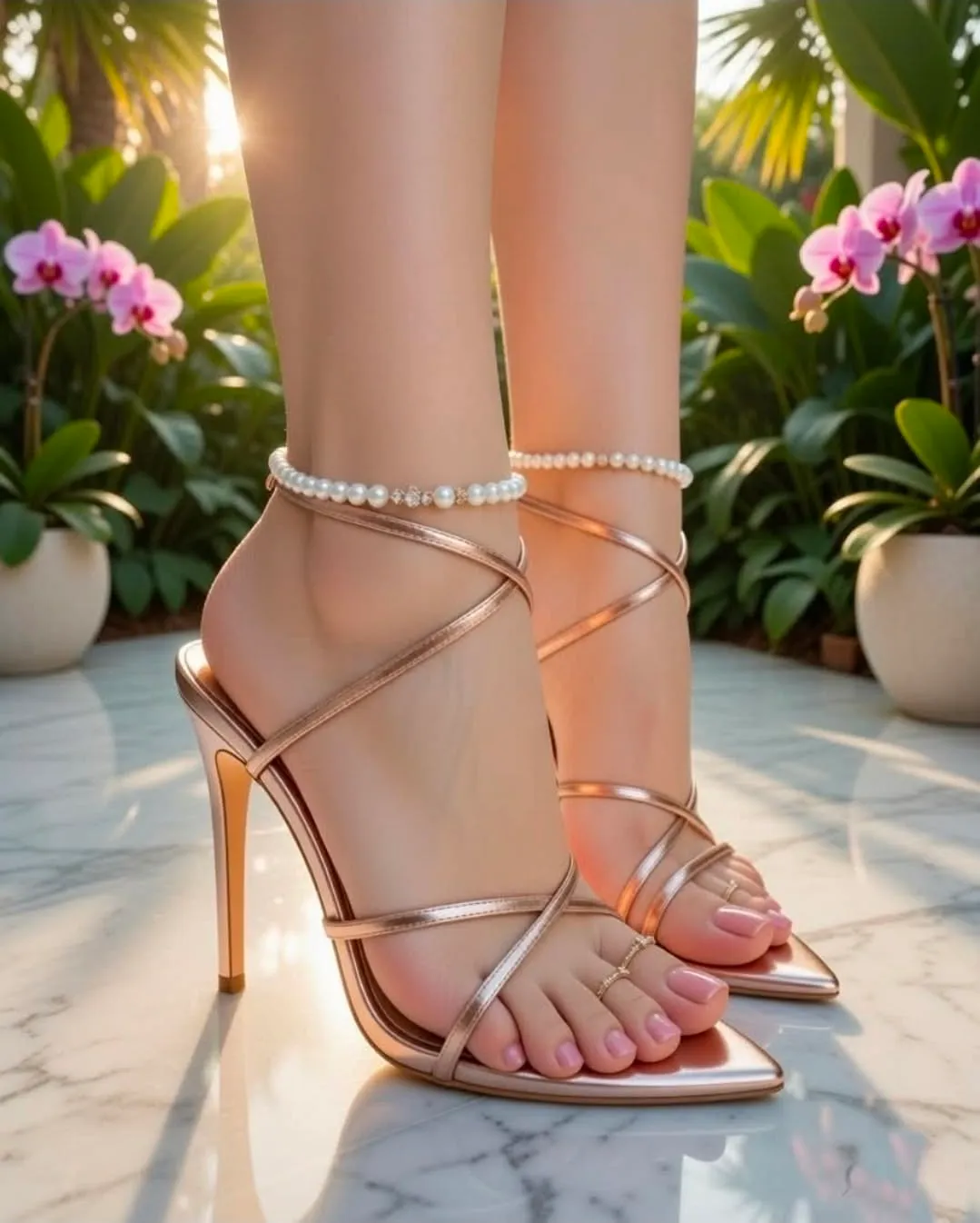
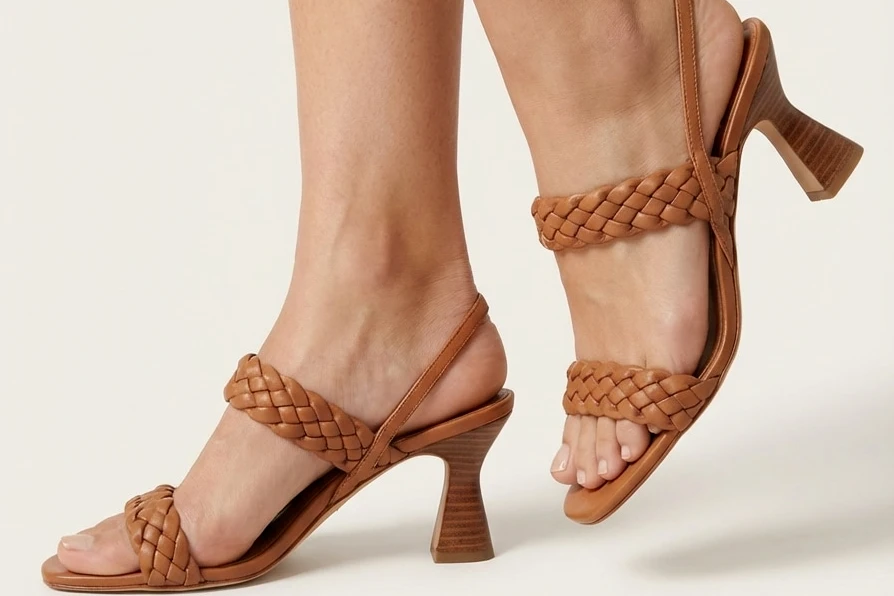
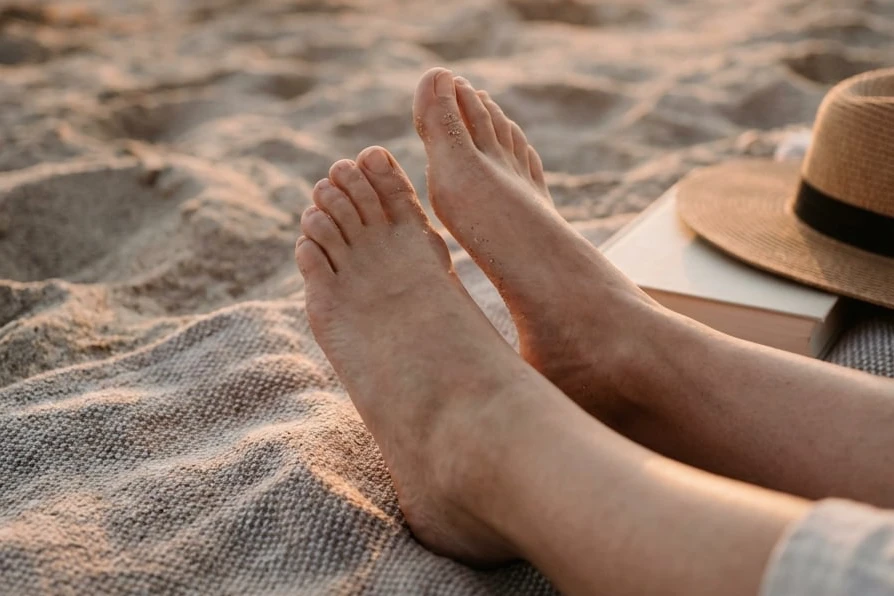
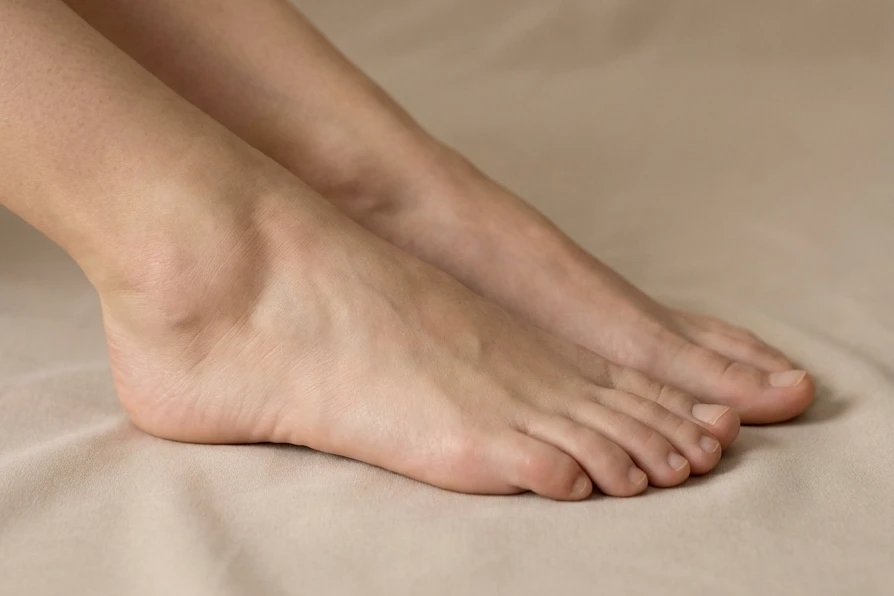
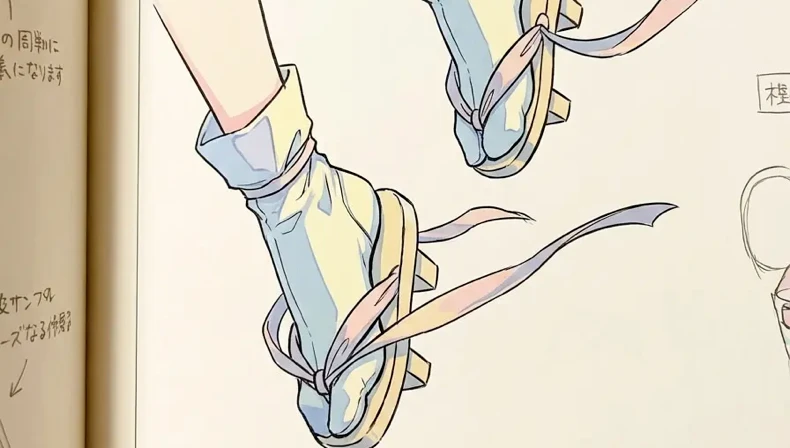
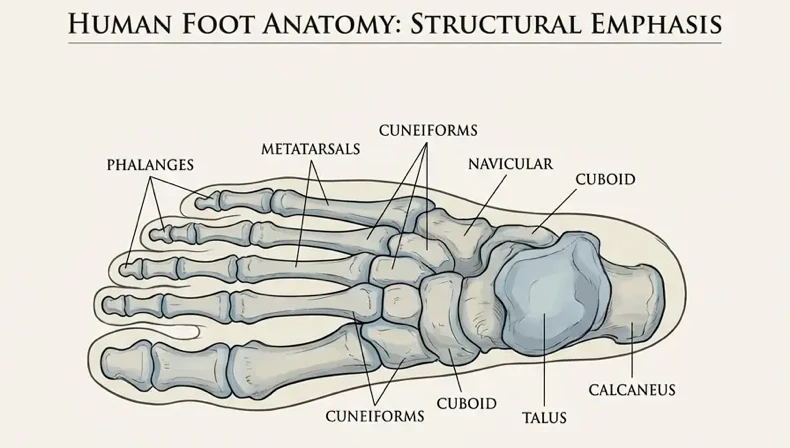
Turn a photo or a text prompt into realistic or anime feet pics with our free AI feet generator.
Advanced Settings (Optional)Any · Any
Reference Image & Description (Optional)
JPG, PNG, or WebP up to 20 MB
Realistic · Toes · Stilettos
My Creation
Your creations are stored locally in this browser and kept for 1 day.
Your recent feet images will appear here.
Start Using the Free AI Feet Generator
Try the free AI feet generator from EasyFaceSwap right in your browser. It works on desktop and mobile, with no software, plugin, or local GPU to install. To start, upload a photo or write a short prompt that describes the feet you want. Every other setting already has a default, such as sole view, barefoot, realistic style, and a bedroom scene, so you can generate it right away. From there, change one setting at a time to see how each one affects the result.
High-Quality Anime Feet AI Generator
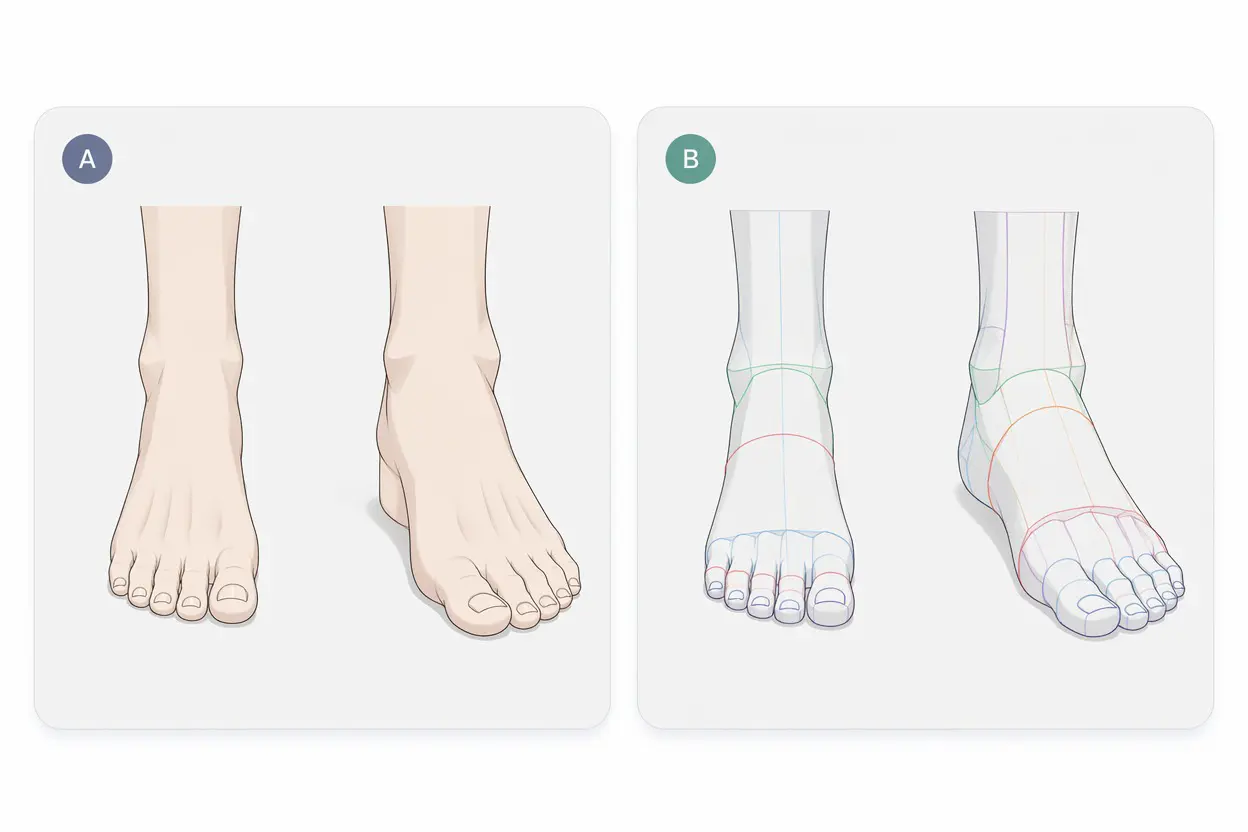
Our ai feet generator treats anime and realistic images as two separate modes rather than one style slider, because each style fails in different ways. Anime mode uses clean linework and simplified toes, so small anatomical variations read as a deliberate style choice. Realistic mode, the default, focuses on skin texture, nail edges, and the natural shadow beneath the arch, where errors are easy to spot. Pair either mode with a bedroom, bathroom, balcony, or beach scene, and the lighting adapts to match, so AI generated anime feet and photorealistic results both look grounded in their setting.
AI Feet Pic Generator: Soles to Heels
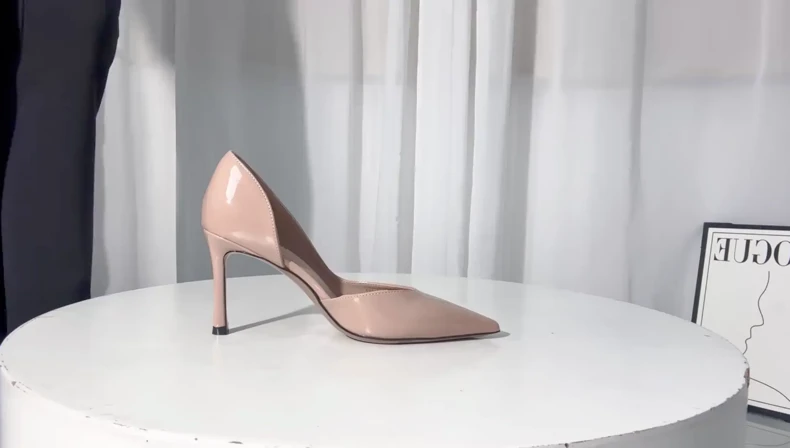
From AI feet soles to heel close-ups, this ai feet pic generator gives every image a defined camera position. A vague prompt such as "feet" leaves the framing open, so results vary between generations. Four views in the ai feet generator solve this: Soles frames the full underside, Toes produces a close-up crop, Arches shows the side profile, and Behind shows the heels from the rear. Then choose the wearables: barefoot (the default), black stockings, white stockings, or stilettos. Stockings also have a practical benefit. Because they cover the toes, they remove the most error-prone detail from the image.
AI Male Feet or Female Feet, Any Angle
Generate AI male feet or AI women's feet on demand, or leave gender set to Any. This matters for illustrators and designers, because most foot reference libraries focus on female subjects. Set the ethnicity to European, Asian, African, or Middle Eastern so the skin tone matches your character or campaign from the first render. Both options work with all four views in the ai feet generator.
Easier AI Feet Generator from Photo or Text
From One Photo or a Prompt
Upload a photo when you already have the pose you want and only need to change the style or setting. Write a prompt when the pose exists only as an idea, and describe the view, the style, and the location. In general, the photo determines the pose, while the prompt controls everything else.
Fast and Simple
Apart from a photo or a prompt, every setting starts with a default, so your first image needs no extra setup. After reviewing the result, adjust only the setting responsible for the issue: aspect ratio for framing, scene for mood and lighting, or style when the output looks more stylized than intended.
Your Face Stays the Same
When you upload a photo of a person, EasyFaceSwap uses it as a reference and focuses the new image on the feet, so the person stays recognizable. Reusing the same photo across several generations helps a set of images look like one photoshoot. To change the face instead, use our AI face swap tool.
What You Can Do with an AI Feet Generator
Drawing References
Feet are among the most difficult subjects to draw, and stock libraries rarely offer the angle a composition requires. Most stock images show bare feet standing and facing forward, which does not help when a character is seated with one foot turned outward. With an ai feet generator, you can generate the exact reference you need, such as an arch view or light from the left, and compare variations before committing to line work.
Anime and Game Characters
Character sheets require feet that match the style of the rest of the design, and a photorealistic reference can break that consistency. Anime mode in the ai feet generator keeps linework and proportions aligned with your existing artwork. To build a matching cast, run the same prompt for each character and change only gender and ethnicity, so every design shares one visual language.
Shoe, Sock and Nail Art Mockups
A product photoshoot requires a model, a studio, and a full production day, none of which an early design review needs. Use the AI feet generator to create a foot in the position your product will occupy, then composite a sandal strap, sock texture, or nail design over it before ordering samples. Nail artists benefit in particular, because a well-lit toe close-up is slow to stage but quick to generate, and clients can preview a pedicure color before their appointment.
Social Media Content
Pedicure salons, sock retailers, and foot care brands need a consistent publishing schedule but cannot run a photoshoot every week. An AI feet generator fills that gap with on-brand images: 9:16 for Reels and TikTok, 3:4 for Instagram feed posts, and scenes that change with the season.
Why Choose Our AI Feet Generator
No Extra or Missing Toes
Toe count errors usually occur when toes are cut off by the frame edge or overlap one another, because the model has to infer what it cannot see. To prevent them, keep the entire foot in the frame, state the number of toes in your prompt, and regenerate if a result still shows an error.
Better Proportions and Angles
The other common issue is geometry: an ankle bent beyond its natural range, a flattened arch, or a heel pointing in an impossible direction. Selecting a defined view prevents most of these problems, because each view corresponds to a real camera position. Side views are the most reliable, partly because fewer toes are visible from that angle.
Privacy and Safety
Every image you create with the ai feet generator belongs to you. Your uploads and results stay private to your account. We never publish them, share them, or show them to other users, so you can download and use your images however you like. To keep things safe, the generator creates images of adults only. It works best with photos of yourself or pictures you have permission to use.
How to Make Better AI Generated Feet Pics
Making feet pics with the ai feet generator takes three steps.
1
Step 1: Add a Photo or Write a Prompt
Upload one photo (JPG, PNG, or WebP) or enter a one-line prompt. Photos that show the entire foot under even lighting give the AI feet generator more information than tightly cropped images or shots taken with a harsh flash. For text input, a single sentence that names the view and style is enough for a first pass.
2
Step 2: Pick the View, Wearables, Style and Scene
Select soles, toes, arches, or behind, then choose barefoot, black stockings, white stockings, or stilettos. Set the style to realistic or anime and pick one of four scenes. Gender and ethnicity default to Any and the aspect ratio to 1:1, so change them only if your project requires it.
3
Step 3: Generate and Download
Click the generate button, review the result at full size, and download it. Check the toes first, since errors are most likely to appear there. If anything needs correction, change one setting and generate it again. Two or three iterations are normal for a finished image.
What Users Say About This AI Feet Maker
Read how creators use the ai feet generator in their daily work.
Ethan R.Comic Artist
Stock references rarely show male feet from the side. In the ai feet generator, I set gender to male, choose the arches view, and describe the seated pose in the prompt. A usable reference now takes minutes instead of an hour of searching.
Hannah L.Nail Technician
Clients often cannot picture a pedicure color from the bottle alone. I write each shade into the prompt, generate a toes view, and send the options before the appointment. Fewer people change their minds in the chair.
Leo W.Indie Game Developer
I design character sheets for a small mobile game. I keep one prompt, set the style to anime, and change only gender and ethnicity for each hero. The whole cast looks like the work of one artist.
Amara O.Hosiery Designer
I design seamed stockings, and the seam and heel details only show from the back. The behind view with black stockings gives me a clean base for sketching new heel patterns before each design review.
Omar H.Photographer
Before a summer campaign, I generate a few looks with bare feet and stilettos in the balcony and beach scenes. They are not final shots, but the client and I agree on a direction in one call instead of three.
Sofia G.Social Media Manager
Our foot care brand posts five times a week but shoots only twice a year. I upload a photo from our last shoot, switch the scene to beach for summer, and generate 9:16 versions for Reels. Each post carries an AI label.
AI Feet Generator FAQs
Get clear answers to ensure a safe, efficient, and high-quality experience.
An AI feet generator is an online tool that creates images of feet from a text prompt, an uploaded photo, or both. You choose what the image shows, such as a sole view or a toe close-up, bare feet or stockings, and a realistic or anime style. Dedicated tools exist because general image models often render feet poorly, and accurate results require foot-specific controls for view, toe count, wearables, and angle.
Yes, you can try the AI feet generator for free and start creating right away. Paid plans are available when you need more.
Yes. Upload a photo in which the feet are missing or cropped out of the frame, and the AI feet generator uses it as a reference to create a new image that includes them. Results are most accurate when the ankles or lower legs are visible, because they give the AI a clear line to continue from. If the photo ends at the knee, the AI must infer both the angle and the foot, so the result may drift further from the original pose.
Yes. Realistic and anime are two separate modes, not two ends of a single slider. Realistic mode reproduces skin texture, nail edges, and the shadow beneath the arch. Anime mode uses clean linework and simplified toes so the feet match characters you have already drawn. In practice, anime mode is more forgiving, because simplified toes read as a stylistic choice, while an error in a photorealistic foot is noticed immediately.
Hands and feet show up in training images far less often than faces, and usually small in the frame, so models have fewer clear examples to learn from. They also have many joints and a toe count people check at a glance, so small errors stand out. A dedicated AI feet generator constrains the view and the toe count, which general-purpose models leave open.
Your face stays recognizable, because the AI feet generator uses your photo as a reference. The background and lighting may differ slightly, since the result is a new image rather than an edit of the original.
The AI feet generator offers four views, each mapped to a real camera position: soles for the full underside, toes for a close-up crop, arches for the side profile, and behind for the heels from the rear. You can also choose what the feet wear (barefoot, black or white stockings, or stilettos) and one of four scenes. There is no separate pose setting, so describe a specific pose, such as seated or crossed ankles, in the prompt.
Use 9:16 for Reels, Stories, and TikTok, and 3:4 for Instagram feed posts, which matches the portrait thumbnails in the profile grid. The default 1:1 works for square posts and reference sheets. If you plan to generate only one version, 3:4 is the most flexible choice, because cropping it to 1:1 later loses less of the image than extending a square into a vertical format.
Your uploads are used to generate your images and are not published by us. The Privacy Policy explains how long files are kept and how to request deletion.
Yes, in most places. The legal limits are about who is shown, not the feet. Images must show adults only, which this tool enforces at the system level, and you may not show a recognizable real person without permission. Using your own photos or text prompts generally keeps you within these limits, but you are still responsible for local laws and platform rules.
Age is not a selectable setting because this tool generates images of adults only, and the restriction is enforced at the system level rather than through an interface option.
Generate Your AI Feet Pics
Add a photo or a short prompt, keep the default settings for your first result, and refine one setting at a time. The AI feet generator is free to try.