Free Multiple Face Swap Video Online: Swap Up to 4 Faces at Once

Create a multiple face swap video online: map every face and swap your group in one click.
Source Video
Sample video face swap before-and-after preview

Face Swap Multiple Faces in One Video

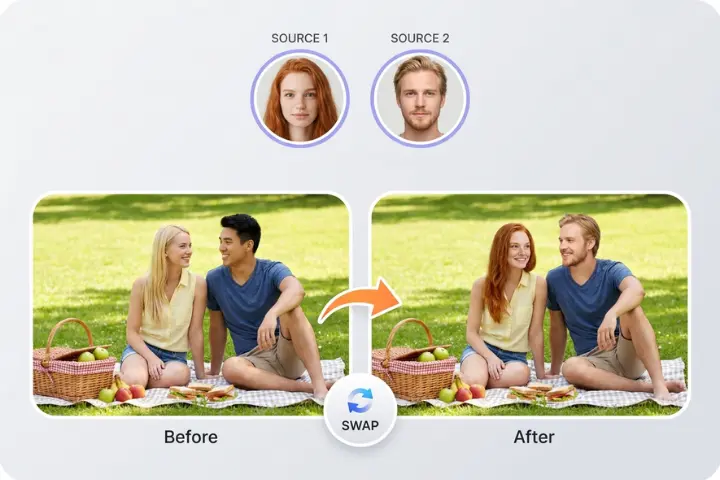
With several people in one clip, the first problem is knowing which replacement belongs to whom. A wrong assignment gives two people the same face, or changes someone you meant to keep. EasyFaceSwap works as a multiple face swapper: it detects the group, lists each person as Face 1 through Face 4, and lets you match a separate source photo to each before generation. You can also leave people as filmed. Keep one person recognizable in a family greeting, or change only two characters in a group scene. Deciding that face by face is what makes it practical to swap multiple faces in video.

Two people having a picnic

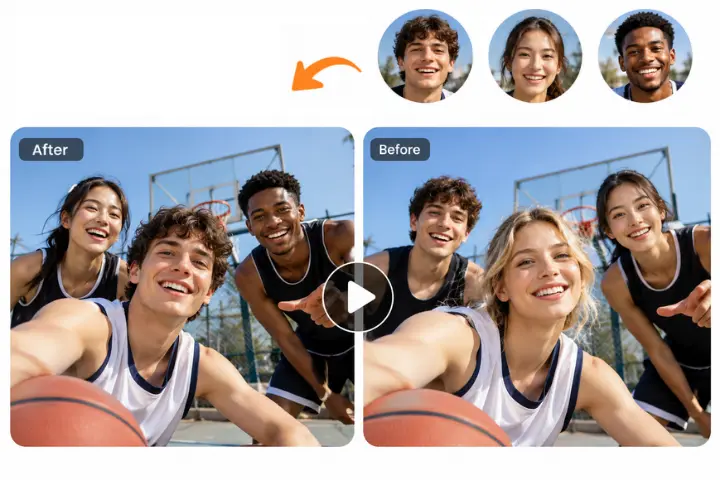
Video Face Swap for Multiple Faces, One at a Time

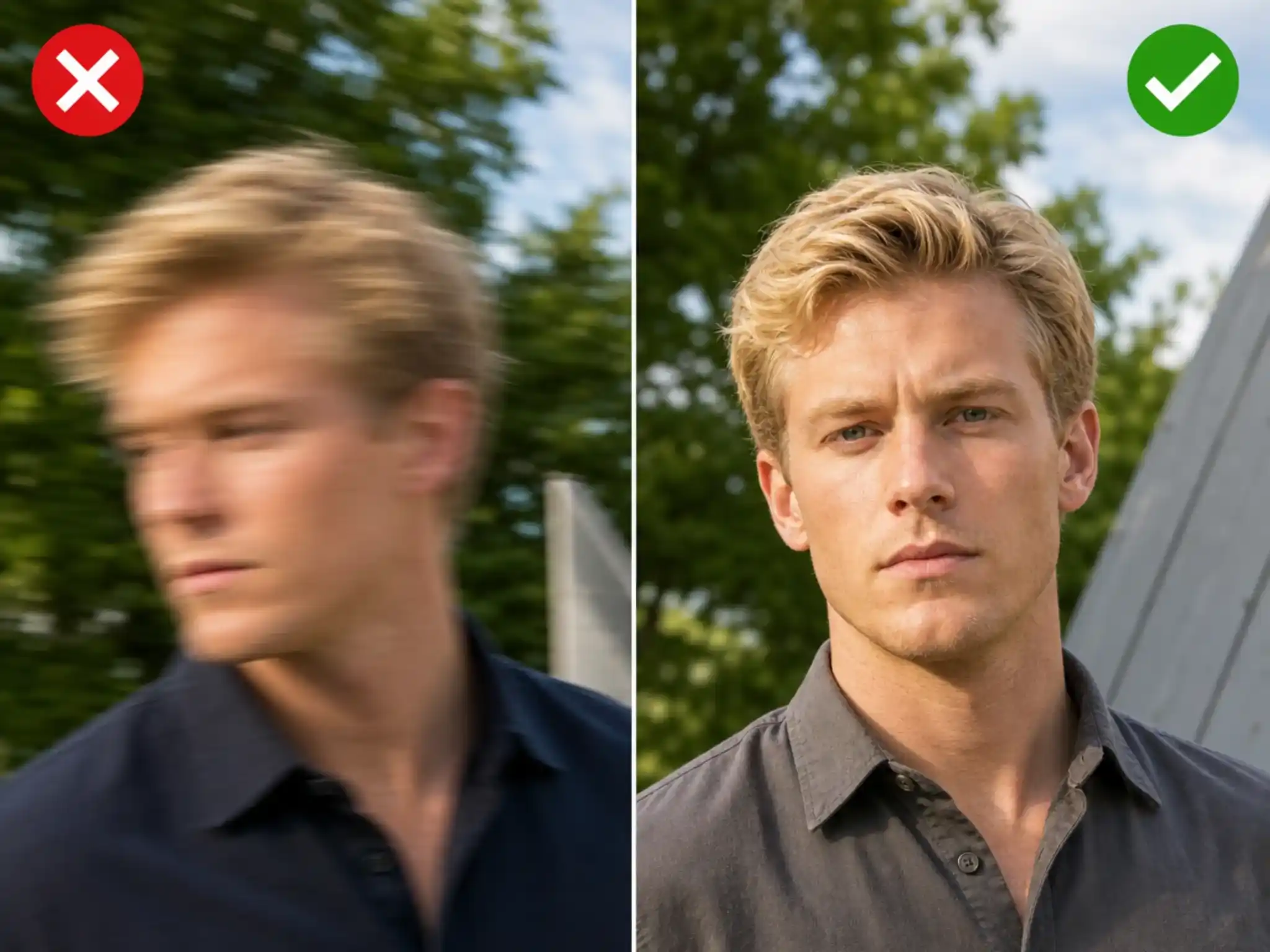
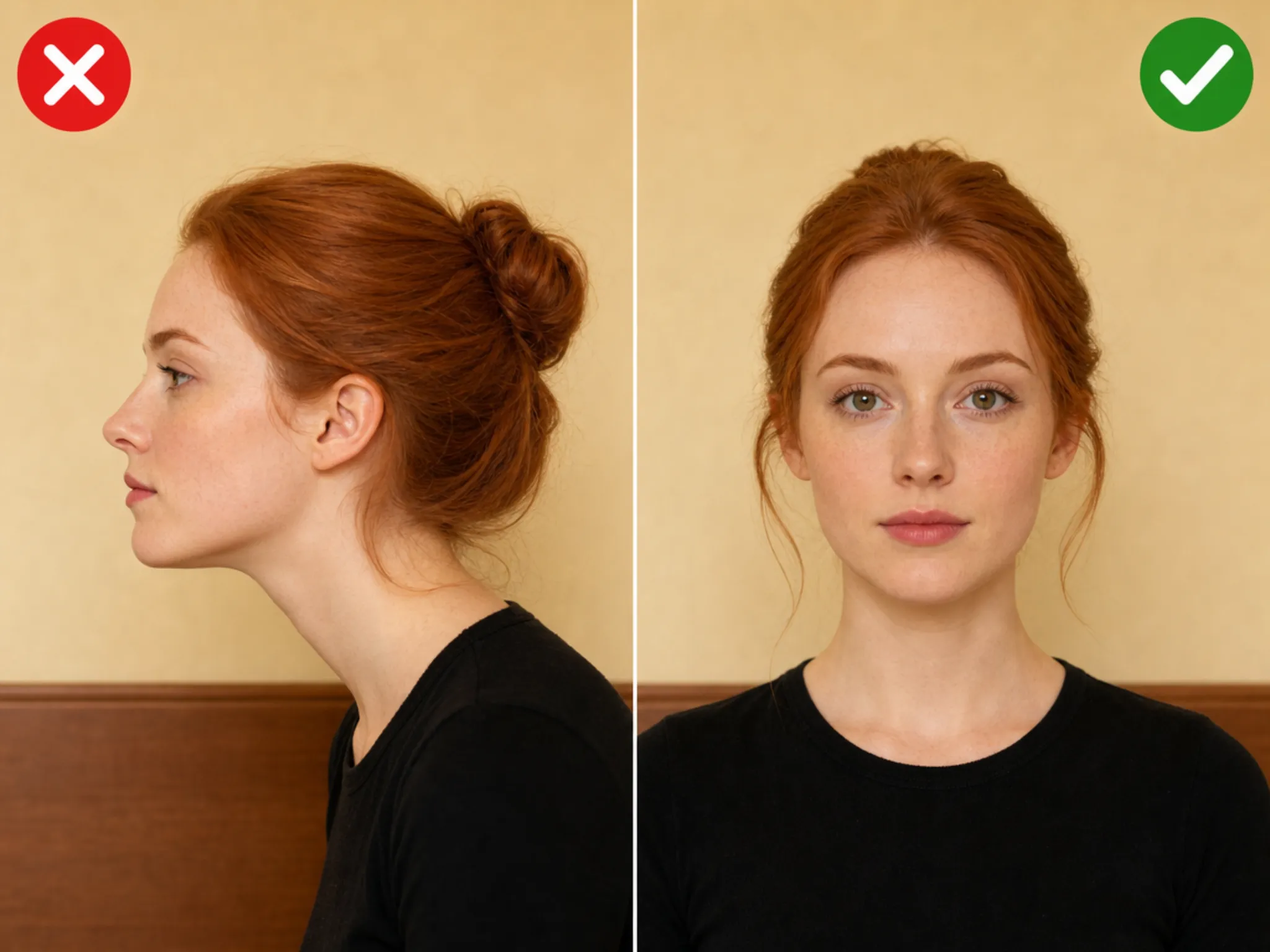
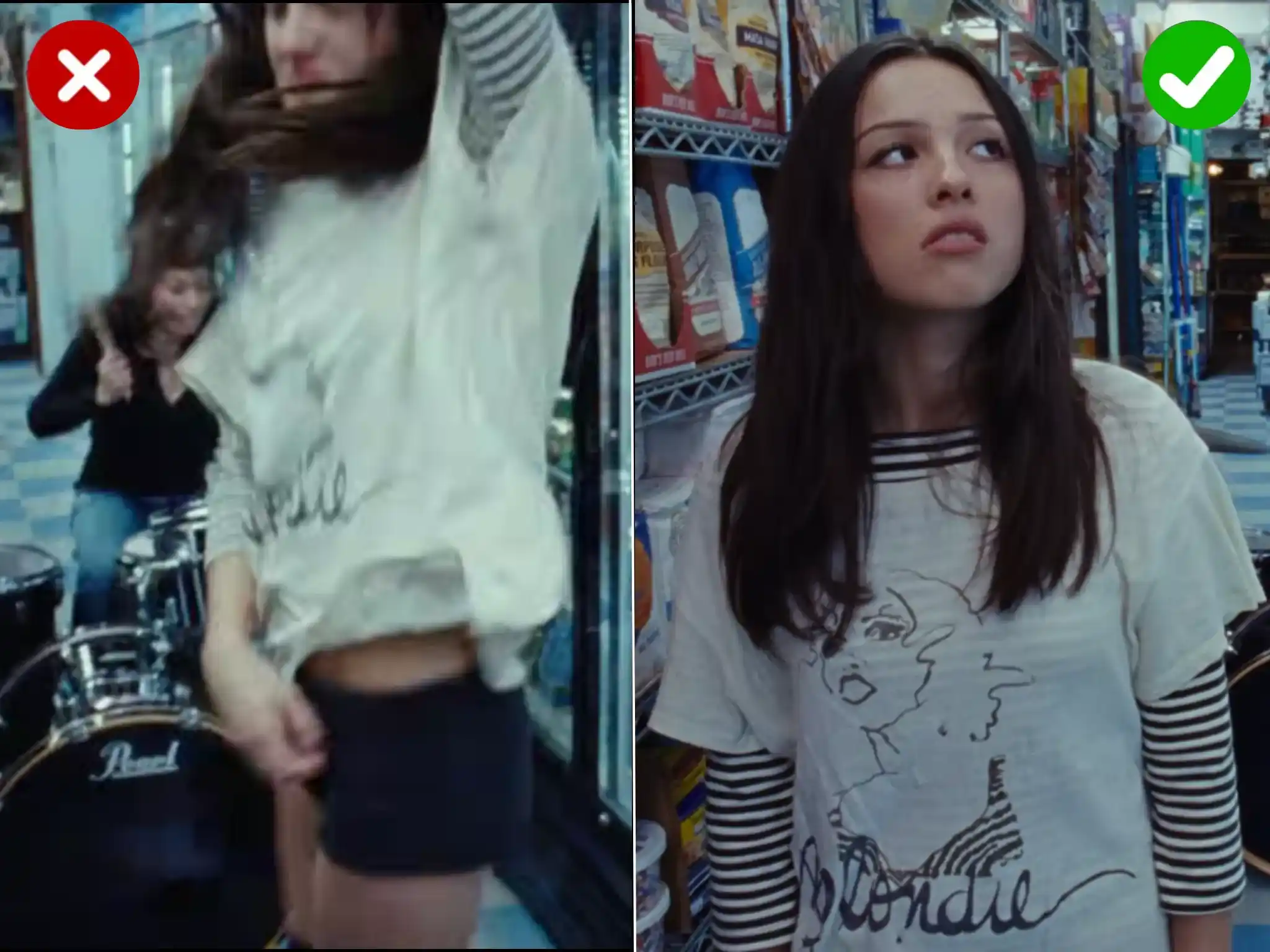
The system identifies each detected face and tracks it across the video, confirming the same person frame to frame before applying the replacement assigned to them. That keeps Face 1 with the right person as subjects turn, pass one another, or briefly leave and re-enter the shot, instead of jumping to whoever is closest. Tracking is most reliable when faces stay clear and visible. Side profiles, heavy blocking, and people walking out of frame all give it less to work with, so pick a take with limited overlap where subjects face the camera for most of the clip.

Three basketball players taking photos in front of the camera

Natural Multi-Face Video Blending

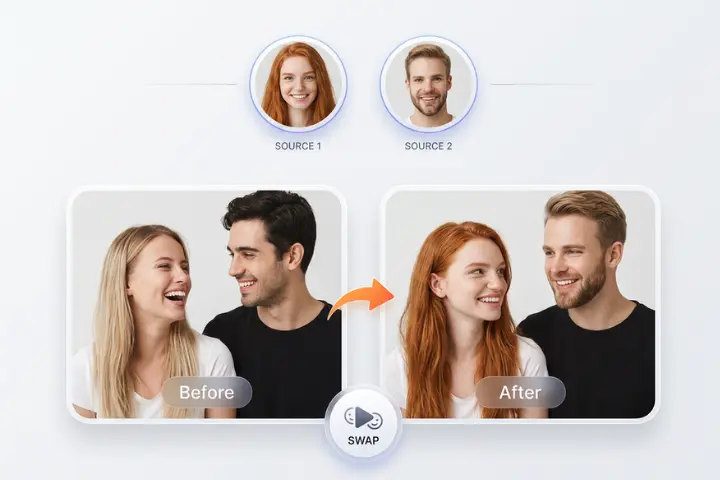
A group shot can have window light on one face, indoor shadow on another, and a different camera angle for a third. Share one set of adjustments across all of them and the result reads as pasted on, especially around the jawline and neck. A multiple faces swap here treats each detected person as a separate job, blending every replacement against the perspective, colour, and light around its own subject. That is why a multiple people face swap holds up across all four faces instead of only looking right on the person closest to camera.

portrait of a couple smiling at each other

Always Get HD Results with Multiple Face Swap Video

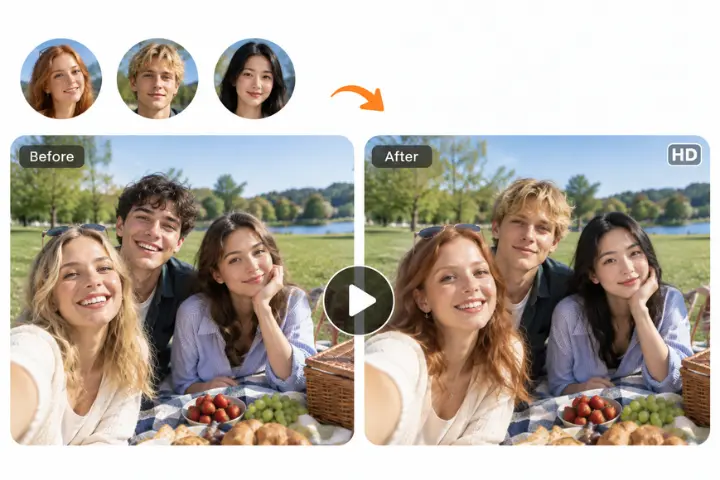
Multi face swap video output has a habit of looking worse than the clip you started with. The usual cause is a tool downscaling your footage to keep processing cheap, then upscaling at the end, which softens everything including the faces it never touched. Here the process rebuilds pixels inside each detected face region and leaves the surrounding frame alone. Backgrounds, clothing, and hair keep the detail you shot, and each replaced area stays separate from the next. Your multiple video swap comes back in HD, ready to post without a pass through an editor.

Three people having a picnic in the park

How to Swap Multiple Faces in One Video

No editing software needed. Upload your clip, map each face, and generate the result in your browser.

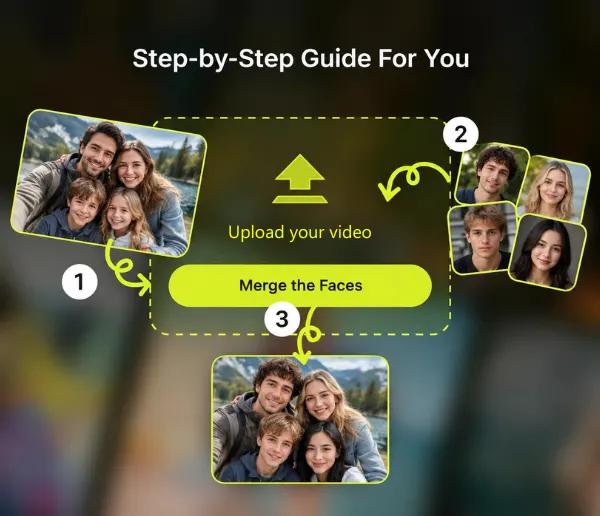
  1. 1

    Upload your video

    Drag your clip into the upload panel or pick a file from your device. EasyFaceSwap scans it and returns every face it detected as a numbered thumbnail.

  2. 2

    Assign a face to each detected person

    Click a detected person, then upload the source photo you want them to become. Repeat for up to four people. Anyone you skip stays untouched in the final video.

  3. 3

    Generate and download

    Hit generate and the swap runs on every face you assigned at once. Processing time depends on the clip you uploaded, so a short group video comes back faster than a long one. Download the result straight to your device.

Step by step guide to swap multiple faces in videos

Why Choose EasyFaceSwap for Multiple Face Swap Video

Experience the reliable, secure, and user-friendly generator available today.

Per-face control, not one face for all

Most free multiple face swap video tools apply a single source face to everyone they find. Here each detected person gets their own slot, so a four person clip can end up with four different faces.

Free to use

Multiple face swap video online free, so you can run the whole workflow in your browser without installing desktop software.

Handles motion and angles

An ai multiple face swap video only works if the tracking survives movement. Faces are followed across frames through turns, partial blocking, and people leaving and re-entering the shot.

Works in your browser

Nothing to install and no plugin chain to configure. Multiple face swap video ai free runs server side, so an old laptop gets the same output as a new one.

Tips for the Best Multiple Face Swap Video Results

Use clear photos, matching light, and space between faces for better results.

Use clear source photos

Pick clear front-facing source photos

Use a well lit photo where the whole face is visible and nothing crosses it. Sunglasses, a raised hand, or a heavy shadow across one cheek gives the model less to work with, and in a multiple face video swap that weakness repeats across every frame that person appears in.

Match the lighting and angle

Match lighting and angle

Try to match your source photo to the lighting in the clip. A face shot in flat indoor light dropped into warm outdoor footage reads as pasted on. Rough angle matching helps too, since a straight-on portrait blends more cleanly into a subject who faces the camera.

Keep faces separated in the frame

Keep faces separated in the frame

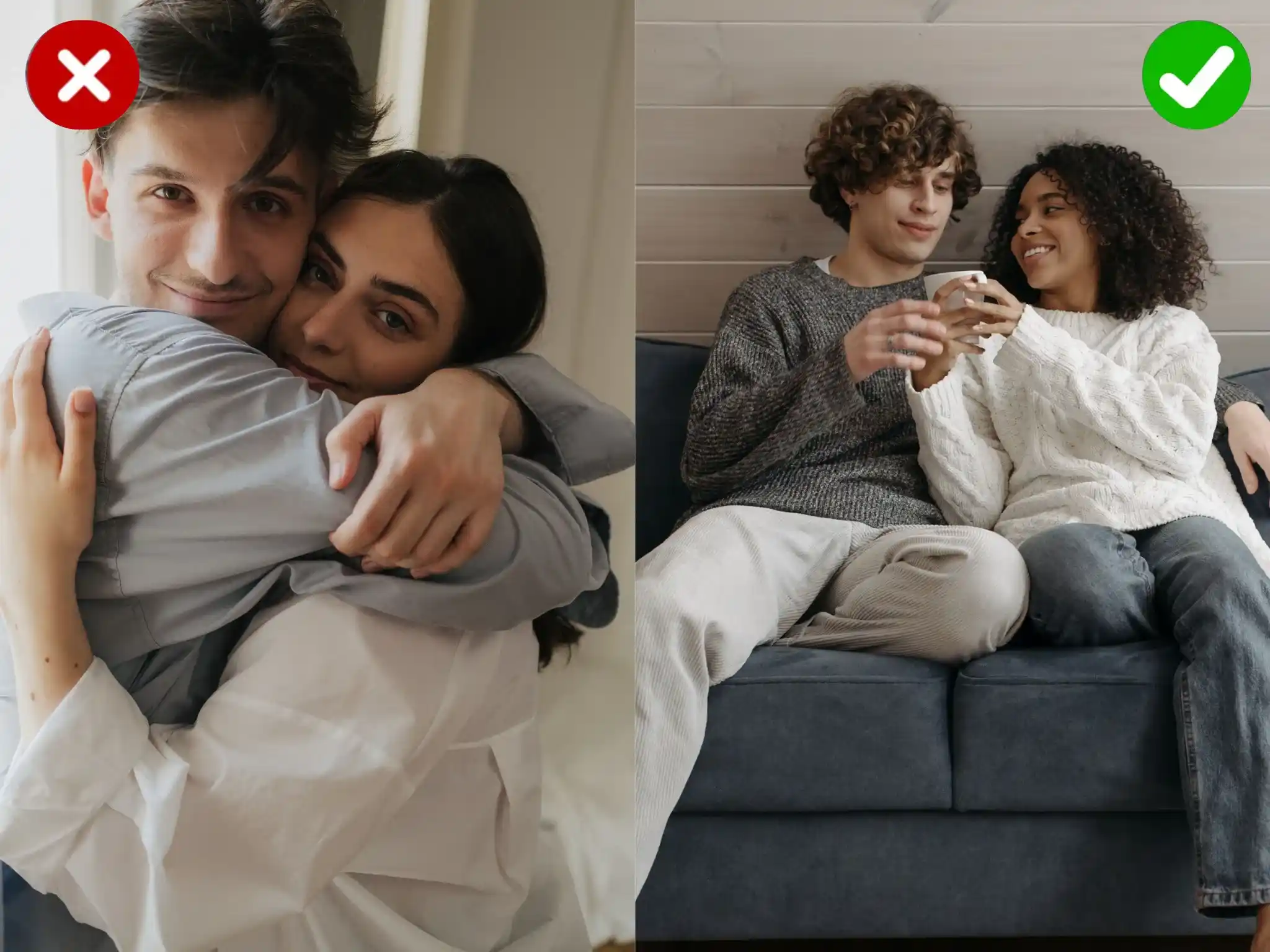
Results are strongest with four faces or fewer and with your subjects not overlapping. When two people stand shoulder to shoulder with their heads touching, detection has to guess where one face ends and the next begins. A half step of space between subjects makes a visible difference.

Avoid heavily blocked or blurred faces

Mistakes to avoid

Do not use a source photo smaller than a few hundred pixels wide, do not expect a face that only ever appears in profile to swap cleanly, and do not assign the same source photo to two different people unless you actually want twins. Multiple face swap video free runs are quick, so it is worth generating twice with different source photos rather than settling for the first attempt.

What You Can Do with Multiple Face Swap Video

Create group video variations when several people share the frame. Use only footage and face photos you own or have permission to edit.

Multi-Creator Social Video

Swap Four Faces in One Pass, Not Four Separate Edits

With a single face tool, a four person clip means four exports and a stitching job in an editor, and every pass risks a slightly different color or timing. A multiple face video swap runs all four at once from one upload. Group dance trends, friend skits, party recaps, and reunion clips all come back as one finished file, usually in a couple of minutes.

Group Events and Reunion Clip

Pick Who Changes and Who Stays As Filmed

You decide face by face. Replace all four detected people, or leave some exactly as shot. This is the practical option for a wedding video where the couple stays original and the guests get new faces, or an ensemble fan edit where only certain characters need changing. Anyone you skip is untouched in the output, and if your clip has more than four faces, the extras stay as filmed rather than throwing an error.

Team and Coworker Video

Give Each Person a Different Face

Four detected people can become four different people, not one face copied four times. A video multi face swap assigns your source photos slot by slot, so a family greeting can cast every member as a different character, and a four character scene can be recast with four different friends. Nobody in the frame shares a face unless you deliberately assign the same photo twice.

UGC Ad Variation

Recast a Whole Group Scene at Once

Some footage only works if everyone in frame changes together. Team intro reels, offsite recap videos, group reaction clips, and ad variants with several people on camera all fall apart when one face is swapped and the rest are strangers. Swapping the full group in one run keeps the scene coherent, and it lets you test a second cast on the same footage without booking a reshoot.

What Our Users Say

Here is what people say after their first group swap with EasyFaceSwap.

Marcus L.
Marcus L.Wedding videographer

I cut a highlight reel where the couple stays themselves and the groomsmen become movie characters. Being able to skip two faces and swap the other four in one pass saved me an afternoon of exporting. Faces near the back of the shot need a sharper source photo, but that is on me.
Tasha B.
Tasha B.TikTok creator

Group dance trends are the whole point for me. Four of us in one clip, four different faces, done in about two minutes. What I care about is picking who becomes who myself. Other tools kept assigning the wrong face to the wrong person and the video was ruined.
Dev P.
Dev P.Social media manager

We test ad variants with different on-camera casts before committing to a reshoot. Swapping the full group at once keeps the scene consistent, which matters when three people are talking to camera. Wish it took more than four faces for our bigger team shots.
Elena V.
Elena V.Casual user

I put my whole family into an old dancing clip for my mum's birthday and sent it to the family chat. Everyone got a different face, nobody was left out. I do not edit video at all and it still worked on the first try.

Chris O.
Chris O.Twitch streamer

Reaction clips with the mod team all swapped in are a running bit on my channel. Four of us sitting in frame, four different faces, and each one blends to its own lighting instead of all looking the same shade. I stick to clips where everyone is facing the camera.

Nadia H.
Nadia H.Film student

I recast a four character scene with my classmates for a course project. Each person keeping their assigned face through the whole take is the part that surprised me. Profile shots lose some detail, so I picked takes that face camera.
Multiple Face Swap Video FAQs

Get clear answers to ensure a safe, efficient, and high-quality experience.

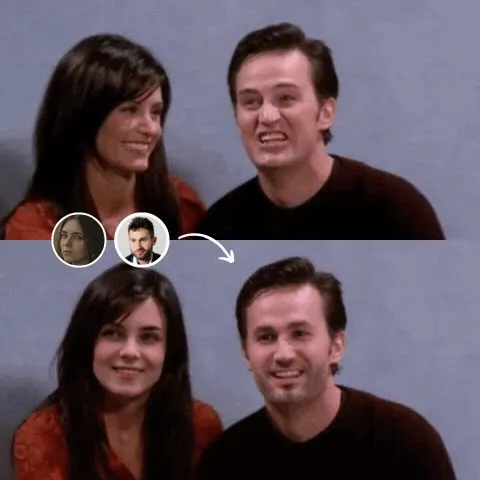
It is a clip where more than one person's face has been replaced. The tool detects each face in your footage, lets you assign a separate source photo to each one, then tracks and blends those faces across every frame. EasyFaceSwap supports up to four people in a single clip, which makes it suited to group footage rather than single subject shots.

Upload your group video, match a source photo to each detected person, choose which faces to replace, and generate the result in your browser. Clear, visible faces and limited overlap give the most reliable output.

Up to four faces in one video. Each face gets its own detection, blending, and colour match, and keeping the count at four is what lets every one of them get that level of attention. Four faces that all look right is a better result than a larger group where only the person closest to camera holds up. If your video has more than four faces, the four largest in frame get replacement slots and everyone else stays exactly as filmed.

The tool rebuilds pixels inside detected face regions while leaving the surrounding frame unchanged. Backgrounds, clothing, and hair retain detail from the original footage. The result is returned in HD.

It depends on the video you upload. Length and resolution matter most, and the number of faces adds to it as well, since each detected person is handled separately. A short group clip comes back quickly, while a longer or higher resolution file takes more time.

Multiple face swap video is free to use directly in your browser, and all generated results come without any watermark, so you can try the full workflow without installing desktop software.

A single face swap replaces one face and ignores everyone else in frame, which is fine for solo footage. Multiple face swap detects every face and lets you assign a different source photo to each person, so a group clip does not end up with four copies of the same face. If your clip only has one person in it, our <a href="https://easyfaceswap.com/video-face-swap">video face swap</a> tool is the simpler path.

Your uploads are processed for your job and are not published or shared. Use only footage you shot yourself or have permission to edit, and only source photos of people who agreed to it. Swapping faces of people who have not consented, or using this for anything deceptive or explicit, is not allowed. To avoid copyright issues, do not upload videos or photos you do not have rights to.

Your Group Videos Stay Private

How your files are handled

Uploads are processed to generate your output and are not posted anywhere or used to promote the tool. Retention follows our privacy policy.

Use only footage you have rights to

Group video means other people's faces, so consent is not optional. Upload footage you shot or have permission to edit, and get agreement from anyone whose face you are adding or replacing. That covers you legally and it is the right thing to do.

Your control over uploads

You choose which detected faces get swapped and which stay untouched. Anyone you skip is left exactly as filmed, and you download the result yourself rather than it being published on your behalf.

Ready to Swap Multiple Faces in Your Video?

Upload a group clip, give each person their own face, and download a finished multiple face swap video in a couple of minutes. Free to use, nothing to install.

Swap Faces Now