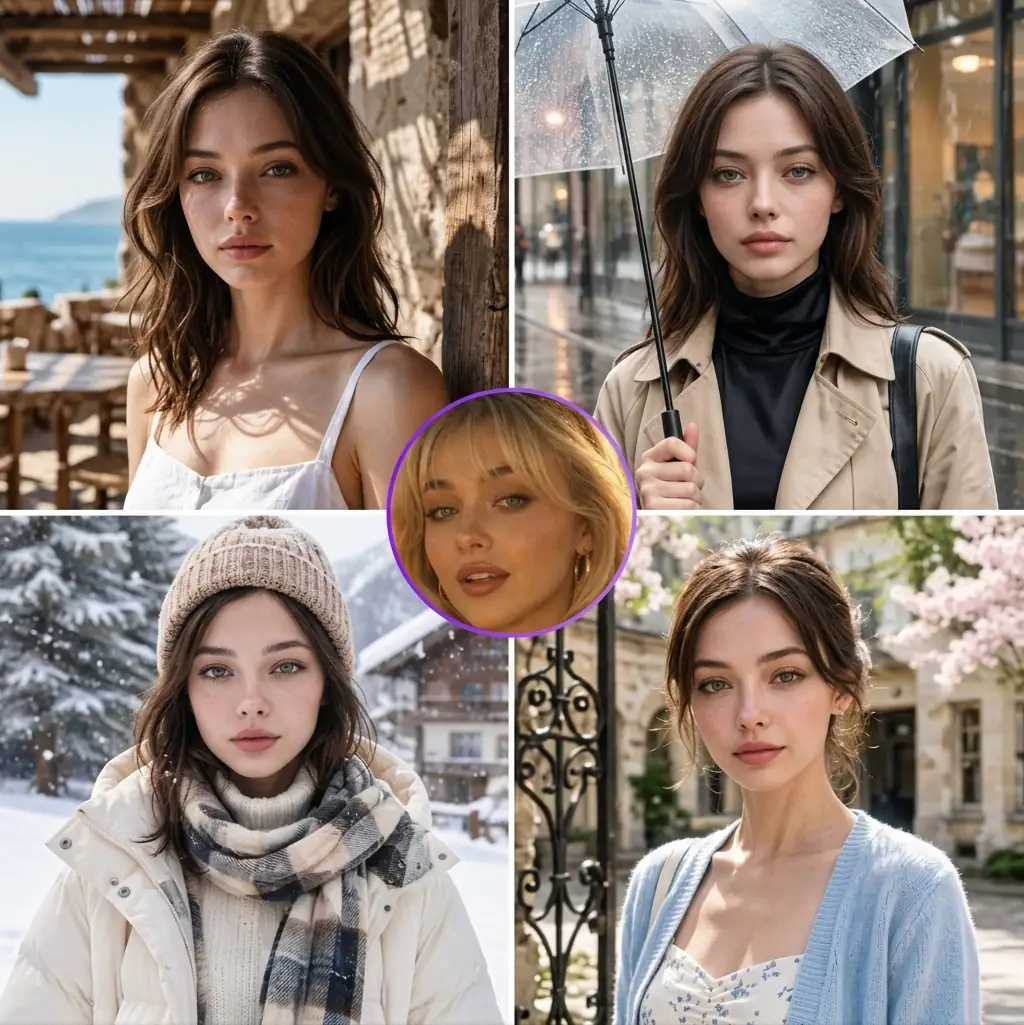
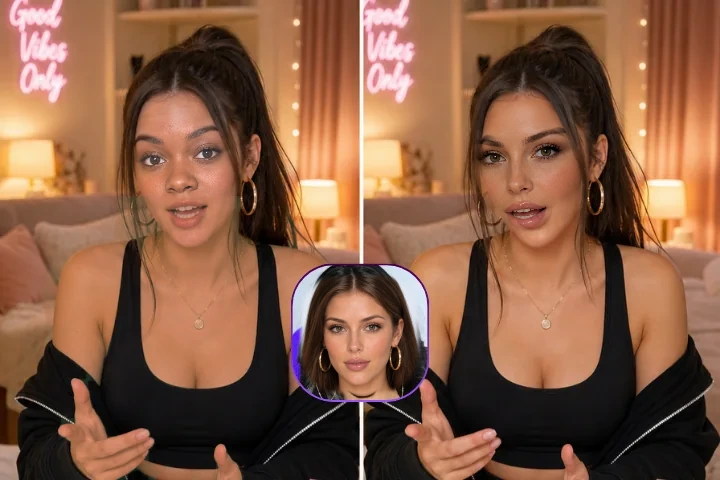
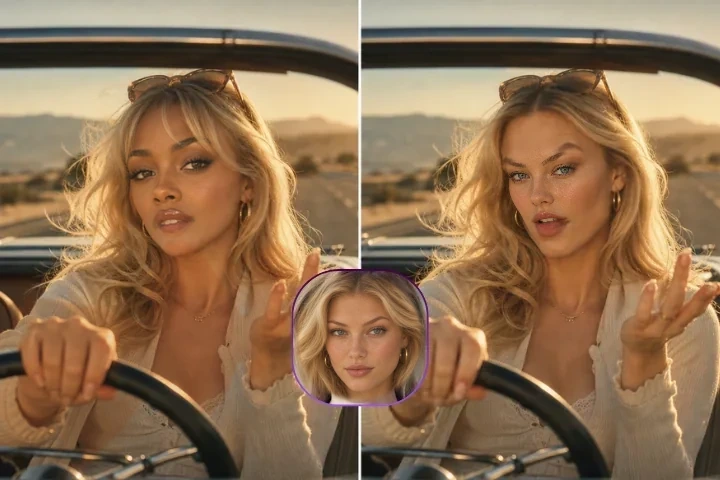
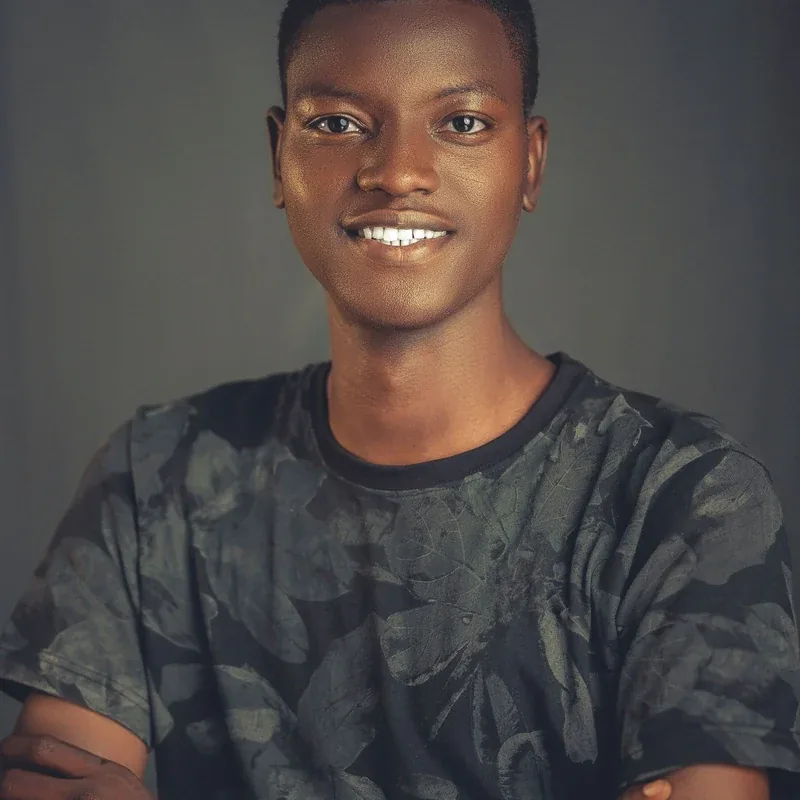
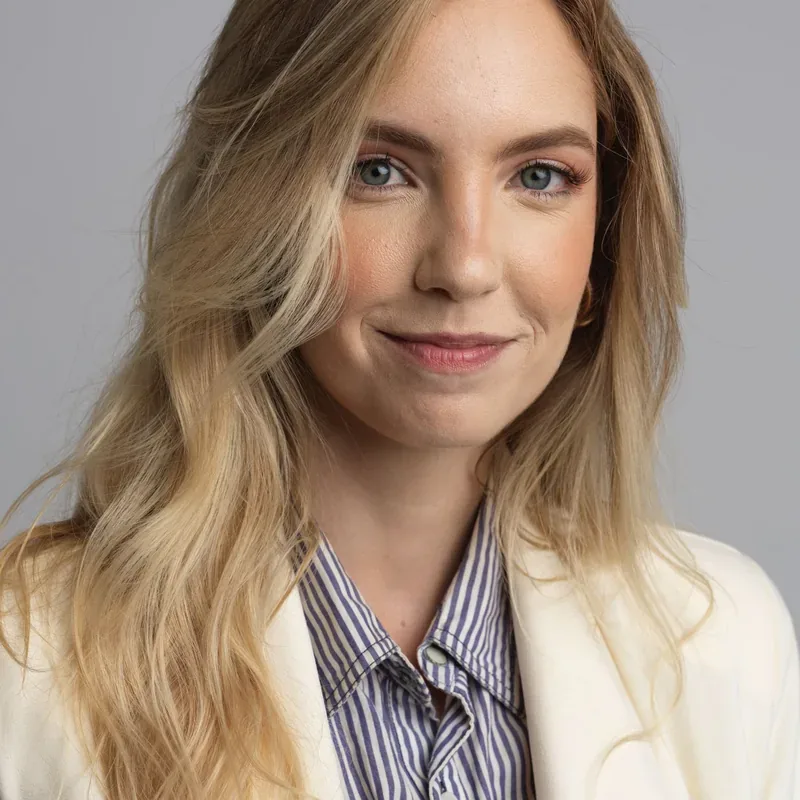
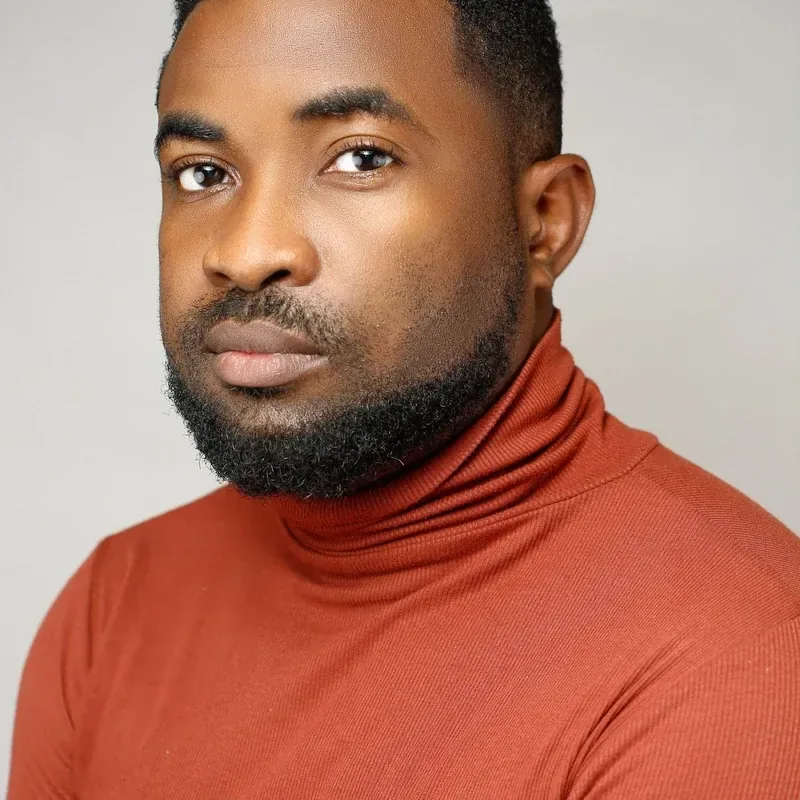
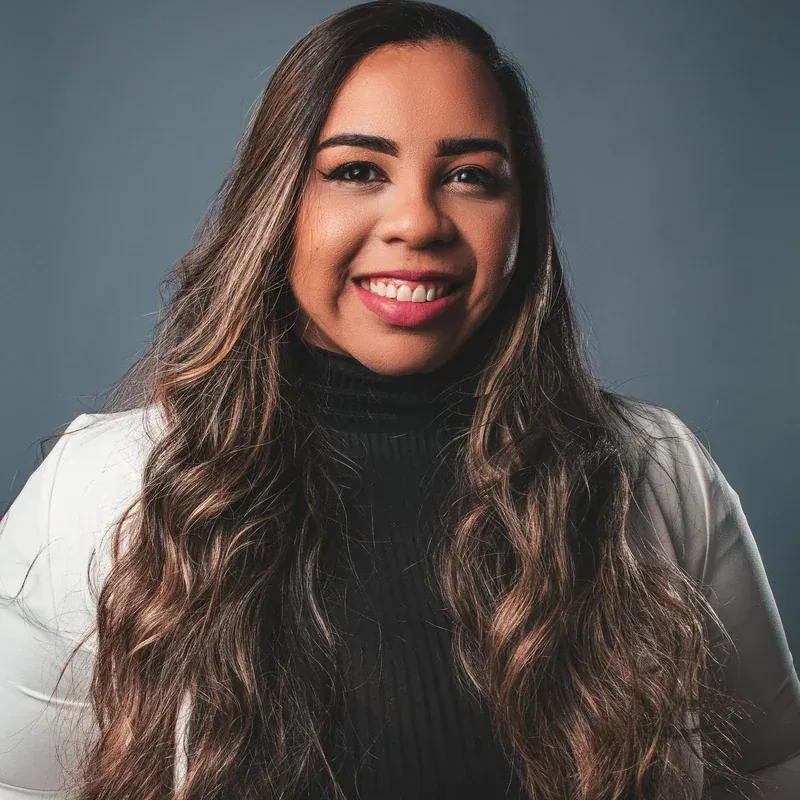
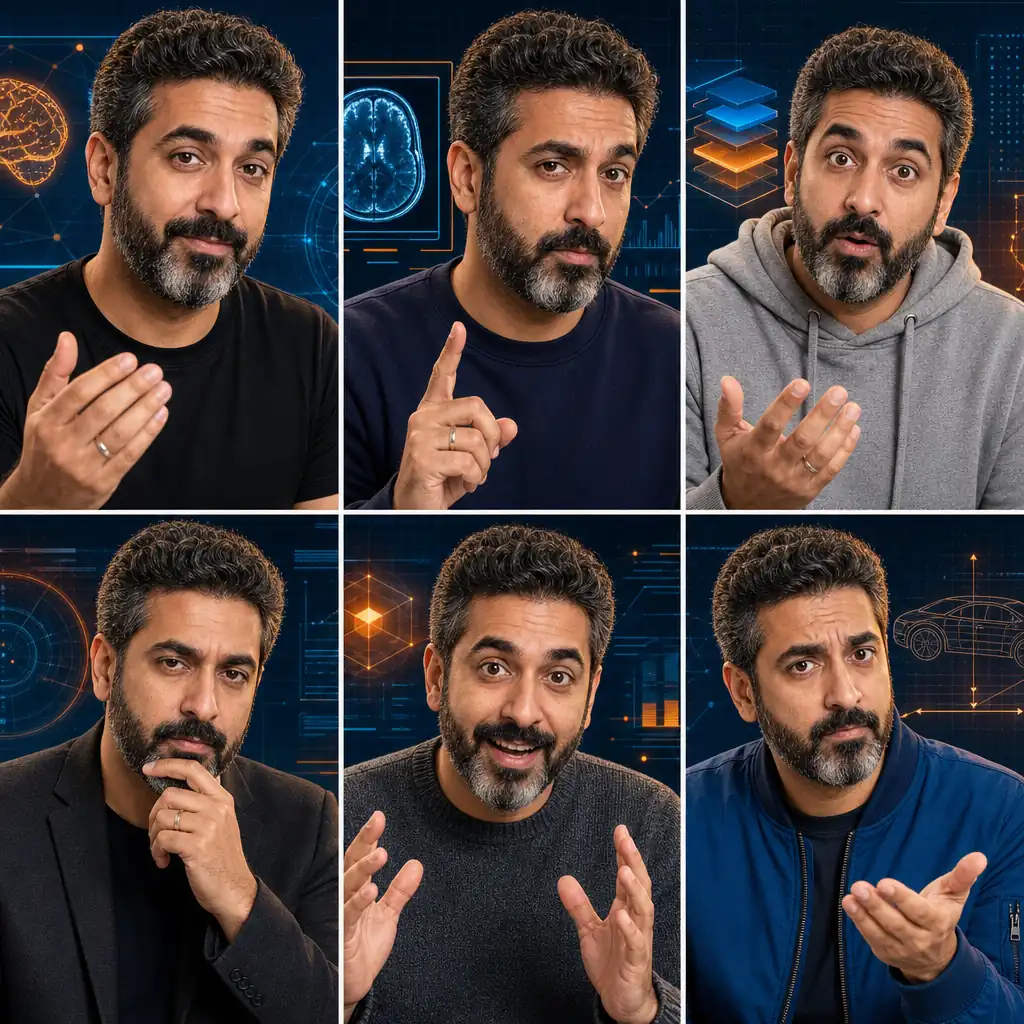
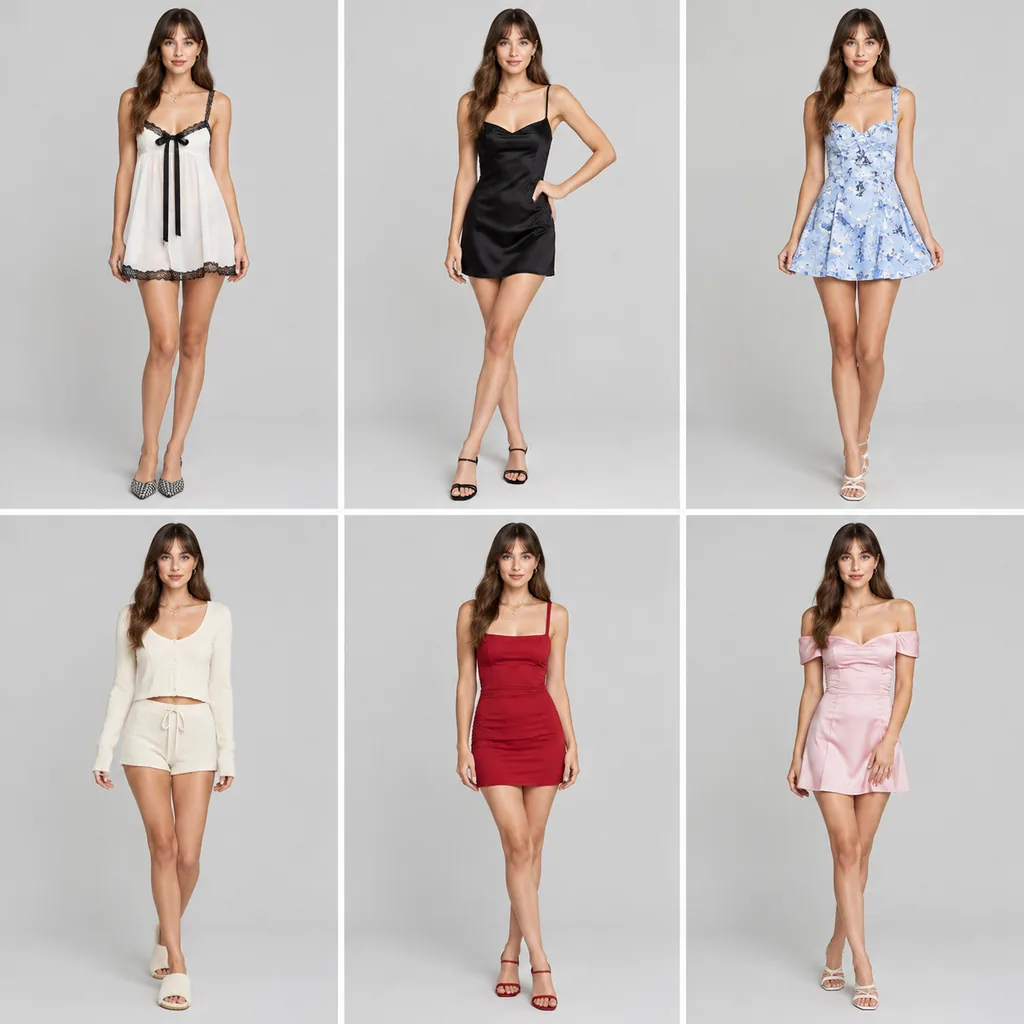
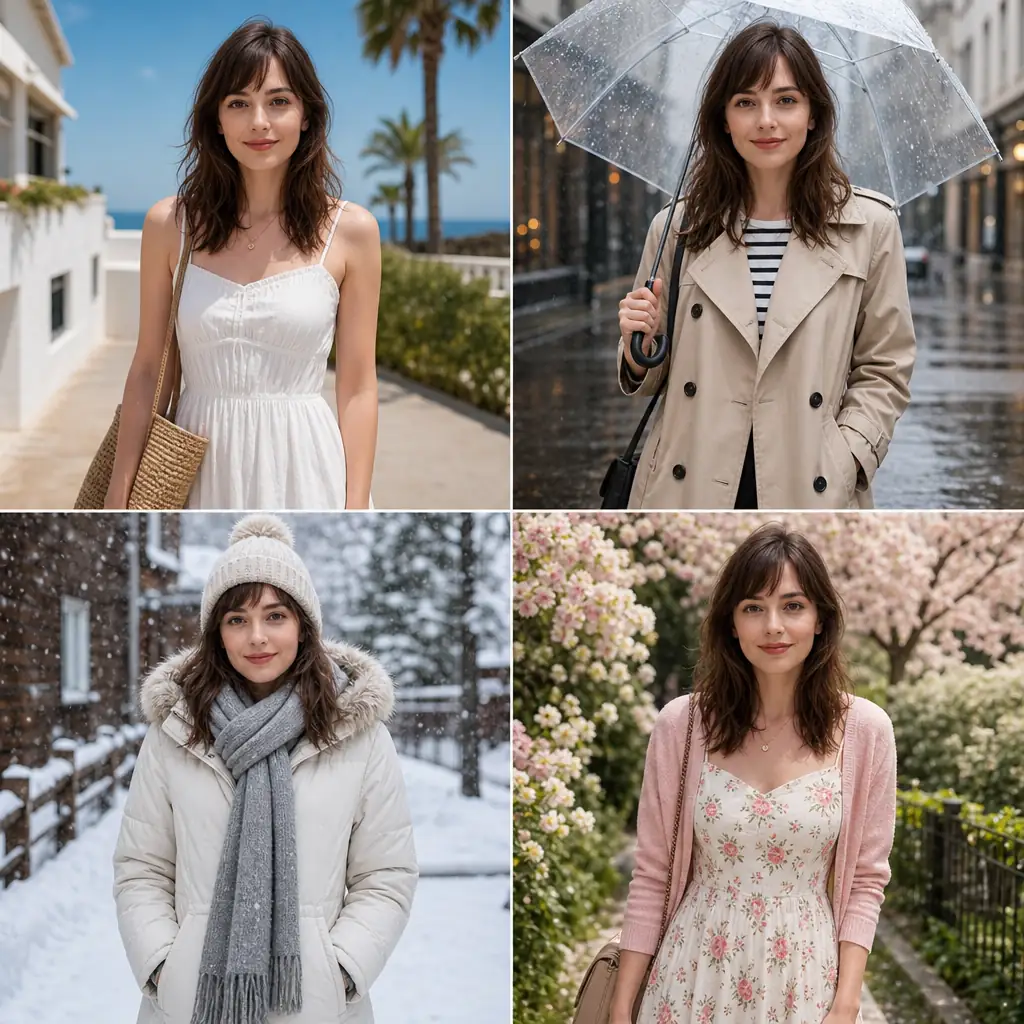
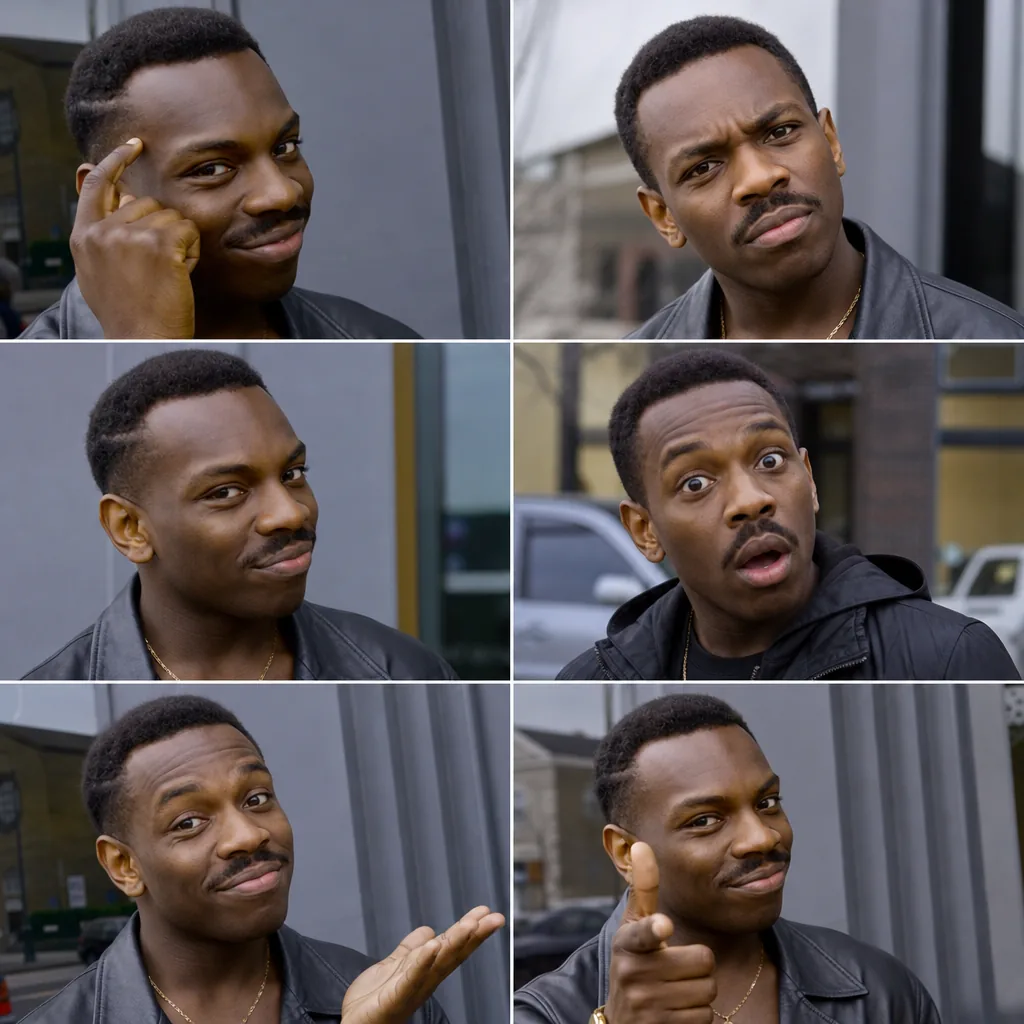
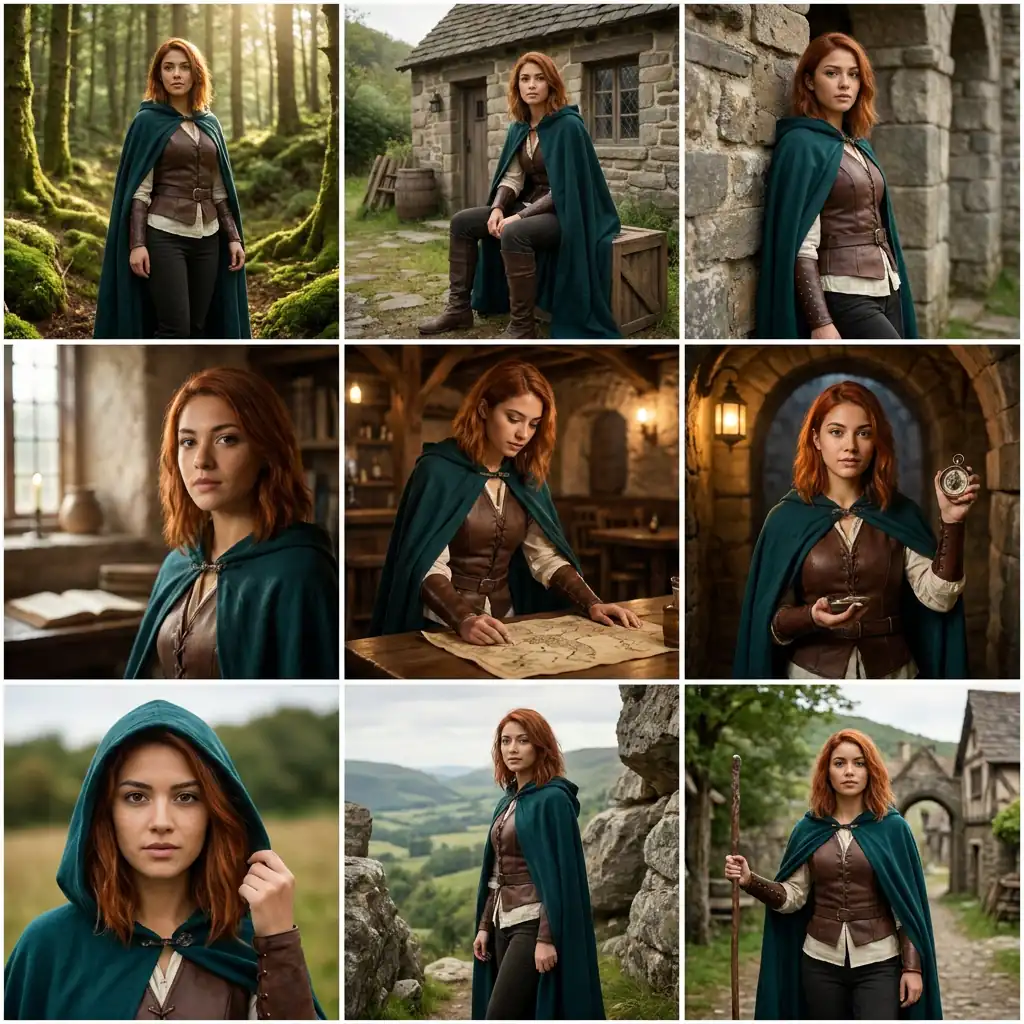
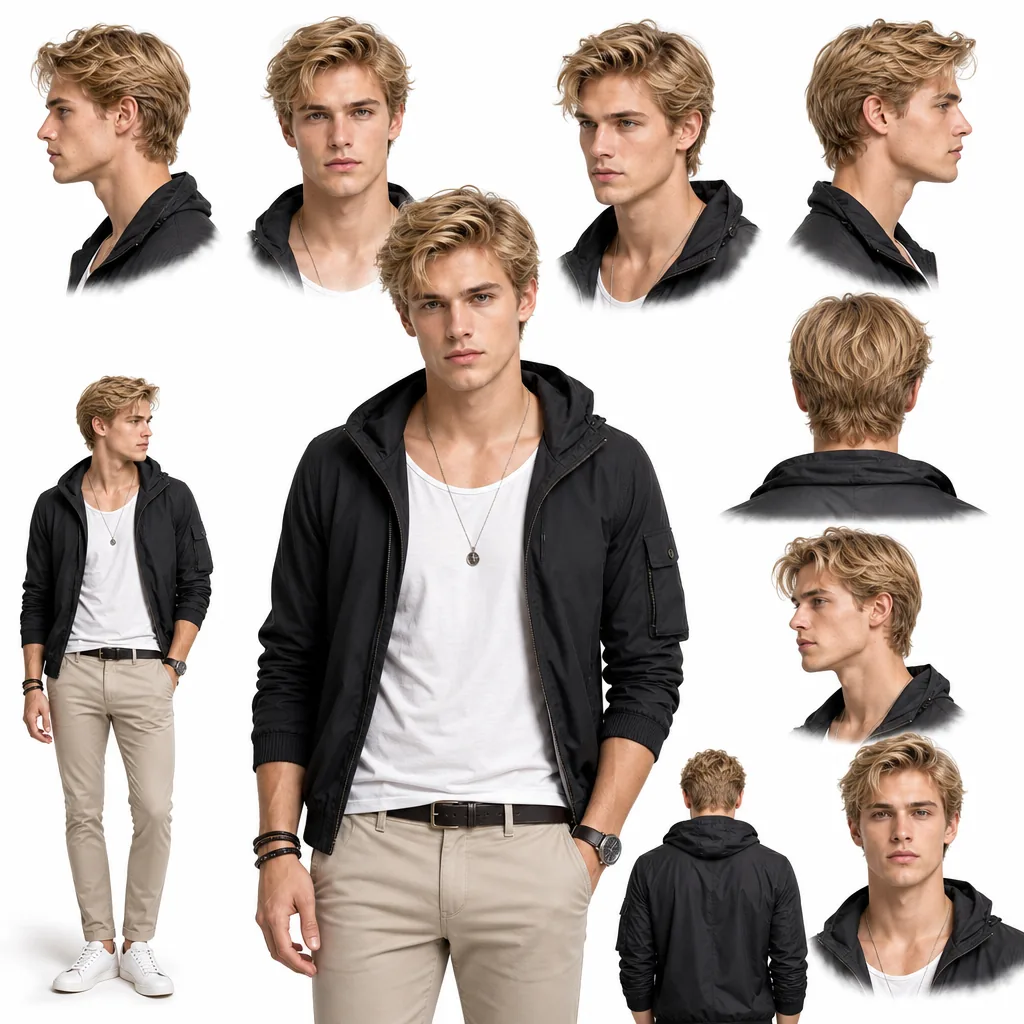
Swap one face into multiple photos at once with AI, creating consistent, natural-looking results while preserving each image’s original style.
Put one face into up to 10 photos.
Upload Photos0/10
Upload Face Image
Model
More realistic, but may show minor flaws.
Example result
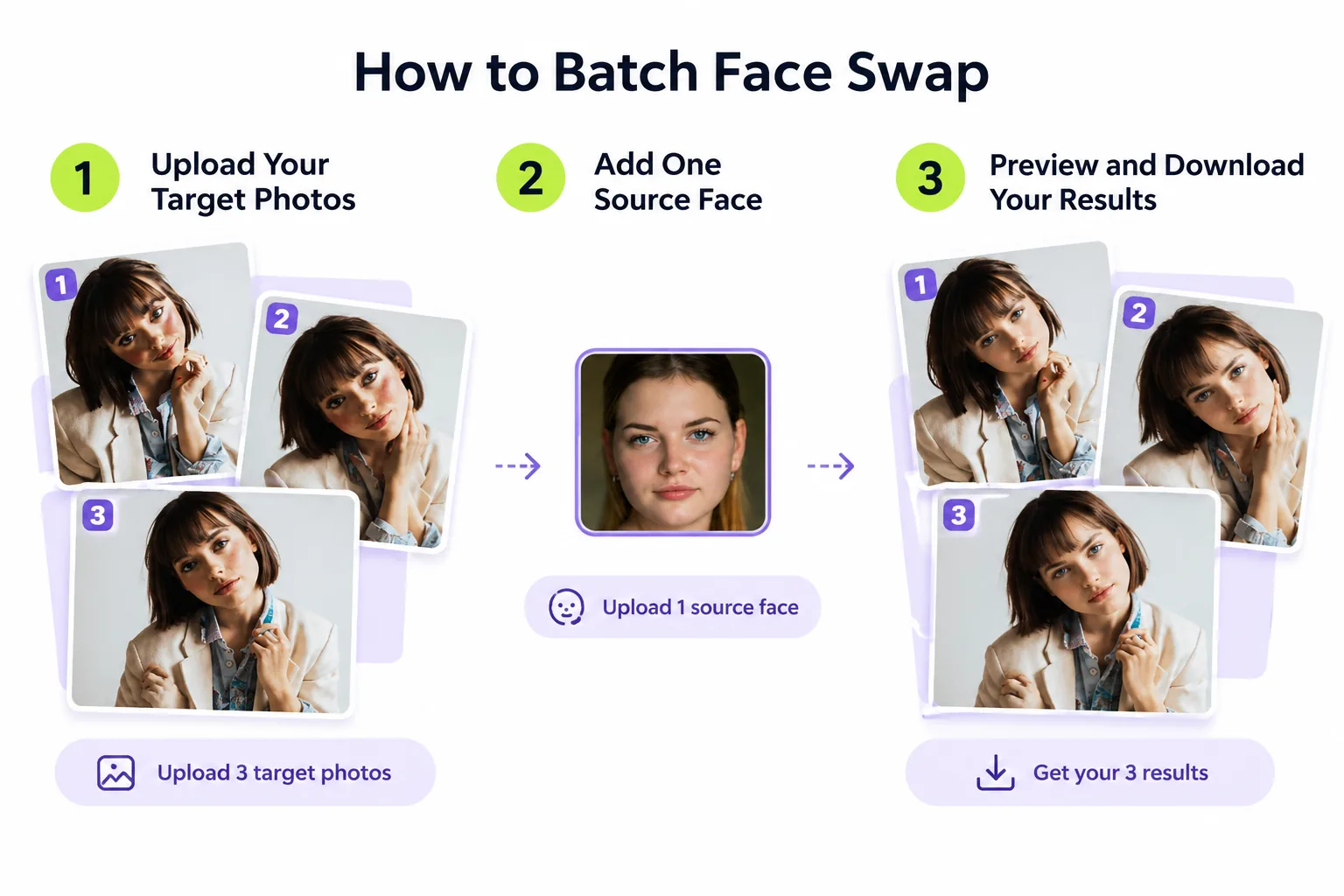
How to Batch Face Swap Online
1
Step 1: Upload Your Target Photos
Select the photos you want to edit and upload them together. You can process up to 10 target images per batch face swap.
2
Step 2: Add One Source Face
Upload a clear photo of the face you want to use. The AI uses this source face across your selected images, helping maintain a recognizable identity throughout the set.
3
Step 3: Preview and Download Your Results
Click Generate to start processing. If you’re not signed in, you’ll be prompted to log in before generation begins. Once processing is complete, review your batch face swap results and download the images you want to keep.
Batch Face Swap Across Multiple Photos at Once
Editing photos one by one can become tedious when you need dozens of variations. With AI batch face swap, you can apply one source face to multiple target photos in a single workflow instead of repeating the upload and setup process for every image.
Create a matching set of portraits in different poses, or prepare several creative variations in one session. This AI face swap batch workflow helps reduce repetitive work while making it easier to manage larger image projects.
From personal photo collections to content production, you can spend less time on manual edits and more time choosing the images that work best.
AI Batch Face Swap in Your Original Style
A convincing face swap should look like part of the original photograph, not an unrelated face pasted onto it. Our AI batch face swap tool aims to preserve the visual characteristics of each target image, including its lighting, colors, composition, background, and overall aesthetic.
A warm portrait stays warm, a cinematic scene retains its atmosphere, and a casual selfie keeps its original setting. Rather than applying one uniform visual treatment to every image, the AI adapts the replacement to the individual target photo.
This makes batch face swapping useful for creative projects where the original visual style matters as much as the replacement face.
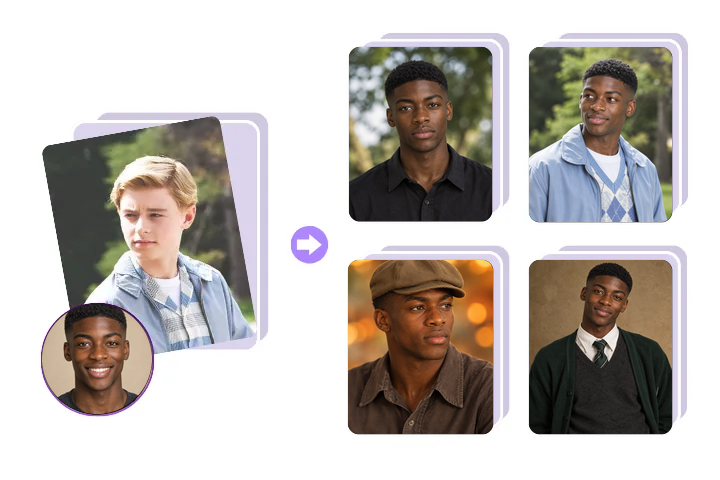
Keep the Same Face Across Your Entire Photo Set
Need one recognizable character across different images? Use a single source face to create a consistent series of portraits, social posts, campaign visuals, or product images.
Instead of manually matching facial features in each photograph, you can use the same reference face throughout your batch. The result is a more cohesive collection that is easier to organize and use across multiple platforms.
Although the source identity remains consistent, individual results of your batch face swap may vary depending on the target photo’s angle, lighting, resolution, and facial visibility.
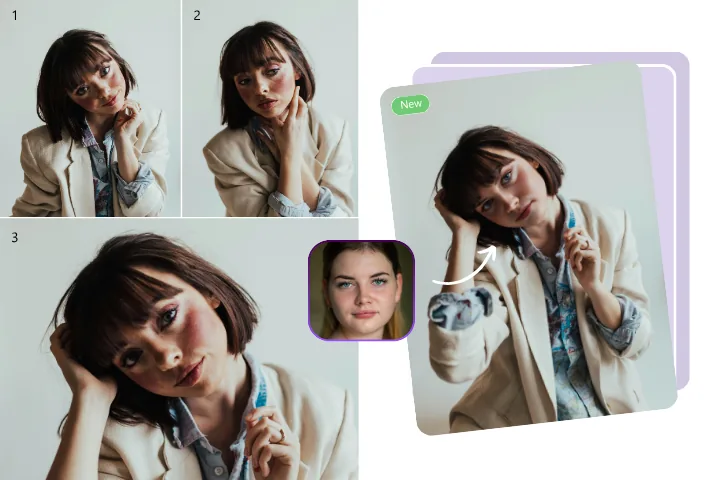
Natural Face Swaps Across Different Angles
People rarely look identical in every photo. They turn their heads, change expressions, and appear under different lighting conditions. EasyFaceSwap uses AI to adapt facial features to each target image, aiming for natural-looking proportions and a better visual match.
Whether your photos show a front-facing portrait, a three-quarter view, or a different expression, the system works to blend the replacement into the existing scene. Clear, well-lit source images and visible target faces generally provide better results.
Batch Face Swap Reviews
Read how global creators are transforming their workflows with our platform.
Alex MorganContent Creator
Social Media Creator — Faster Content Production
I upload videos to YouTube regularly, and I want my thumbnails to have a consistent personal look. With AI batch face swap, I can put my own face into multiple thumbnail designs at once instead of editing each one separately. It saves me time when preparing covers for new videos.
We needed a consistent model identity across multiple promotional images. Batch face swap processing helped us prepare a more cohesive visual collection without manually repeating the same editing steps for every photo.
Daniel BrooksMarketing Manager
Marketing Professional — Unified Campaign Assets
Our campaign needed several creative variations featuring the same character. This workflow helped us produce a consistent set of visuals for different placements while keeping each image’s original composition.
Sophie BennettDigital Creator
Meme Creator — More Variations in Less Time
I like experimenting with funny reactions and different scenes. Instead of swapping the face into every picture separately, I can batch face swap several variations together and choose the funniest results.
Ryan MitchellCosplay Enthusiast
Cosplay Enthusiast — Character Photo Collections
I wanted to create a themed collection using photos from different poses and scenes. Using one source face and batch face swap across the set made the collection feel more connected while preserving the look of each original photo.
Olivia ParkerDigital Artist
Digital Artist — Exploring Character Concepts
When developing a character concept, I often compare different expressions, compositions, and visual styles. Batch face swapping gives me a faster way to explore ideas before deciding which images deserve further refinement.
Batch Face Swap Use Cases
Creator Thumbnails and Social Content
Creating thumbnails for multiple videos? Use AI batch face swap to add your own face to different thumbnail images in one go, maintaining a consistent personal look across your YouTube channel while saving time on repetitive edits.
E-Commerce Product Photos
Create a more cohesive visual identity across product galleries and promotional images using batch face swap. Sellers and marketing teams can use a consistent source face across eligible model photos, helping maintain continuity when preparing product collections. Always ensure you have the necessary rights and permissions for the images and likenesses you use.
Marketing Visuals with One Brand Character
Develop campaign variations featuring the same character across different scenes. Prepare creative assets for advertisements, landing pages, social posts, and presentations while preserving the original composition of each target image.
Create Meme Collections with Bulk Face Swap
Turn a collection of reaction images, familiar scenes, or humorous portraits into a themed series. Bulk face swap makes it easier to experiment with multiple targets and select the strongest results without processing each image individually.
Cosplay & Character Photo Sets
Create themed photo collections with one consistent face across different costumes, poses, and backgrounds. This is useful for fan projects, personal edits, and character-inspired social content.
Character Concepts & Visual Projects
Explore character appearances across multiple reference images, mood boards, and creative concepts. AI-assisted batch editing can help artists and designers compare visual directions more efficiently before moving into detailed production.
Private & Secure Batch Face Swap
Your images deserve careful handling throughout the editing process.
Automatic File Deletion
Your generated images are automatically deleted after a limited storage period. This helps protect your privacy while giving you time to access and download your results.
No Training on Your Photos
Your uploaded photos are not used to train AI models. You can create face-swapped images without contributing your personal photos to model training.
Secure Cloud Processing
Your target photos and source face images are processed in the cloud to generate your results. We do not store the original files you upload, helping keep your source images separate from the generated outputs.
Batch Face Swap FAQs
Get clear answers to ensure a safe, efficient, and high-quality experience.
Batch face swap is an AI-powered process that replaces a face in multiple target photos using one source face. Instead of editing every image separately, you upload a collection of photos, select the replacement face, and generate the results together. It is useful for content creation, product imagery, marketing assets, and creative projects.
Batch face swap processes multiple photos, typically using one source face across different target images. Multi-face swapping, by contrast, replaces two or more faces within a single photo. The two workflows solve different problems: one creates a consistent face across an image collection, while the other edits several people in the same scene.
You can get started with daily free credits. New users also receive free credits, and logged-in users can claim additional free credits each day. Batch Face Swap uses credits based on the number of images processed. If you need to process more images, visit our Pricing Page to explore available options.
Each target image costs 2 credits. For example, generating 5 images costs 10 credits, while generating 10 images costs 20 credits. Your total usage depends on the number of images you process and your available credit balance.
Yes. Batch Face Swap is a feature available to registered users. Sign in to access and use it with your available credits.
The tool supports JPG, PNG, and WEBP image formats. Use a clear image with a visible face for the best chance of achieving a natural-looking result.
Standard logged-in users and users who purchase credits can upload up to 10 target photos per batch. Each target image uses 2 credits, so make sure your balance covers the selected batch.
The tool aims to preserve each target photo’s original composition, colors, lighting, and overall style while adapting the replacement face. Results can vary depending on image resolution, face visibility, head angle, and lighting. Clear images with unobstructed faces generally produce more reliable results.
Processing time depends on the number of photos, image complexity, and current system demand. Larger batches may take longer than individual images. Wait for generation to finish before downloading your results.
Yes. All Batch Face Swap results are generated in high definition (HD) without watermarks, so you can download and use your images with a clean, clear finish.
Uploaded images are processed through the service’s cloud-based workflow. Under the stated privacy practices, uploaded photos are not used for AI model training, and files are subject to deletion within two days. For additional details, consult the applicable privacy policy.
After generation finishes, download your images from the results interface. Generated files are automatically deleted after 1 day for non-logged-in users and 2 days for logged-in users. Be sure to download any images you want to keep before they are automatically deleted.
Start Your Batch Face Swap Now
Upload your batch, choose a target face, and watch the AI handle the rest.