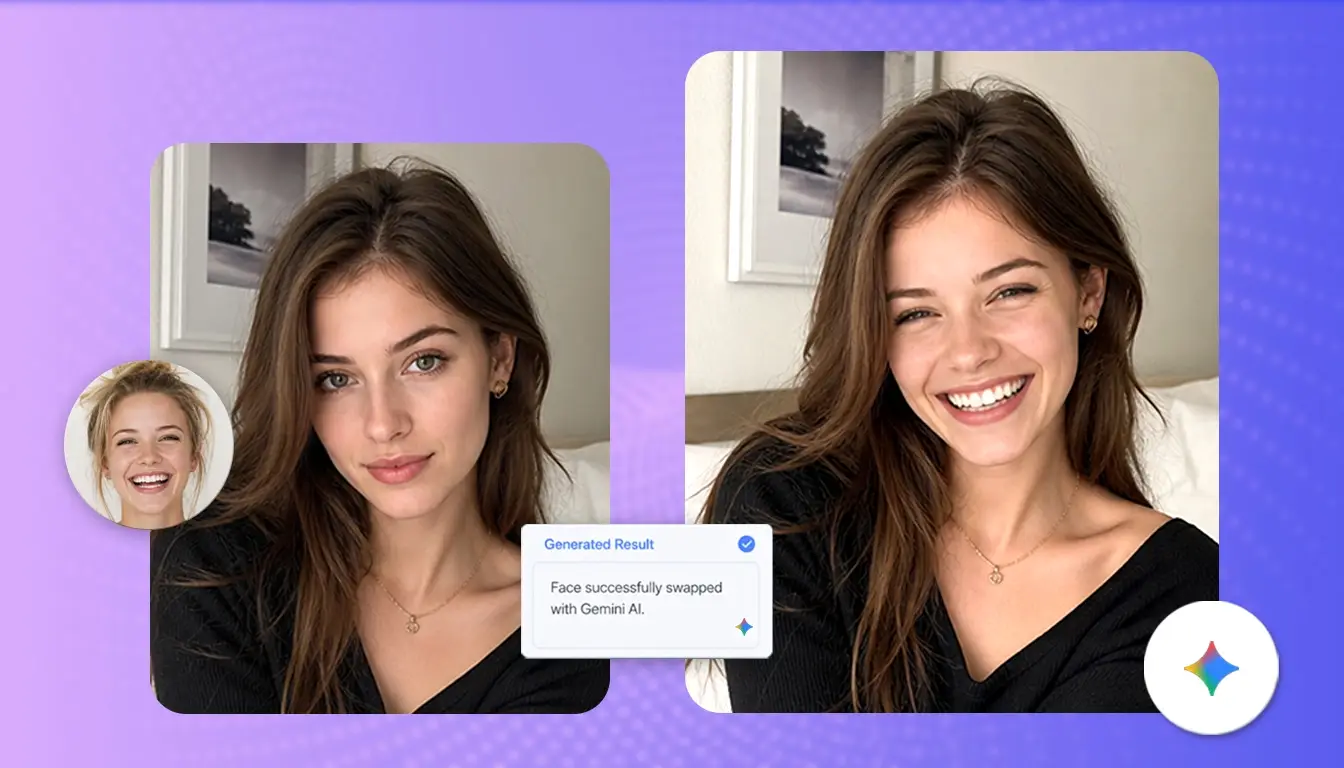
I use Gemini for plenty of creative tasks, so trying a Gemini face swap felt like an obvious starting point. But after comparing its prompt-based process with EasyFaceSwap, I found that the two tools solve the problem in very different ways. Gemini gives you more room to describe and refine an idea, while EasyFaceSwap offers dedicated workflows for photos, videos, and GIFs.
Gemini Face Swap vs EasyFaceSwap: My Quick Verdict
If you want to adjust the lighting, setting, clothing, visual style, and face in one conversation, Gemini is the more flexible option. You can explain what you have in mind and continue refining the image with follow-up prompts.
EasyFaceSwap feels more straightforward when replacing a face is the entire task. You choose the relevant format, upload your media, and let the tool handle the swap without writing a long prompt.
| Feature | Gemini | EasyFaceSwap |
|---|---|---|
| Main workflow | Natural-language prompts | Guided upload workflow |
| Photo face swap | Depends on current image features | Dedicated support |
| Video face swap | No consistent dedicated workflow | Dedicated video tool |
| GIF face swap | No consistent dedicated workflow | Dedicated GIF tool |
| Creative control | Strong | Focused on face replacement |
| Prompt writing | Usually required | Minimal |
| Best for | Broader creative image editing | Direct photo, video, and GIF swaps |
My short conclusion is that a Gemini face swap provides more creative freedom, but EasyFaceSwap provides a quicker and clearer path—especially when the input is a video or animated GIF.
What Is Gemini Face Swap?
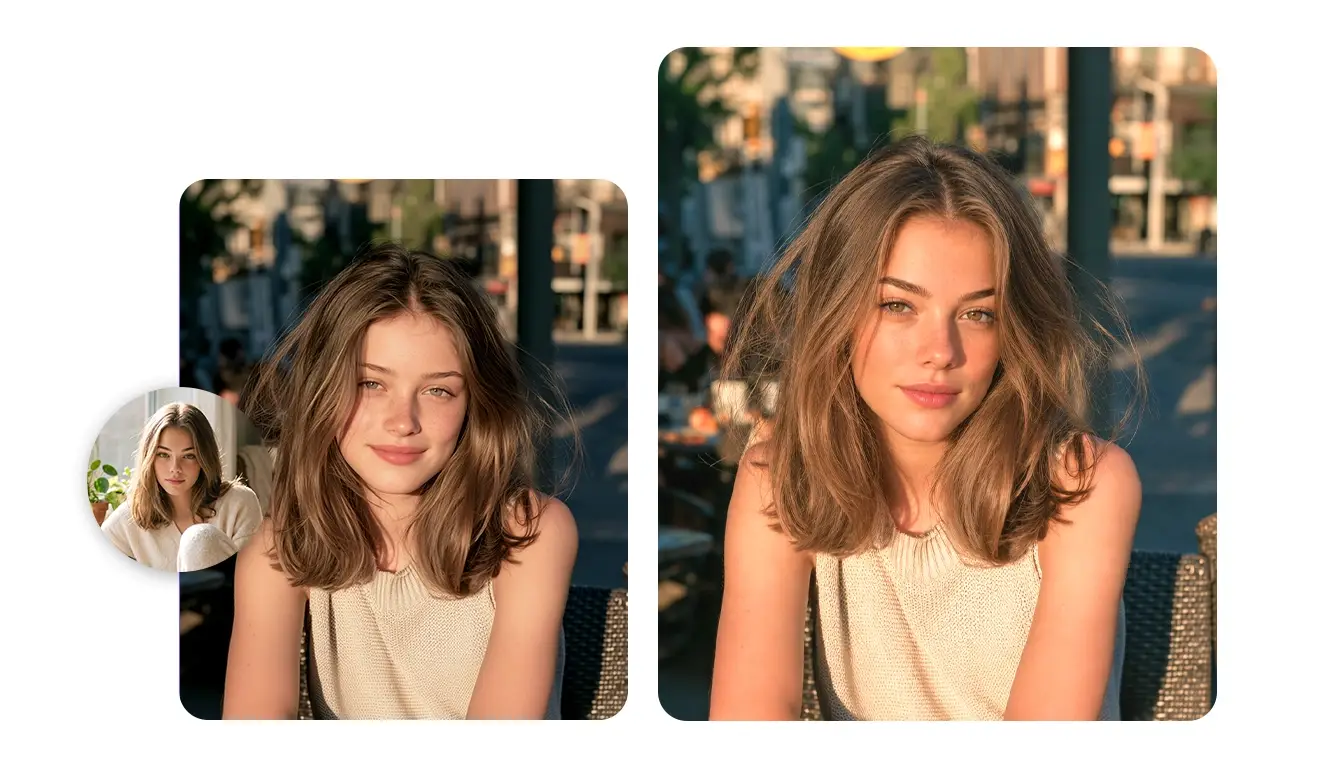
Before trying it, I initially assumed that Gemini had a separate face swap feature. It does not. The term Gemini face swap generally refers to asking Gemini’s available image tools to replace or reinterpret a face through natural-language instructions. The usual process involves uploading a reference portrait and a target image. You then tell Gemini to place the person from the reference photo into the target scene.
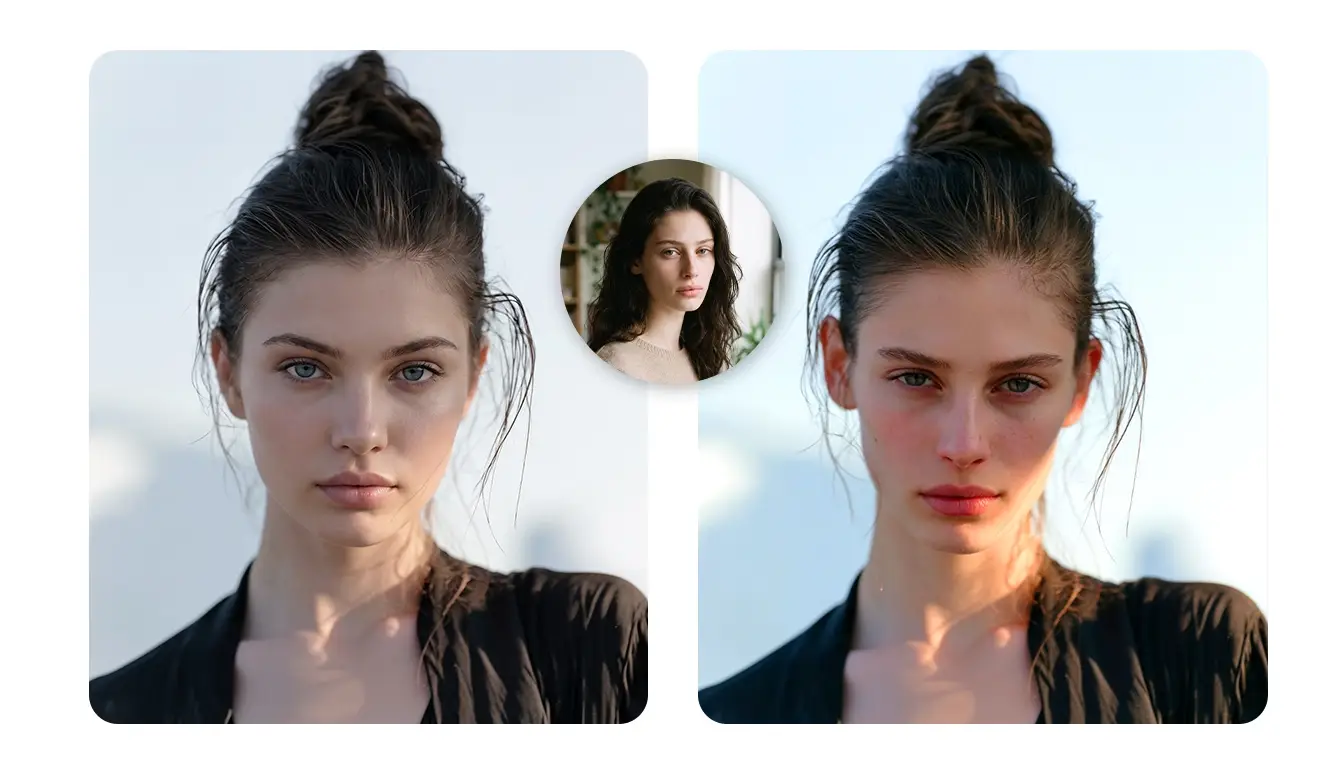
This works differently from a dedicated face swap tool. Gemini is a general-purpose generative assistant, so it has to interpret what “swap the face” means. In some results, it may recreate the source person rather than transfer every facial detail exactly. The image can still look polished, but the eyes, eyebrows, mouth, or jawline may look slightly different.
The available features and results may also depend on your Gemini model, account, region, uploaded content, and current safety policies.
The Gemini Face Swap Prompt I Used
I found that short prompts such as “swap these faces” left too much room for interpretation. A more specific Gemini face swap prompt worked better because it clearly separated the source identity from the target scene:
Use the face from the reference portrait on the person in the target image. Preserve the target’s pose, expression, hairstyle, clothing, lighting, framing, and background. Change only the face.
If Gemini changes the hairstyle or background, I would not recommend starting again with an entirely new prompt. Instead, point out the exact problem. For example, ask it to restore the original hair and background while keeping the new face. Attention, Gemini may restrict requests involving harmful impersonation, fraud, sexual content, minors, public figures, or other sensitive situations.
Where Gemini Did Better
Gemini’s biggest advantage is its conversational control. I could describe more than a basic face replacement and explain how I wanted the complete image to look.
For example, I can ask for cinematic lighting, a different location, new clothing, and a facial change in the same conversation. Gemini can also help rewrite an unclear prompt and respond to specific feedback about the result. That makes a Gemini face swap useful when the face is one part of a broader creative project.
What Is EasyFaceSwap?
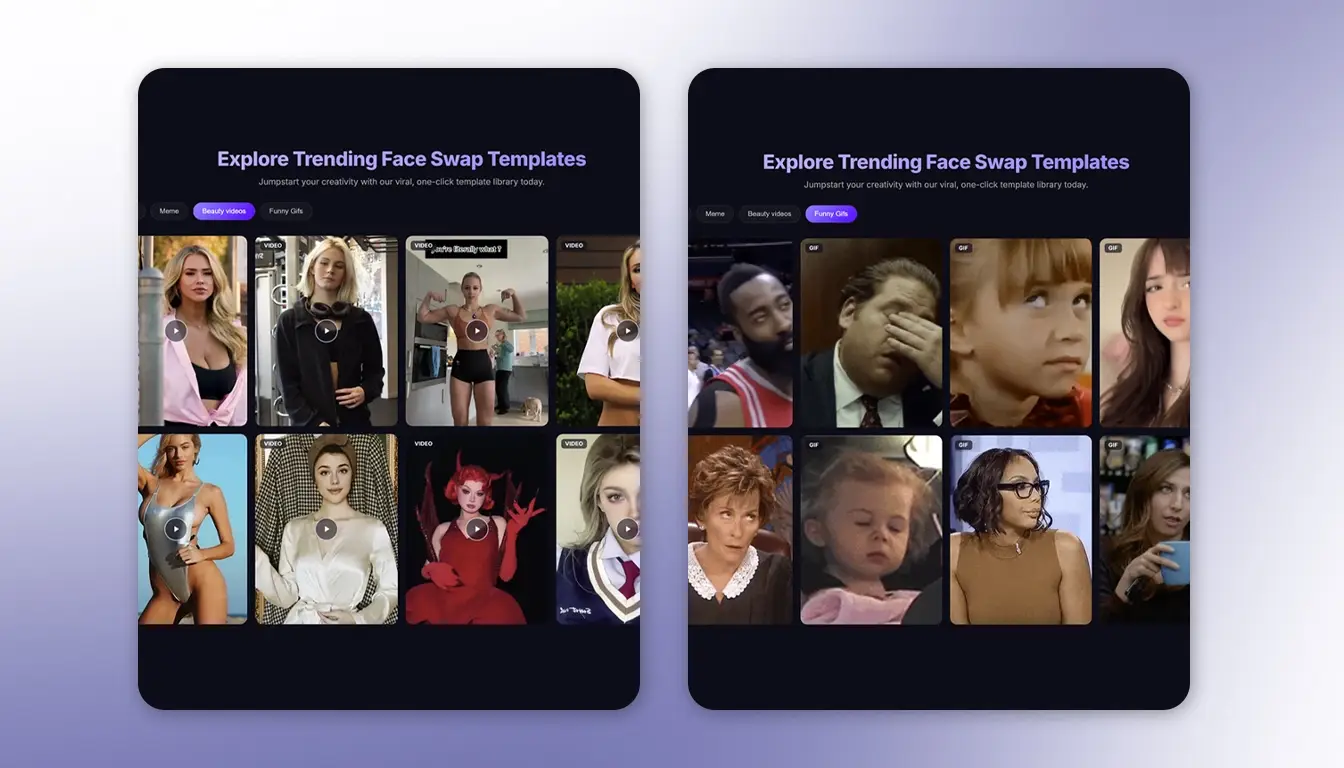
EasyFaceSwap is an online platform made specifically for face replacement. It supports photos, videos, and GIFs without requiring users to explain the entire operation through a detailed prompt.
The experience felt more guided. Instead of describing which image provides the identity and which one provides the scene, you select the appropriate function and upload the required files.
EasyFaceSwap is suitable for portrait edits, memes, reaction GIFs, short-form videos, character transformations, and casual creative projects. Its purpose is narrower than Gemini’s, but that focus makes everyday face swaps easier to approach.
Photo, Video, and GIF Face Swaps
Photos are the simplest format because the system only needs to process one frame. Videos are much harder. The replacement has to remain consistent while the target turns, smiles, speaks, blinks, or moves through different lighting.
GIFs present many of the same problems. Fast movement and visible looping can reveal poor alignment or flickering. A dedicated GIF workflow is much more convenient than treating every frame as an individual picture.
EasyFaceSwap provides a dedicated AI video face swap tool. You do not have to extract a video into separate frames, edit every frame, and then rebuild the clip.
How I Approached the Comparison
To compare the workflows fairly, I considered four practical scenarios: a clear front-facing portrait, a side-angle photo, a short clip with head movement, and a looping reaction GIF. I did not use fixed processing speed as the deciding factor because it can change with file size, account access, internet quality, and service traffic.
Clear Portrait Test
I started with the easiest situation: a sharp, front-facing source portrait with even lighting. The target image also showed the face clearly, without hair, glasses, or hands blocking important features.
This type of input gives both tools the best chance of producing a convincing result. With a detailed prompt, a Gemini face swap can preserve the target’s pose and general composition. However, Gemini may still subtly reinterpret the source identity instead of copying every feature precisely.
EasyFaceSwap has a simpler goal: detect the two faces and perform the replacement. It requires fewer instructions, although the quality still depends heavily on the source and target photos.
Side-Angle Photo Test
The side-angle scenario was more demanding. Part of the forehead was covered by hair, one eye was less visible, and the light reached one side of the face more strongly than the other.
For a Gemini face swap, the prompt needs to say that the pose, hair, shadows, and background should remain unchanged. Even with those instructions, a generative edit adjusts more of the picture than I intended.
EasyFaceSwap has a more clearly defined transfer process, but it is not perfect either. Extreme profiles, tiny faces, masks, hands, and heavy obstruction can cause problems for any automated face swap tool.
Short Video Test
For the video scenario, I used the kind of short clip that can quickly expose an unstable swap: the subject looks forward, turns slightly, smiles, blinks, and changes expression. The main issues to watch for are flickering around the cheeks, facial drift, and changes in identity between frames.
Gemini can understand or generate video in certain contexts, but that should not automatically be described as a dedicated Gemini face swap video workflow. Analyzing a video is different from replacing a face consistently across every frame of an uploaded clip. I would not describe it as a dedicated video face swap service.
EasyFaceSwap has the practical advantage because video face swapping is an actual dedicated function. A clear source portrait and a target clip without strong motion blur will usually give the tool a better chance of maintaining a stable face.
Animated GIF Test
GIFs may be shorter than videos, but they are not necessarily easier. Limited colors, compression, quick movement, and repeated loops make inconsistent face placement easy to notice. This is where the difference becomes clearest. A true animated face swap must preserve the same identity across frames. General video understanding or generation does not guarantee that type of consistency.
Anyone searching for a Gemini face swap for GIFs should first check whether their current Gemini interface supports the necessary animated editing. Gemini can help plan the idea, but not the same as processing and exporting a swapped GIF.
EasyFaceSwap offers a direct GIF workflow, which makes it the more practical option for reaction animations, looping memes, and other short animated content.
Gemini and EasyFaceSwap Pros and Cons
| Tool | Pros | Cons |
|---|---|---|
| Gemini | Natural-language instructions, broader image editing, useful revisions | May reinterpret identity, requires prompt testing, dedicated video and GIF swapping should not be assumed |
| EasyFaceSwap | Direct workflow, photo/video/GIF options, minimal prompting | Less control over broader scene edits, difficult inputs may reduce quality |
Creative Control
Gemini wins this category. Users can request warmer lighting, different clothing, a new background, or a cinematic style while refining the face through conversation.
EasyFaceSwap offers fewer controls for changing unrelated parts of the scene. That is a disadvantage for broad editing, but it also keeps the workflow focused and predictable.
Ease of Use
Gemini gives you more control, but that control comes with more decisions. You have to identify the source, identify the target, and explain which details should remain unchanged. The first output may also require follow-up prompts.
EasyFaceSwap removes much of that work. You select a photo, video, or GIF function and provide the requested media. I found this approach easier to understand for a simple face replacement.
In short, a Gemini face swap is more flexible, thanks to its conversational editing and broader creative control. EasyFaceSwap, however, is more direct and stands out for its specialized, format-specific photo, video, and GIF workflows.
Which Tool Should You Choose?
Choose Gemini when you want to build an image through conversation. A Gemini face swap makes sense when the project also includes changes to the background, lighting, style, clothing, or overall composition.
Choose EasyFaceSwap when replacing the face is the main goal and you want to avoid repeated prompt adjustments. It is particularly useful for video and GIF projects because it provides tools designed for animated formats.
Q&A
Can Gemini Swap Faces in Photos?
Gemini may process some face replacement requests through its available image features. Results vary by model, account, region, prompt, and safety policy. A Gemini face swap may recreate the person rather than transfer every identity detail, so inspect the eyes, mouth, jaw, and other recognizable features carefully.
What Is a Good Gemini Face Swap Prompt?
Clearly identify the source and target images. Ask Gemini to change only the face while preserving the pose, expression, hairstyle, clothing, lighting, framing, and background. If other elements change, submit a focused correction rather than replacing the entire prompt.
Can Gemini Perform a Video Face Swap?
No. Gemini itself cannot directly replace a face throughout an uploaded video. You can use it to analyze footage, write prompts, or plan an edit, but it does not provide a dedicated workflow for uploading a video and a face photo and then swapping that face consistently across every frame. A dedicated video face swap tool is the more direct option.
What Is the Best Gemini Face Swap Alternative?
The best alternative depends on your media. EasyFaceSwap is a practical option for direct photo, video, and GIF replacement. Gemini may remain the better choice when you need broader creative editing, detailed instructions, or conversational revisions beyond the face itself.
Is AI Face Swapping Safe?
Face swapping can be used safely for consensual entertainment and clearly disclosed creative work. Obtain permission, protect uploaded files, and avoid harmful or deceptive uses. Review the platform’s privacy terms and applicable laws before processing or publishing sensitive media.
Conclusion
A Gemini face swap is the better option for users who value natural-language instructions and broad creative control. Gemini can help refine an entire composition, but it may reinterpret the source identity and should not automatically be treated as a dedicated video or GIF face swap tool.
EasyFaceSwap is more suitable for a focused face replacement workflow across photos, videos, and animations. If you want to create a reaction animation or looping meme, try its GIF face swap with a clear source portrait and a target in which the face stays visible.