Introduction
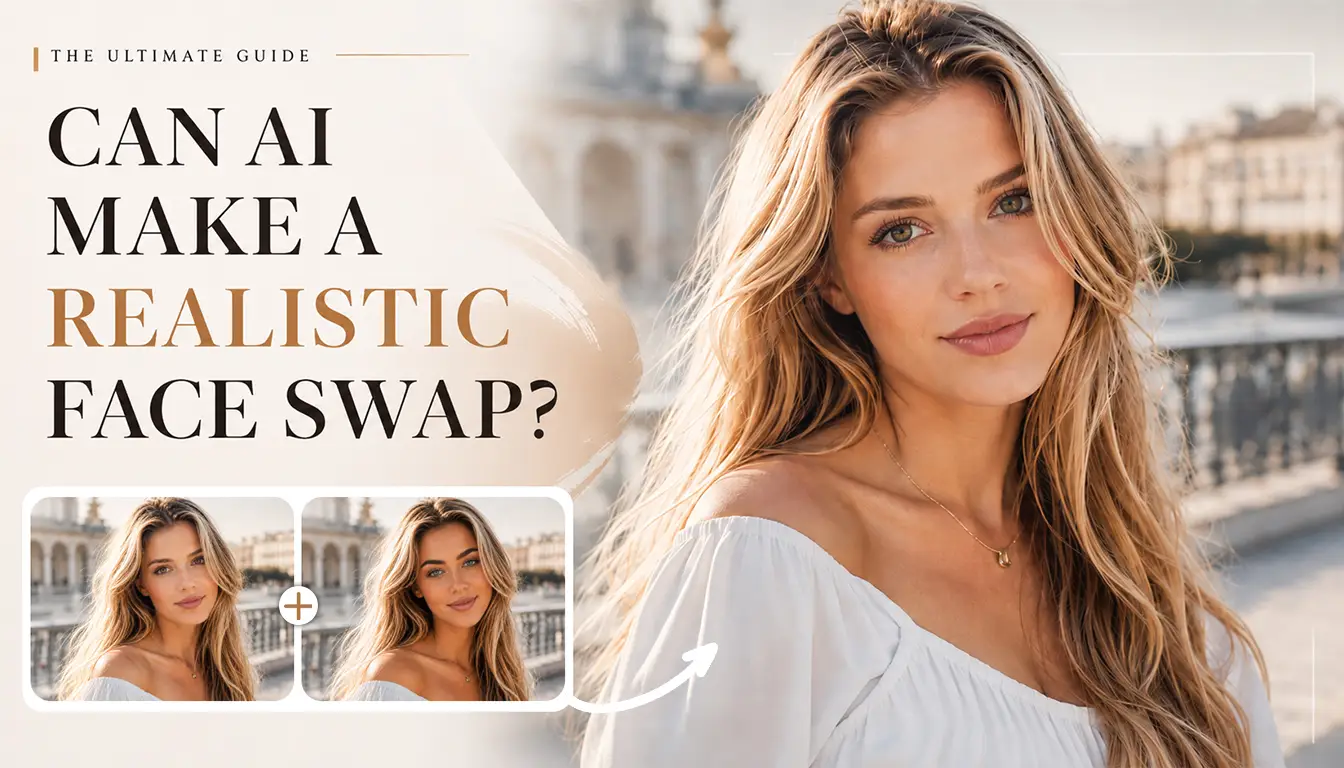
A realistic face swap effect is about more than replacing one face with another. It should make me believe that the person belonged in the original scene. To find out when that illusion works, I tried EasyFaceSwap with a movie poster, travel shot, reaction meme, group picture, short video, and animated GIF. It showed how expression, face shape, makeup, movement, and visual style change the final impression.
Quick Verdict: How Realistic Can an AI Face Swap Look?
A realistic face swap is achievable when the source portrait fits the target scene. Clear features, similar head angles, compatible expressions, and consistent lighting gave me the most natural results. The movie poster and close travel photo were easiest because each had one large, visible face. A steady video also held up surprisingly well.
Large differences in age, facial structure, head pose, lighting, or facial occlusions made the face swap easier to detect. Those scenes were not automatically poor choices, but each needed a more carefully matched source.
| Test scene | Realism Level | What worked best | What Can Look Unnatural |
|---|---|---|---|
| Movie poster | High | Match mood, jaw angle, and styling | Face shape or makeup mismatch |
| Travel photo | High | Matching light and camera style | Face and background inconsistency |
| Memes | Medium–High | Use an expressive source | Weakened expression or odd mouth |
| Group photo | Varies | Keep faces separated and visible | Wrong target or crowded edges |
| Short video | Medium–High | Steady shot and gentle motion | Speech, turns, and camera cuts |
| Animated GIF | Medium | Use a GIF with a clear face and a smooth loop | Compression and frame changes |
How I Tested Realistic Face Swap Results
I began with one clear, front-facing portrait, then tried a second angle or expression when it did not fit. My question was simple: if this appeared in my feed, would the person belong there? I checked identity, expression, styling, and overall consistency at thumbnail and full size. I watched videos and GIFs at normal speed before pausing difficult moments.
Scene 1: Putting My Face on a Movie Poster
I began with a dramatic poster showing one character turned slightly toward the camera. The target face was large, sharp, and unobstructed by text or props. The first realistic face swap looked convincing. Directional lighting helped it blend in, while the costume and hairstyle preserved the character.
The poster had stronger styling than my everyday photo. In one variation, the target beard softened near the mouth. In another, dark eye makeup blended with my features and looked heavier. These changes did not spoil the image, but they altered the character. I would start with compatible facial hair or makeup and inspect the eyes and mouth at full size.
Age and face shape mattered too. My face was rounder than the target’s narrow jaw, so one version looked stretched around the cheeks. Choosing a closer angle and firmer expression made the jaw balance more credible. For this realistic face swap, changing the source helped more than repeating the same pairing.
Scene 2: Creating a Travel Photo
Next, I used a bright outdoor landmark photo. My best realistic face swap came from a portrait taken in soft daylight. A warm indoor selfie made the face seem separate from the neck and background even though I recognized myself.
Consistency went beyond color. A smooth studio portrait looked too polished in a casual phone photo with softer details. A simple phone portrait fit better because the face and destination looked as though they came from the same camera.
Target-face size also changed the result. In a wide shot, my identity was harder to read. Cropping closer gave the face more presence and made the realistic face swap more persuasive. For a wider composition, I would choose a frame where the person remains clearly visible rather than expecting a tiny face to carry the effect.
Scene 3: Making a Reaction Meme
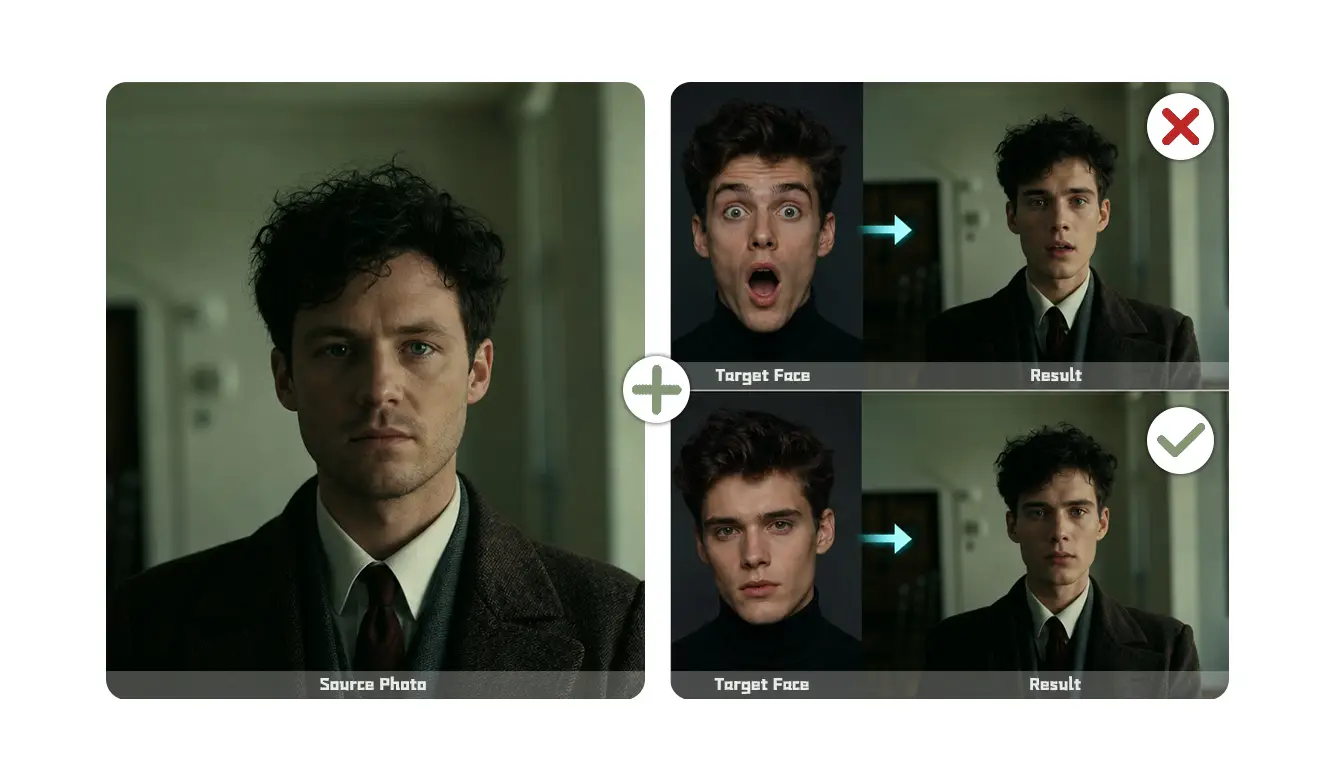
Reaction memes are playful, but the swap still needs to preserve what makes the joke work. I chose an image with wide eyes and an open mouth. My identity was clear, yet the first result softened the expression and reduced its energy.
Expression created the first mismatch. My source portrait had a relaxed smile. The identity transferred, yet my friendly expression weakened the mood. A more animated source worked better because it provided stronger cues around the eyes and cheeks. This showed me that a neutral portrait is not always safest; the source should support the target’s emotion.
The mouth needed the closest inspection. Teeth, lips, and the space inside an open mouth all influence a realistic face swap. Mine looked excellent as a thumbnail, but a larger view revealed a slight mismatch. I would always judge a meme at both sizes.
Scene 4: Swapping a Face into a Short Video
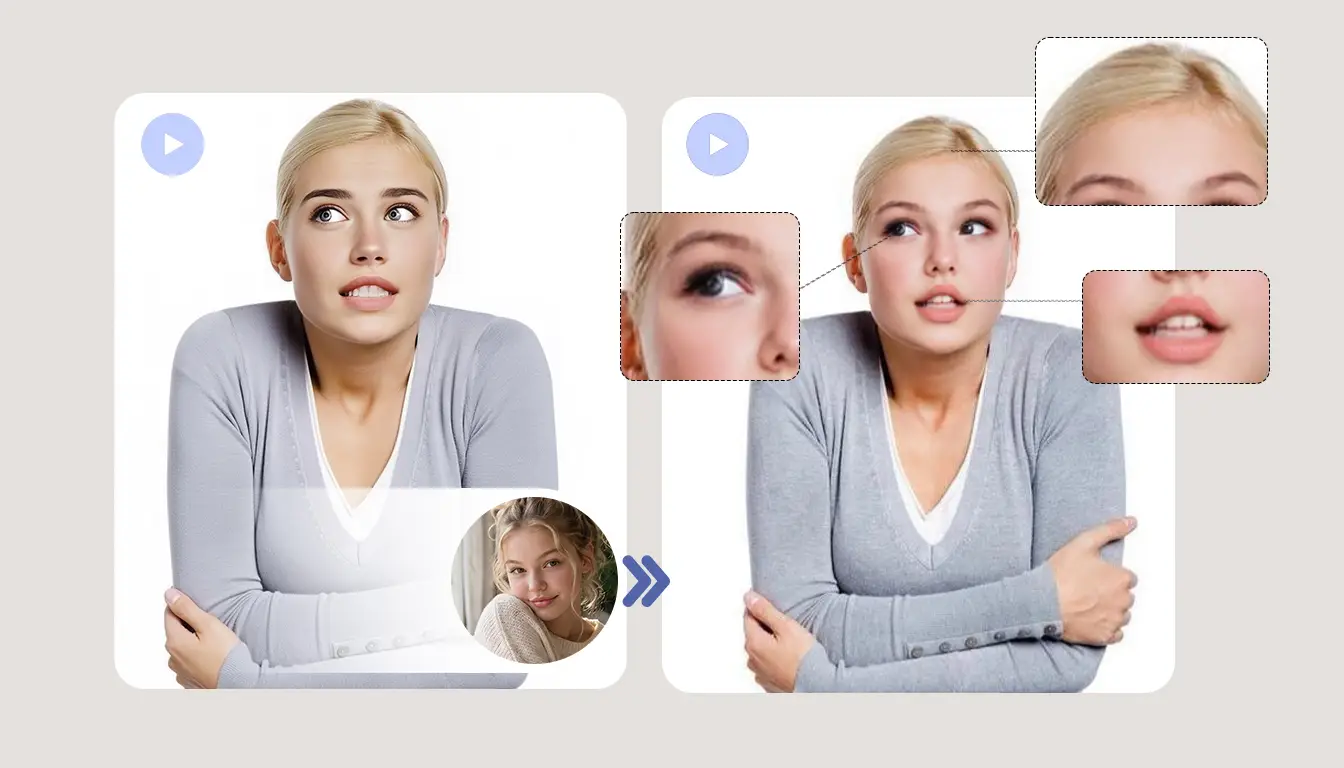
For video, I chose a short social clip with a smile, a few spoken words, a small head turn, and one camera cut. I used the dedicated AI video face swap tool, watched the output normally, then inspected the difficult moments.
The realistic face swap stayed convincing while the person faced forward and moved gently. Motion actually helped the face feel integrated because I followed the performance rather than studying one edge. Talking moves the lips, teeth, cheeks, and jaw together. Short phrases looked natural, but the widest mouth shape briefly felt less stable. My identity remained recognizable; the mouth simply demanded more consistency than a closed smile.
Moderate expression is a sensible starting point. If speech matters, I would test a short section containing dialogue rather than judging a silent opening. That preview quickly shows whether the portrait suits the mouth movement and angle.
One continuous shot is easier for a realistic face swap. With several cuts, I would review every angle and favor footage where the face remains large. Sudden blur, lighting changes, and quick turns reduce visual continuity even if paused frames look good.
Scene 5: Creating a Personalized GIF
My final test was a short GIF with a raised eyebrow and small head movement. The face stayed visible throughout, giving the realistic face swap a fair chance to remain consistent.
Compression softened detail, but that suited a casual reaction. The expression stayed readable, and the short duration hid minor variations. A position change between the last and first frames created a small jump; a steadier GIF reduced it. I would choose one person, a larger face, limited movement, and a clean loop.
Which Scenes Work Best and How to Get a More Realistic Face Swap?
The poster and close travel photo gave me the strongest stills. Both offered a large target face and clear context. The video looked natural during steady, front-facing movement, although speech and the camera cut introduced variation.
The meme succeeded when expression mattered more than polish. Group photos and GIFs depended heavily on composition: separated people and simple loops worked better than overlapping faces or rapid edits. Overall, my best realistic face swap came from matching the source to the scene rather than using one portrait everywhere.
Across all tests, I looked for a source with a similar expression and angle, then checked whether age and face shape created an obvious mismatch. I paired casual photos with casual portraits instead of introducing studio-smooth skin into an everyday scene.
I also favored a large target face. For makeup and facial hair, I inspected the eyes and mouth. In groups, I confirmed the intended face changed; in video, I reviewed speech and camera cuts; in GIFs, I replayed the loop. When a realistic face swap felt off, switching to a better-matched portrait usually helped most.
Realistic Face Swap FAQs
Which Scene Is Best for a Realistic Face Swap?
A close portrait with a clearly visible face is easiest. My poster and travel photo performed especially well because the source and target had compatible angles, expressions, and lighting. Rapid movement require more selective inputs.
Do Makeup, Glasses, or Facial Hair Affect Face Swap Results?
Yes. Heavy makeup, thick glasses, bangs, and facial hair can hide important facial details or make the result look less consistent. For a more realistic face swap, use a clear source and choose a target with similar visible features whenever possible.
Can I Put My Face into a Movie Scene?
Yes. A poster or close character shot can produce a realistic face swap when the target face is large and unobstructed. Match the character’s mood and angle, then inspect whether dramatic makeup, facial hair, or shadows change your identity.
Can a Video Face Swap Look Real?
Yes, particularly in a short, steady clip with clear lighting and moderate movement. Fast turns, extreme angles, partial face coverage, and sudden camera cuts can make differences easier to notice. Preview a section with more movement to judge whether the swapped face remains natural and consistent.
What Type of GIF Works Best for Face Swapping?
Choose a short GIF with one person, a large face, limited camera movement, and a smooth loop. A simple reaction usually holds identity better than a fast montage.
Conclusion
AI can create a realistic face swap, but my tests showed that the scene and source matter as much as the concept. The movie poster, travel image, expressive meme, and steady video were strongest. Crowded groups, major face-shape differences, wide speech movements, and fast cuts needed more careful matching.
For an animated test, I would use the GIF face swap with a short loop, visible target, and portrait that supports the same expression and angle. The most convincing result came not from the most polished selfie, but from the photo that genuinely fit the scene.