AI Christmas Photo Generator from Your Photo

Upload one picture, choose a holiday scene, and get an AI Christmas photo where your face stays your own.

Your PhotoTry:≤ 20MB

Works best with a photo of one person

Scene
AI Christmas photo
Cozy Fireplace

My Creation

Your creations are saved to your account and kept for 2 days.

Your recent Christmas photos will appear here.

Before / After: AI Christmas Photos That Keep Your Face

AI Christmas Photos That Keep Your Face

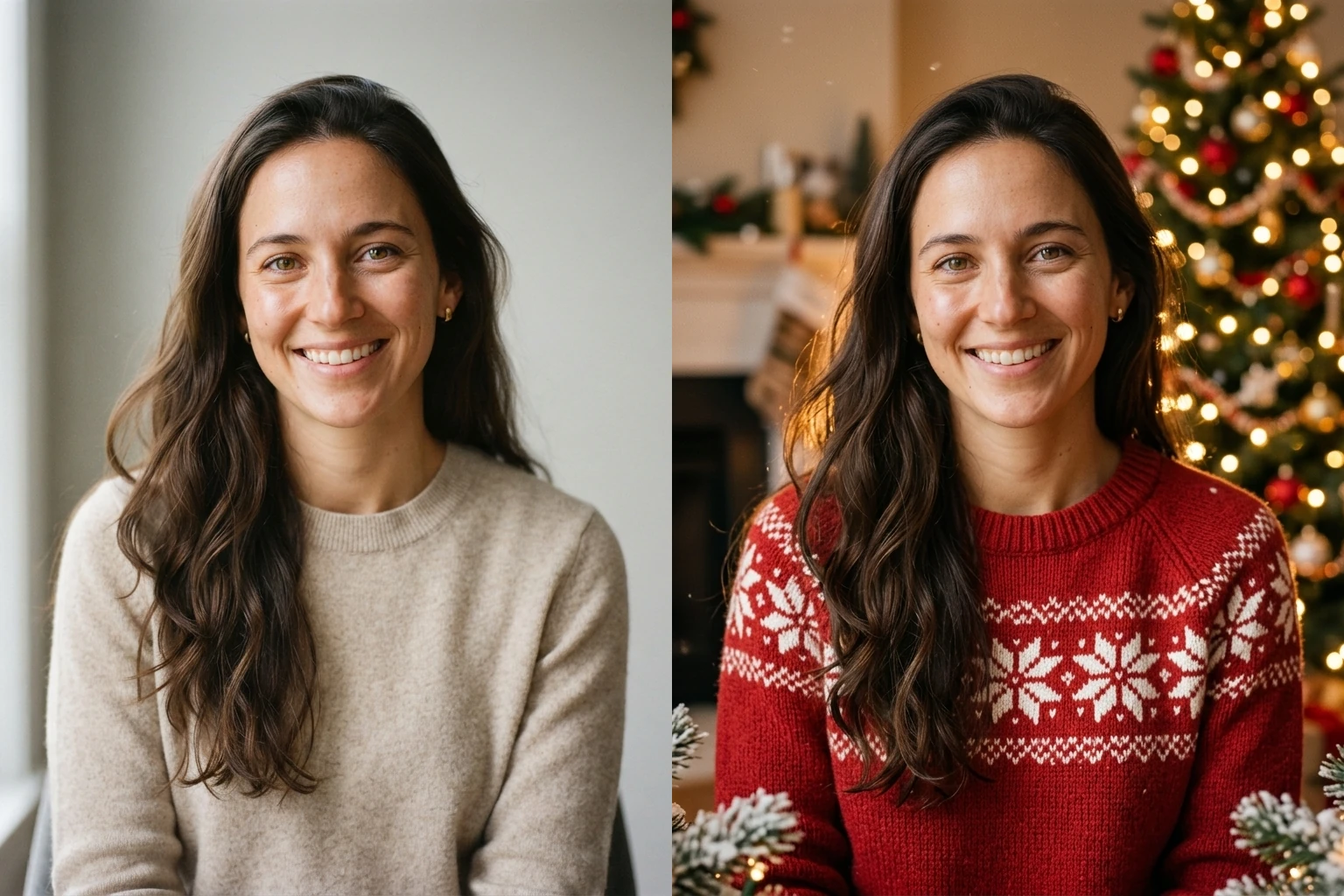
Most people who try this want a festive portrait that still looks like them, not a stranger in a Santa hat. This AI Christmas photo generator keeps the face, hairstyle and skin tone from your upload and changes what sits around them: the outfit, the background and the light. Take a plain selfie from your kitchen, and you get back the same face in a red knit sweater next to a lit tree.
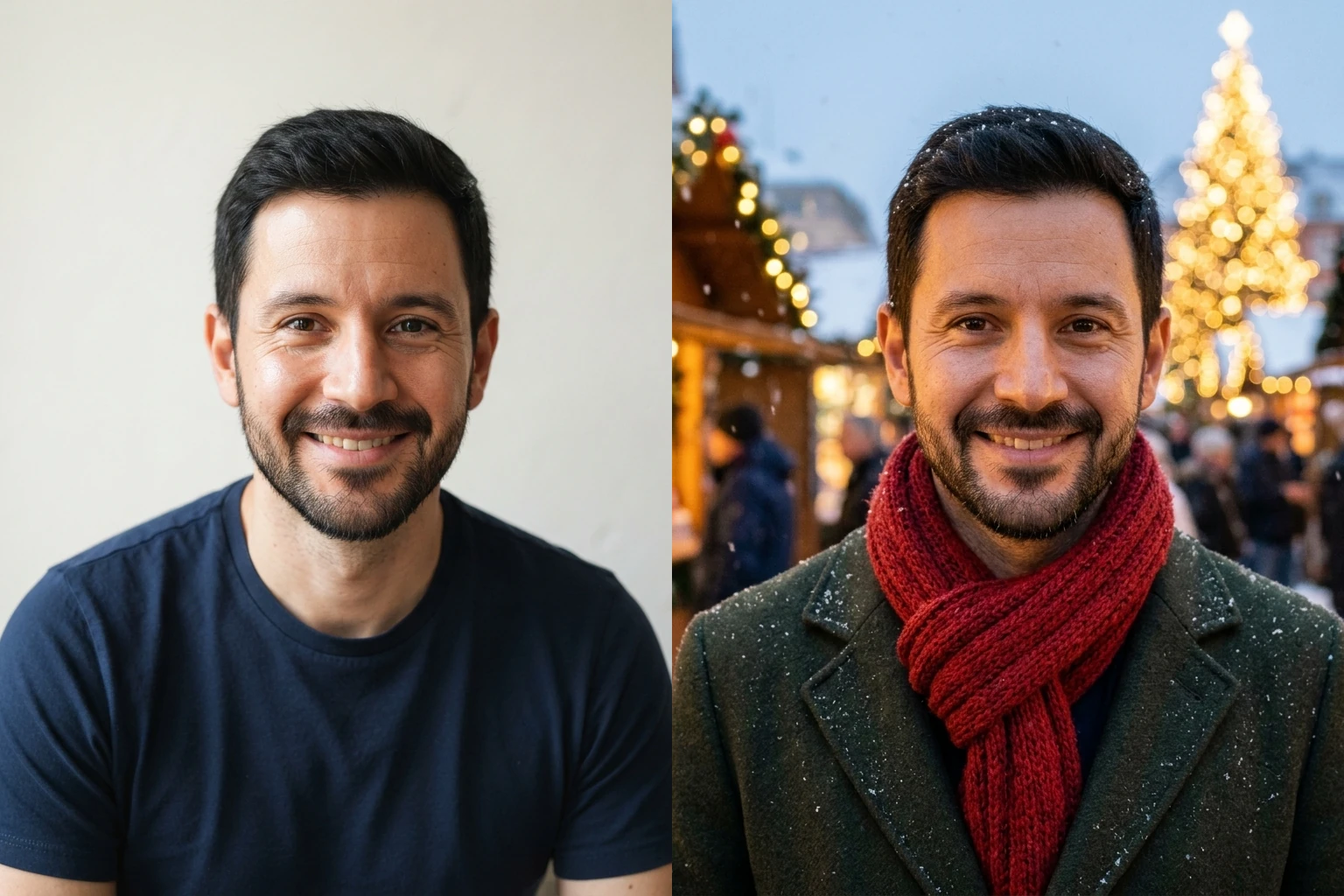
Before / After: AI Christmas Pictures from Your Prompt

AI Christmas Pictures from Your Prompt

You can make your picture two ways. The quick way is to pick one of the nine ready scenes, where the outfit, setting and lighting are already written for you. The open way is to type your own idea, like "me in a green velvet dress by a snowy cabin window", and the scene is built around the face in your upload. You can also start from a scene and add a short note to change one detail. Both are an easy way to christmasify an image from your camera roll.

Before / After: Christmas AI Photos with Your Family

Christmas AI Photos with Your Family

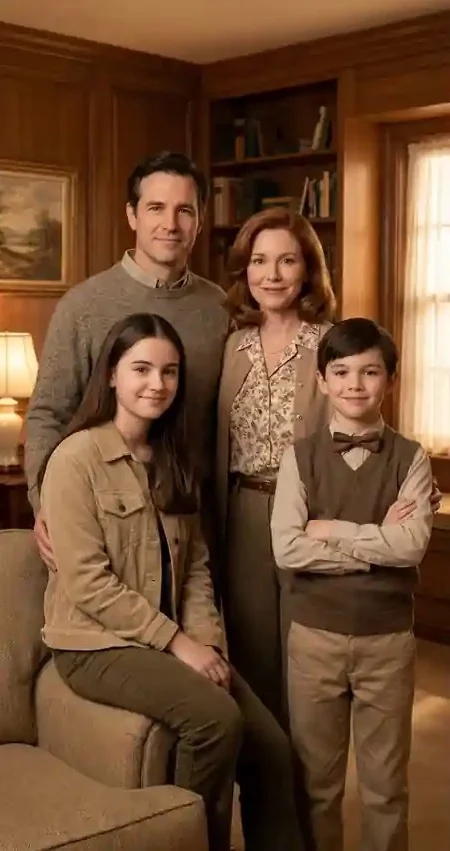
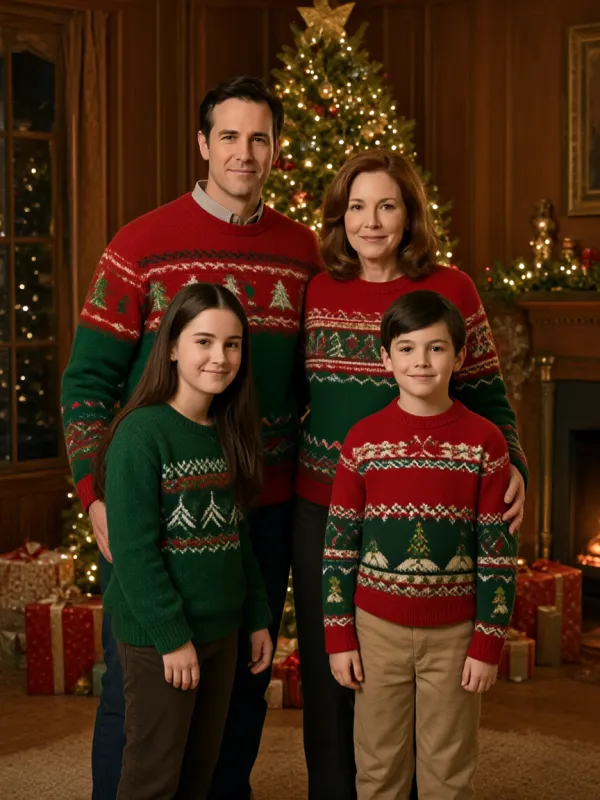
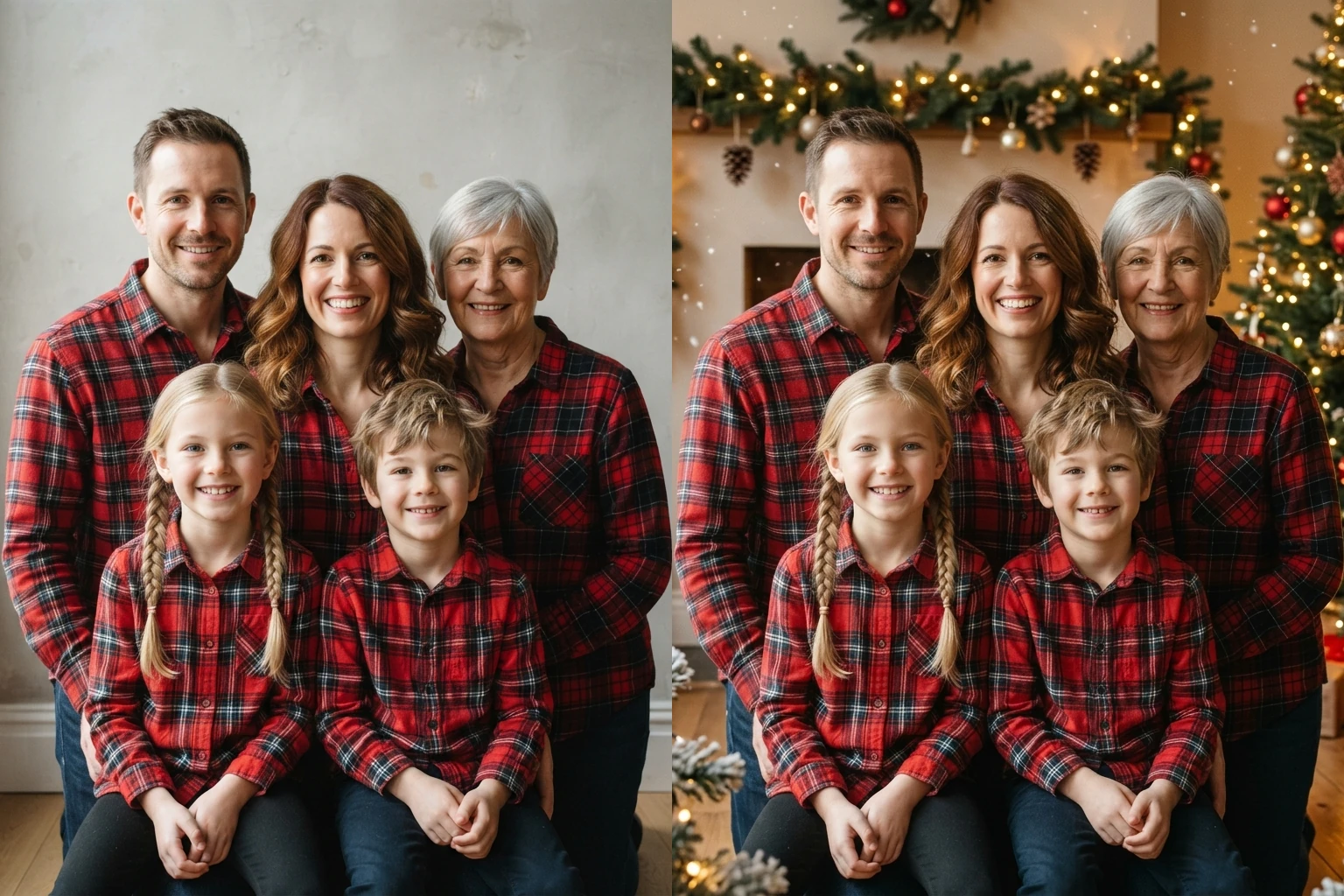
You don't need everyone in the same shot. Choose Family Photo or Matching Pajamas and upload one group picture or up to four separate ones, and everyone appears together in one AI Christmas photo. That makes it easy to include a grandparent who lives in another city, or a teenager who won't pose with the rest of you. If you use separate pictures, choose ones with similar light where each person faces the camera, since a dim indoor selfie next to a sunny beach shot is harder to blend into one scene.

Compare AI Generated Christmas Photos

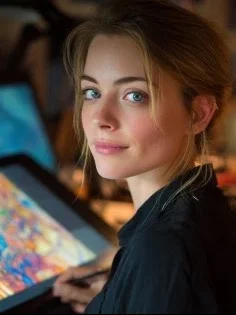
  • Before: Cozy Fireplace
    Before
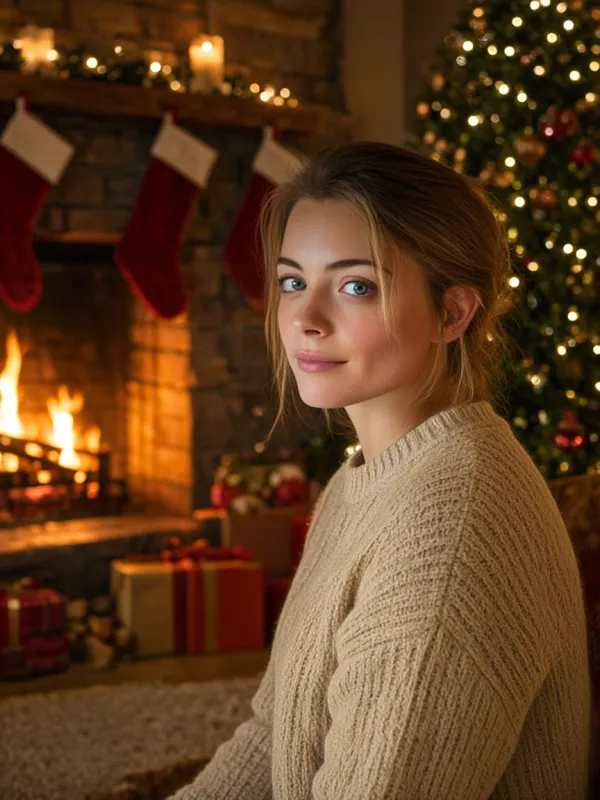
    After: Cozy Fireplace
    After

    Cozy Fireplace

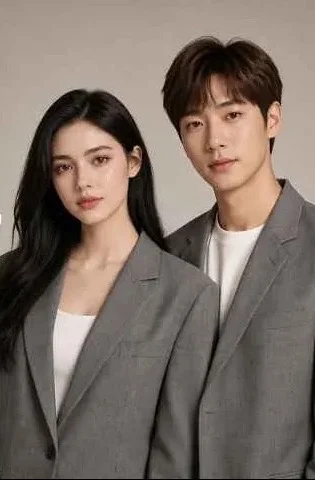
  • Before: Snow Scene
    Before
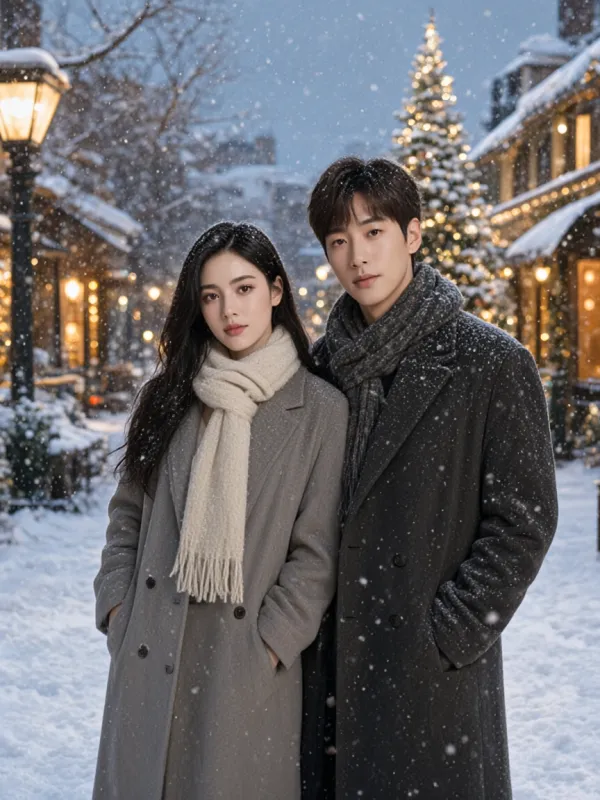
    After: Snow Scene
    After

    Snow Scene

  • Before: Family Photo
    Before
    After: Family Photo
    After

    Family Photo

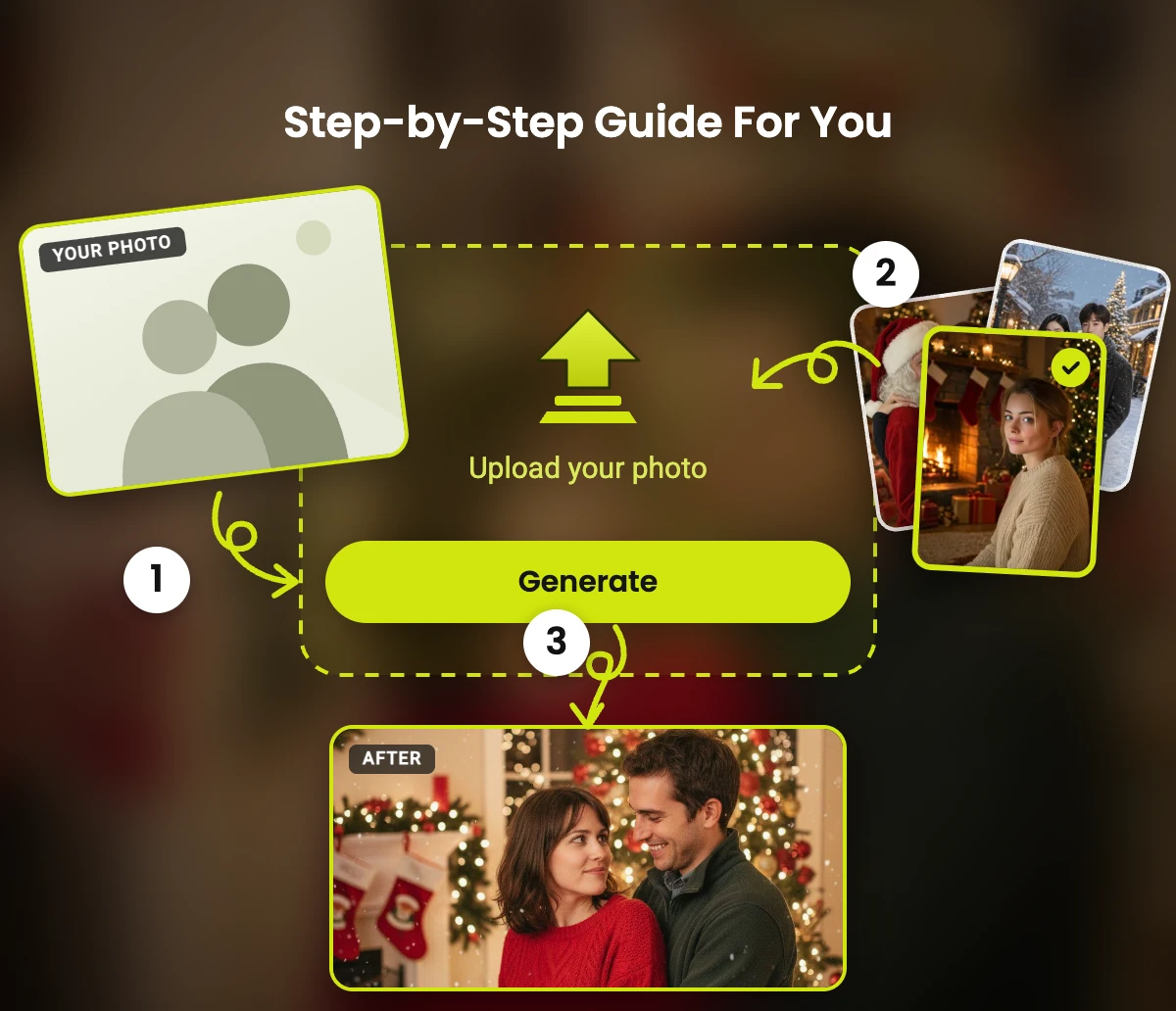
How to Make an AI Christmas Photo

Everything happens in your browser on a phone or computer, so there's nothing to install before your first AI Christmas photo.

  1. 1

    Step 1: Upload Your Photo

    Drop in a JPG, PNG or WebP up to 20 MB. A selfie, a couple shot, a family picture or a pet shot all work.

  2. 2

    Step 2: Pick a Scene or Prompt

    Choose one of the nine scenes or type your own prompt, then pick 2:3, 1:1, 3:4, 9:16 or 4:3. With a scene, add a short note only if you want one detail of the AI Christmas photo changed.

  3. 3

    Step 3: Generate and Download

    Compare the AI Christmas photo with your original, then download it or try another scene or prompt on the same upload. Results stay in My Creation for 2 days.

How to Make an AI Christmas Photo

Tips for a Better AI Christmas Photo

Start with a Clear Face Photo

Use a picture where the face is sharp, well lit and fills a good part of the frame. Sunglasses, beauty filters and hands over the face leave the model less to copy, and the result drifts further from you.

Keep Group Shots Tight

In a family picture, small faces at the back are the hardest to keep. Crop so everyone is close to the camera before you upload, and each face in the AI Christmas photo has more detail to work from.

Change One Thing at a Time

If a result is close but not right, change only one thing: add a short note to the same scene, such as "green dress" or "no glasses", or edit one phrase in your own prompt. Change several things at once and you won't know which one fixed your AI Christmas photo.

Where to Use Your Holiday Pictures

Treat it as an AI holiday photo generator for everything you send in December: one upload, a few scenes, and a different size for each place the picture goes.

Christmas Cards

Family Photo is the natural pick for a card to relatives, and it works even when everyone's pictures were taken in different places. If the card is just from you, try Christmas Card. Keep the default 2:3 shape, the same as a 4×6 photo card, so nothing gets cut off in print, then add the AI Christmas photo to your usual card template.

Profile Pictures

Selfie with Santa and Santa Hug make a cheerful December profile picture for Instagram, WhatsApp or Slack. Choose 1:1, the square these apps expect, so the round frame only trims the corners. Start from a close-up selfie, because profile pictures show up tiny in chat lists. For Discord or a gaming account, run Anime on the same upload for a drawn version of yourself.

Phone Wallpapers

Snow Scene and Cozy Fireplace sit nicely behind the clock and notifications, since snow and firelight make soft backgrounds. Pick 9:16 so the AI Christmas photo fills the screen without black bars. Put it on the lock screen rather than the home screen, where rows of app icons would cover your face, and keep it there until New Year.

Gifts and Family Chats

Post a Family Photo in the family group chat on Christmas morning, especially in a year when not everyone made it home. For grandparents, load an AI Christmas photo onto their digital frame, or print it at 4×6 and tuck it into a card. A Snow Globe print cut into a circle also makes a nice gift tag or tree ornament.

AI Christmas Photo FAQs

Get clear answers to ensure a safe, efficient, and high-quality experience.

Most of the ones you see online start from an everyday selfie plus a detailed description of the scene: the outfit, the room, the lighting, and a line asking to keep the face the same. A typical prompt reads like "same face, red knit sweater, sitting by a fireplace, warm string lights". Each preset on this page is a description like that, already written, so you upload a photo, pick one and get an AI Christmas photo without typing a word.

Late last year, lots of people uploaded a selfie to ChatGPT, asked for an AI Christmas photo and shared the result on social media. The idea here is the same. You can pick a ready scene, or paste a prompt you saw in the trend and run it on your own photo.

ChatGPT and Gemini come up most, because the Christmas prompts that go viral each December are written for them. The catch is that the face can drift a little between tries, and every change means rewriting the prompt. The App Store and Google Play also have holiday photo apps, though some ask for a subscription before you see a result. This page needs no install and runs in your phone's browser.

Free almost always comes with a limit, so the useful question is how many tries you get and whether you can download what you make. Some apps give you one picture and then ask for a subscription. On EasyFaceSwap, free credits refresh every day, so you can make an AI Christmas photo free, try another scene the next day, and pay only if you want more in one go.

Usually, yes, as long as the face in your upload is clear. Every scene tells the model to keep your face, hairstyle and skin tone and to change only the clothes, background and light. Blurry, tiny or half-covered faces are where an AI Christmas photo loses the likeness.

Yes, from one picture where the whole family is already together. Matching Pajamas and Cozy Fireplace were written with groups in mind. To combine separate pictures of each person into one, choose Family Photo or Matching Pajamas and upload up to four.

No. The scene changes your outfit, so an everyday T-shirt selfie works fine. A clear face and decent light matter more to the final AI Christmas photo than what you're wearing.

Yes. Choose 3:4 for a standard portrait card and download the full file. Apart from the Christmas Card scene, which adds a short greeting to its frame, the AI Christmas photo comes without text, so add your greeting in your usual card tool.

Yes. Pick Pet in a Santa Hat. It keeps your dog or cat as it is and adds a small hat and a cozy spot by the tree.

Only with Christmas Outfit, which changes just the clothes. Every other AI Christmas photo here replaces the background along with the outfit. If you only want new clothes in your own room, use the clothes swap tool. If you already have a holiday picture and only want your face in it, use photo face swap.

EasyFaceSwap uses your upload only to make your result and does not use it to train its models. Files are deleted from active servers once they've served that purpose. Only upload pictures of yourself or of people who agreed to it.

Start with This Year's Favorite Picture

Pick the picture you like most from this year, try two or three scenes, and keep the AI Christmas photo that looks most like you.

Create My Christmas Photo